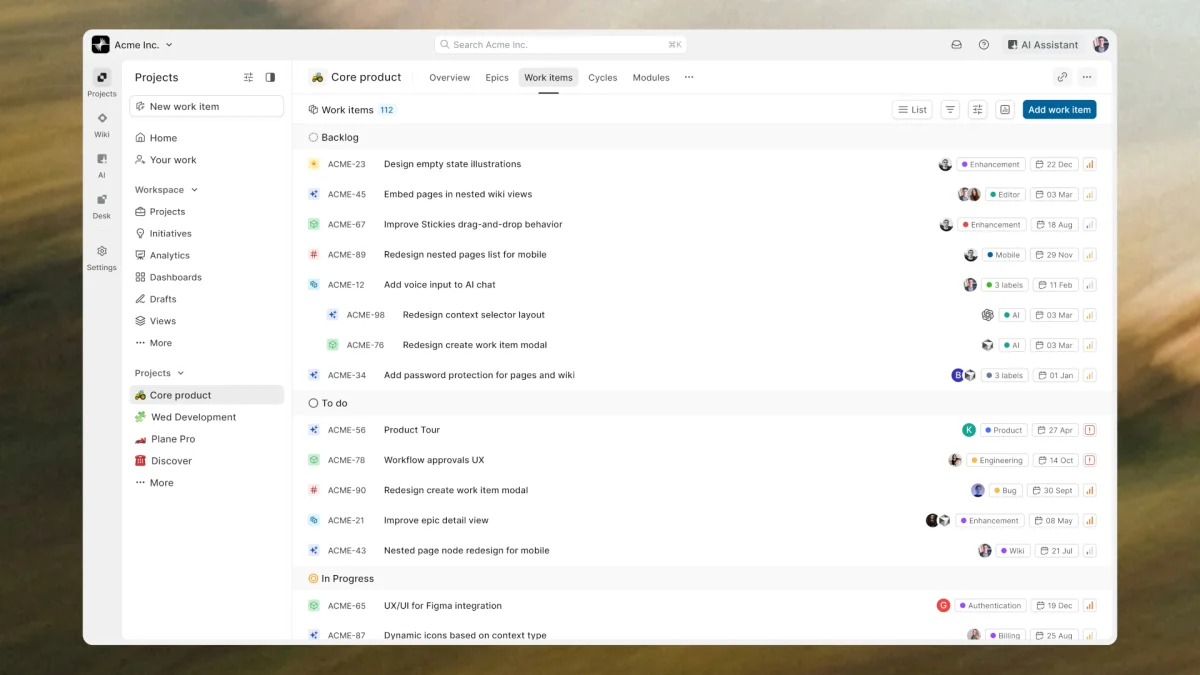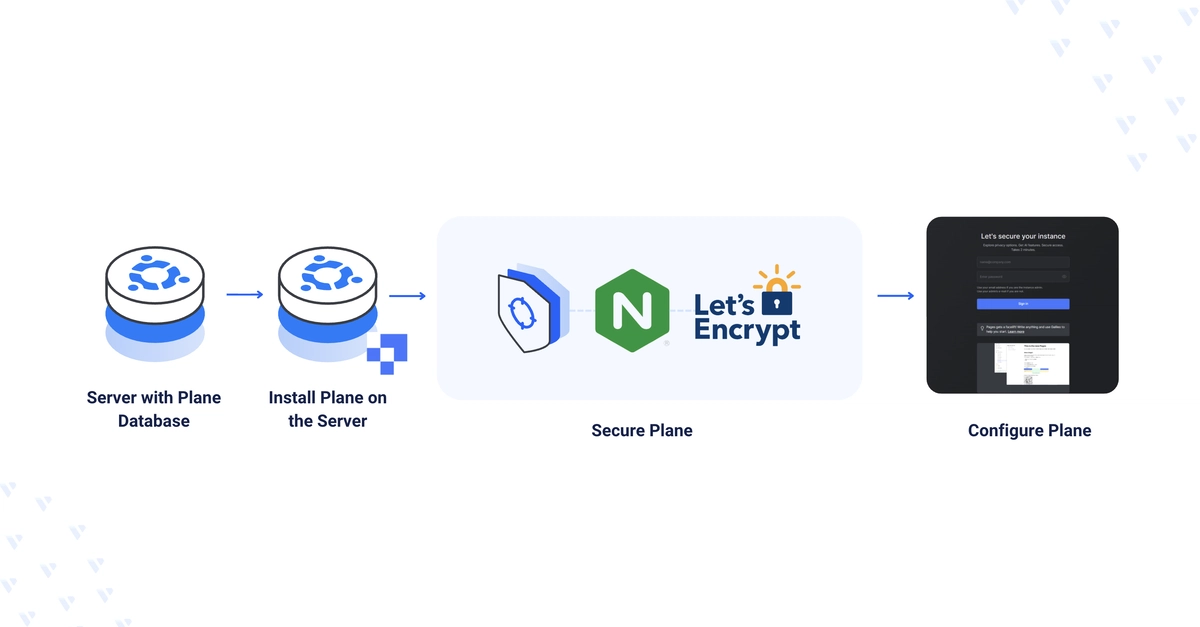
Plane is an open-source project management platform that supports Agile, Kanban, waterfall, and timeline workflows — a self-hosted alternative to Jira. This guide deploys Plane on Ubuntu using the official installer with an external PostgreSQL backend and S3-compatible object storage, then fronts it with Nginx Proxy Manager and a Let's Encrypt certificate. By the end, you'll have Plane serving project management workflows securely at your domain.
Prerequisite: Ubuntu host with Docker and Docker Compose installed (a one-click Docker server works), an external PostgreSQL endpoint with superuser access, an S3-compatible bucket with access/secret keys, and a domain A record pointing at the server.
Create the Plane Database
1. Connect to PostgreSQL as a superuser:
$ psql "postgres://DB_ADMIN:DB_PASSWORD@DB_HOST:DB_PORT/defaultdb"