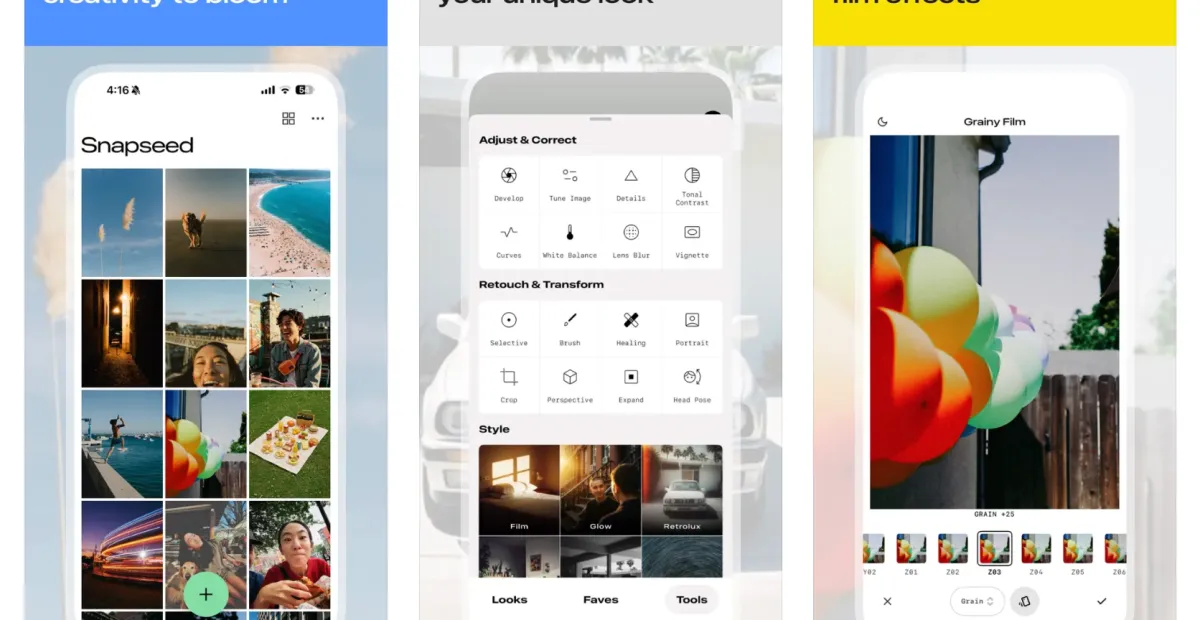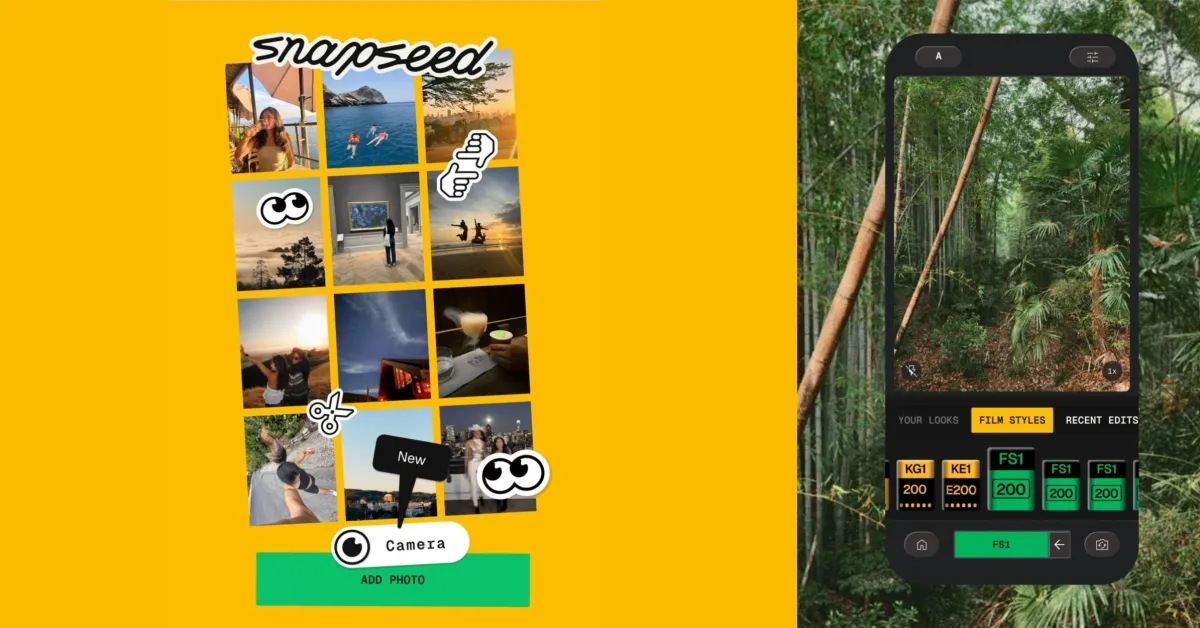
Since the big 4.0 release in May, Snapseed for Android has been rolling out bug fixes, with the latest update adding more Camera interface customization.
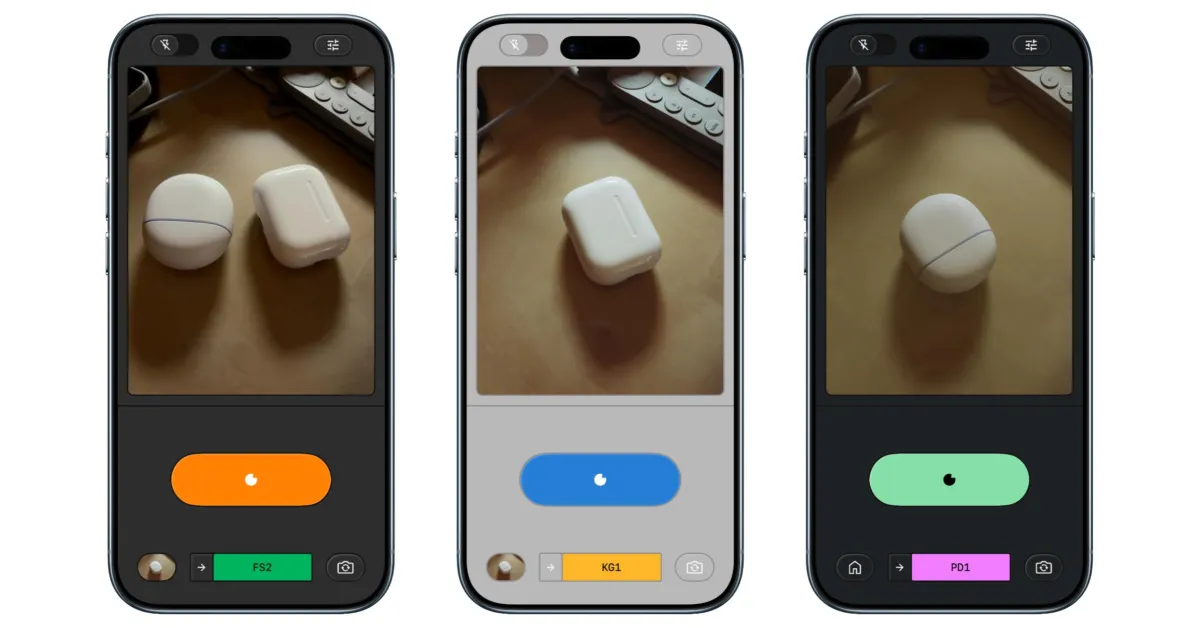
Launching the Snapseed Camera and tapping the settings button in the top-right corner lets you access the new options.
In recent releases, Google cleaned up the Color Theme picker and added small previews for Editor, Dusk, Negative, Street, Haze, and Depth.
Snapseed 4.0.8 introduces Grid Lines that let you select from Rule of Thirds, 2×2, and Golden Ratio, with the default setting being None.
Level is enabled by default after updating with three items: Flat-Lay, Horizon, and Tilt.