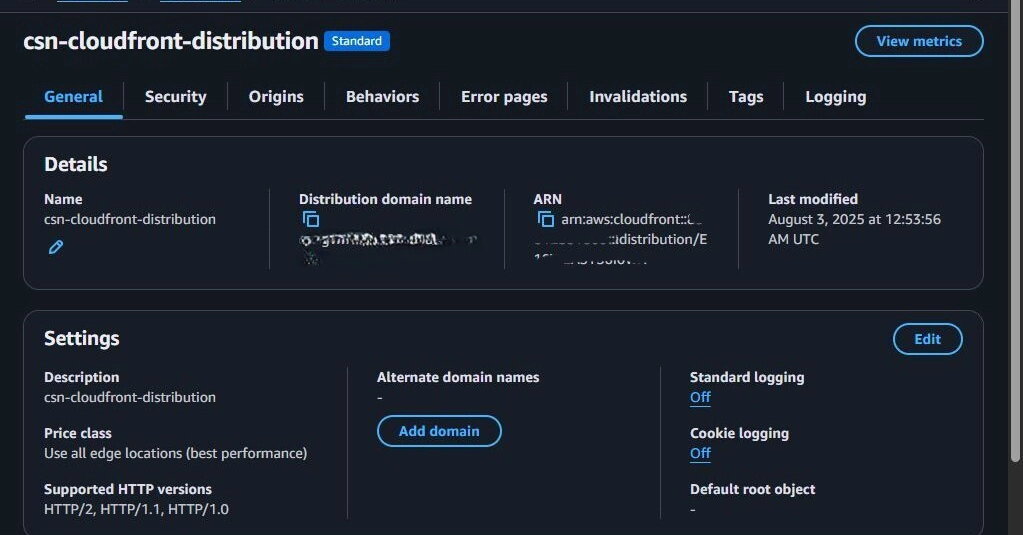
If you have ever deployed a Single Page Application (SPA) or a static site using Amazon S3, you might have encountered a frustratingly common issue: refresh errors. You navigate to yoursite.com/about, and everything works perfectly. But the moment you hit the refresh button—or share that link with a friend—you are greeted with a glaring 403 Forbidden or 404 Not Found error.
This is one of the most infamous pitfalls of static hosting. Here is why it happens and the definitive way to fix it.
The Root Cause
S3 is an object storage service, not a web server.
When you upload a React or Vue app, you usually have a single index.html that acts as your application shell. Your app uses client-side routing (like React Router) to handle navigation. However, S3 does not know about your routing logic. When you request /about, S3 looks for a literal file named about in the root directory. Since that file does not exist, S3 returns a 404 error.