WebMCP lets a web page expose tools that AI agents can discover and execute inside the browser. That sounds simple until you want to test those tools with a model outside the Model Context Tool Inspector Chrome extension.
A while ago, I built a small puzzle game that exposes WebMCP tools. I tested and debugged those tools using the Model Context Tool Inspector, which is great for quick experiments, the limitation is that it only gives access to a small set of lightweight Gemini models and I wanted to test the same WebMCP tools with stronger ones.
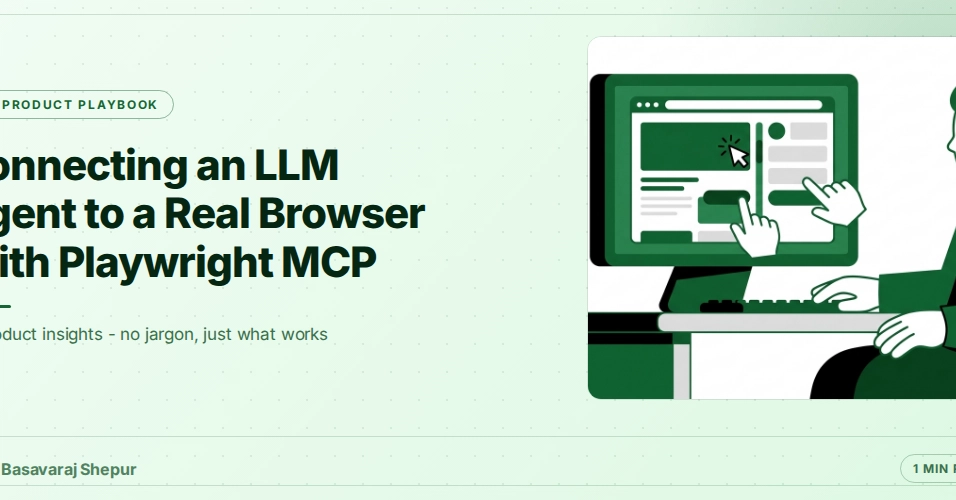
My first idea was to build another Chrome extension, but that felt like overkill. WebMCP tools need a real browser context: the browser must open the page directly, discover the tools and execute them inside the page. So instead of building another extension, I looked for something that could simply open Chrome and control the page.
And that is where Playwright fits nicely.
So in this article, I will show how to create a simple agent that wires up the Gemini API with WebMCP through Playwright. Gemini requests a tool call and Playwright executes the matching WebMCP tool inside a real Chrome browser.