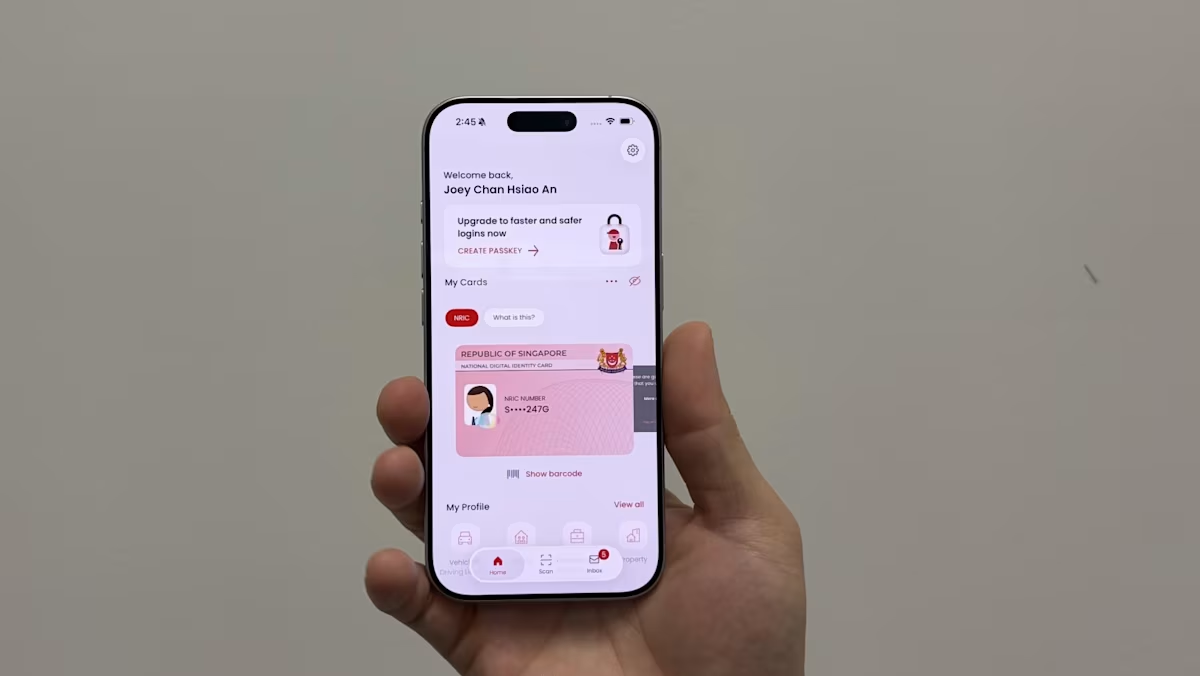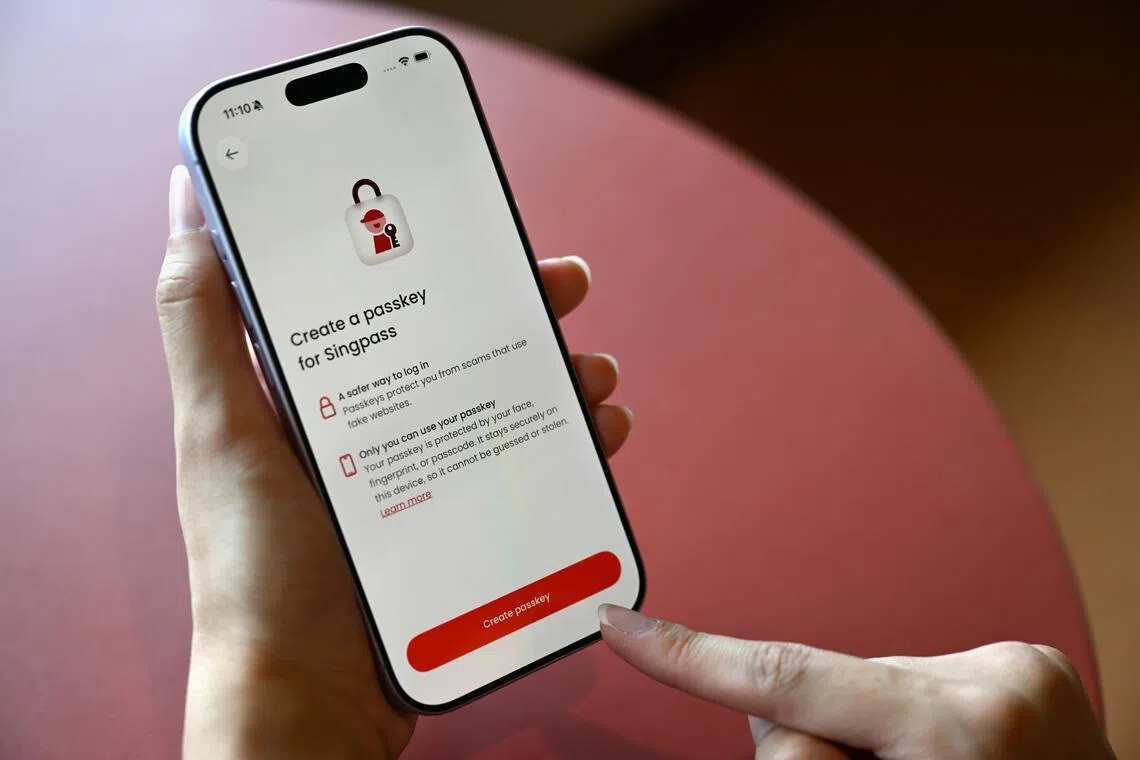
SINGAPORE – A new mode of authentication will be available to Singpass users from July 1 as part of ongoing efforts to foil phishing scams that have led to millions in losses.Singpass’ new passkey feature ensures that access is granted to legitimate websites only, and cannot be shared or exploited, unlike passwords or QR codes.The new authentication feature works through a unique pair of encryption keys – one residing on the users’ phone and the other on Singpass’ backend server – for every website that is integrated with the national authentication system.This also paves the way for a password-free future.“As passkeys are bound to the legitimate Singpass login domain, they cannot be used on fake websites,” said the Government Technology Agency of Singapore (GovTech) in a statement on July 1.“They will only work with Singpass logins on real government websites and private sector services integrated with Singpass, protecting users against phishing scams.”GovTech is the agency that operates Singpass, which supports 5.5 million users and is integrated with over 1,400 government agencies and private sector services.They include digital health portal HealthHub, the Inland Revenue Authority of Singapore’s tax portal, the Central Provident Fund Board, DBS Bank and Singtel.A one-time registration is required to activate the passkey feature. iPhone users will be the first to be able to do so through their Singpass app from 10am on July 1. The feature will be rolled out to Android phone users later.Laptops and desktops currently do not support Singpass passkey. But GovTech is working to enable such support across all web browsers so Singapore residents can use the passkeys residing on their phones to unlock access on computers.All existing authentication methods will still work even with the rollout of passkeys.Currently, users tap or scan a QR code on their Singpass app and complete the authentication by scanning their face or fingerprint, or entering a six-digit passcode. A set of static and one-time passwords can also be entered on the Singpass website to gain access.“(These) methods will remain available to ensure continued access to services,” said the agency.Keeping existing authentication methods ensures that Singpass logins on computers and Android phones will not be disrupted.But this also means that scammers can still exploit social engineering tactics to dupe unsuspecting victims, including those who have registered their Singpass passkey on their iPhones.GovTech said: “No authentication method is entirely foolproof against this kind of manipulation, which is why additional safeguards such as facial verification are layered in for higher-risk or suspicious activities to provide an added layer or protection.”To register to use passkey authentication, iPhone users need to update their Singpass app and click on the “create passkey” banner in the app. The app will prompt users to turn on autofill in the phone settings, after which the Singpass passkeys will be created.Once the pair of unique passkeys are registered with Singpass, users log in to all websites that accept Singpass verification by scanning their face or fingerprint in their Singpass app. Users who have not set up biometric authentication can enter their six-digit passcode in the app.Singpass’ backend system will verify the private key stored on a user’s device against the public key registered in the system to validate every login.Users need not register separate pairs of encryption passkeys for every website.Registered passkey users can also log in from a different iPhone, which will display a QR code for tapping. The user’s phone with the stored passkey will need to be nearby so that a proximity check via Bluetooth connection can be conducted for the login to be successful.A scammer attempting a remote Singpass login will likely not have the user’s phone with the stored passkey nearby. This is how phishing attempts are foiled.In future, laptop and desktop logins will also be protected in the same way with Singpass passkey support on these devices.Causing losses nearing $40 million in 2025, phishing scams were the second-most common scam type locally in 2025 after e-commerce scams.Locally reported cases of past phishing scams include scammers creating a spoofed Singpass login page, where victims were prompted to enter their Singpass ID, password, and one-time password.The cases involved fraudulent job offers on messaging platforms requiring victims to scan a fake Singpass QR code to retrieve their profiles on the pretext of background screening. Victims who authorised the profile retrieval would later realise the authentication was used to open a bank account under their name.“Passkeys offer more secure authentication than passwords, which can be stolen, and conventional QR codes, which scammers can mislead users into scanning,” said GovTech.Authentication via passkeys will prevent unauthorised access through fake websites, the agency added.Singpass passkeys comply with open standards developed by the Fast IDentity Online (Fido) Alliance, an industry association comprising over 250 members. They include tech firms such as Microsoft, Google, and Apple, as well as government bodies in Australia, the United Kingdom and the United States.Many online services, including those from Apple, Google, Microsoft, and Adobe, already offer Fido passkey authentication, in addition to traditional passwords and two-factor authentication.Tech firms such as Google and Microsoft have also moved away from using passwords for their employees’ sign-ins, using Fido passkeys instead, to better protect them from phishing attacks. Users who need help setting up passkeys can call the Singpass helpdesk on 6335-3533. They can also visit a ServiceSG counter or a Singpass counter located in community centres or clubs.
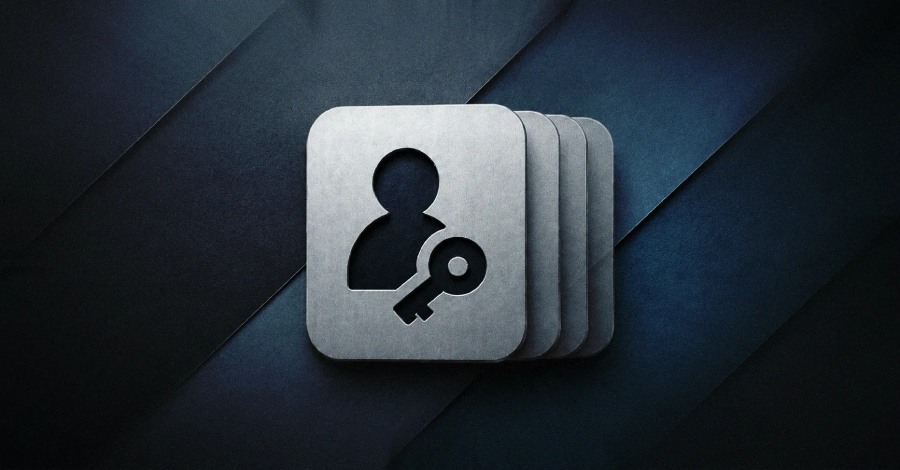
New Singpass passkey turns mobile devices into digital keys
Discover how the new Singpass passkey transforms mobile devices into secure digital keys, rendering phishing scams ineffective and enhancing online security. Read more at straitstimes.com. Read more at straitstimes.com.
893 words~4 min read