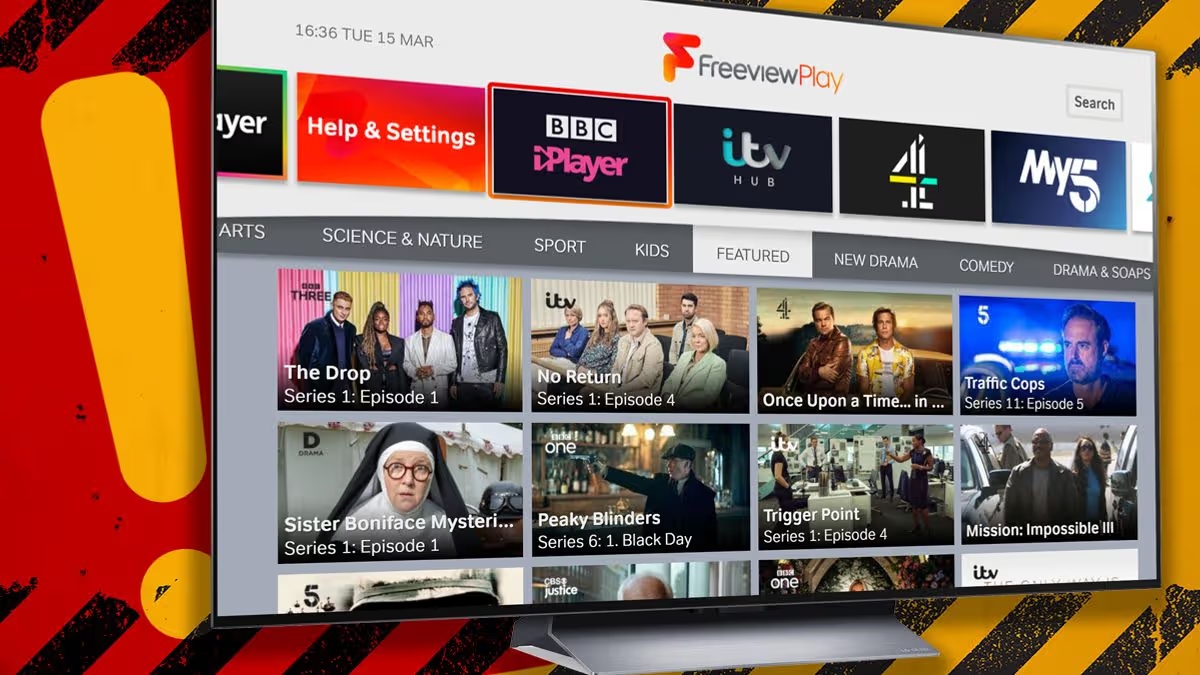
TechnologyFreeviewFreeview is shaking up its TV guide and one channel is shutting down for good.11:07, 30 Jun 2026Updated 11:07, 30 Jun 2026More changes are coming to Freeview with the popular telly service confirming that its telly guide has just had a shake-up, which includes some position changes and a rename. Perhaps the biggest news in this latest release is that one channel is closing down, leaving Freeview users without access.It's been announced that Talk (Ch 280) will no longer be available on Freeview. This British news channel first launched back in 2022 and focuses on debate, opinion-led journalism and politics with presenters including Jeremy Kyle, Mark Dolan and Kevin O'Sullivan.Anyone wanting to tune in will now need to stream this service via the official Talk app, or other platforms such as Samsung TVs, Roku devices and LG screens.So, what else is changing?Freeview's latest update confirms that Wedotv Big Stories on channel 275 is getting a new name with it becoming Wedotv. Then there are some moves with a total of three services taking up new spots on the planner.Kids content on Ketchup TV, Ketchup Too and Cartoon Classics will all have new homes these include Ketchup TV going from Ch 209 to Ch 208 and Ketchup Too moving from\u0009Ch 210 to Ch 209.Cartoon Classics, which was found I'm Ch 214 can now be viewed via Ch 210."On 25th June 2026 some broadcasters are making changes to their channels," Freeview confirmed."Channels are constantly evolving on Freeview with individual channels making the decision to move, add or remove channels. Freeview continues to ensure that audiences can enjoy a rich and varied content"To make sure your TV has all the correct channels, you must head to the settings."You will need to retune to update your TV and keep your channels and TV Guide up to date," Freeview explained.HOW TO RETUNE YOUR TV• Press menu on your box or TV remote control• Select ‘set-up’, ‘installation’, ‘update’ or a similar option. If you’re asked for a password, the default code is ‘1234’ or ‘0000’.• Select ‘first-time installation’ (sometimes called ‘factory reset’, ‘full retune’ or ‘default settings’).Article continues below• Press ‘OK’ if your equipment asks if it's OK to delete existing channels and then your retune should start automatically. If you’re prompted to, save the channels that are found.Choose Daily Mirror as a 'Preferred Source' on Google News for quick access to the news you value.Samsung Inc.Jeremy KyleMark DolanAppsFreeview
Freeview TV shake-up announced, and UK homes are losing a popular channel
Freeview is shaking up its TV guide and one channel is shutting down for good.
403 words~2 min read