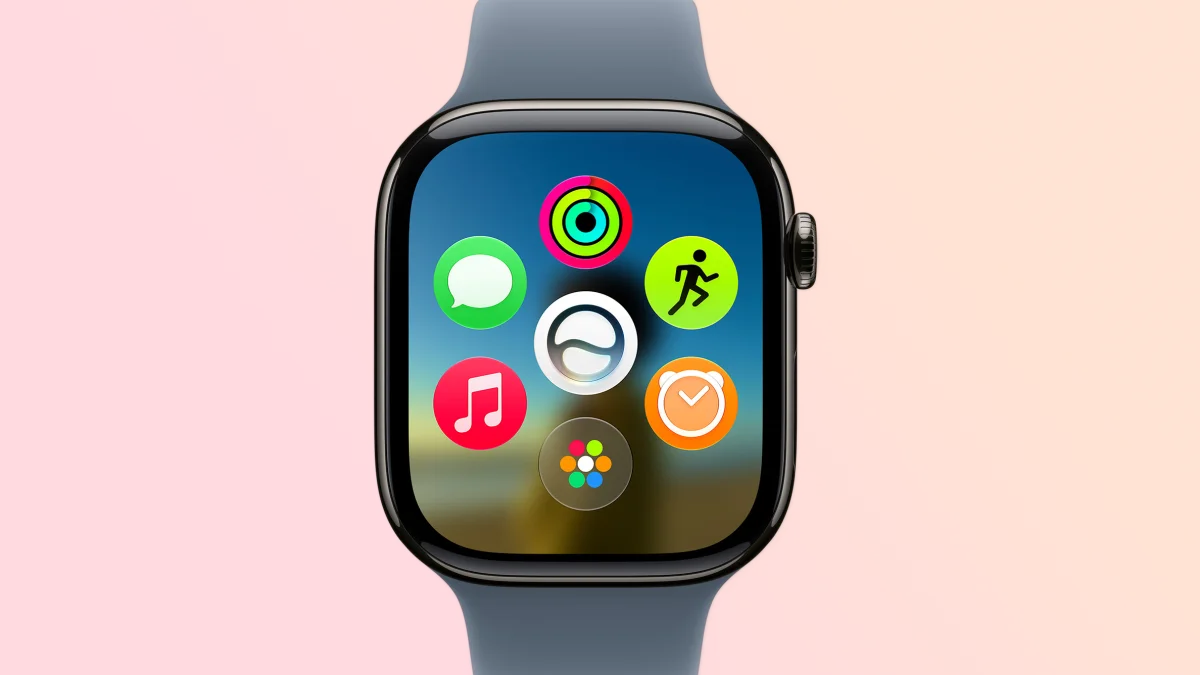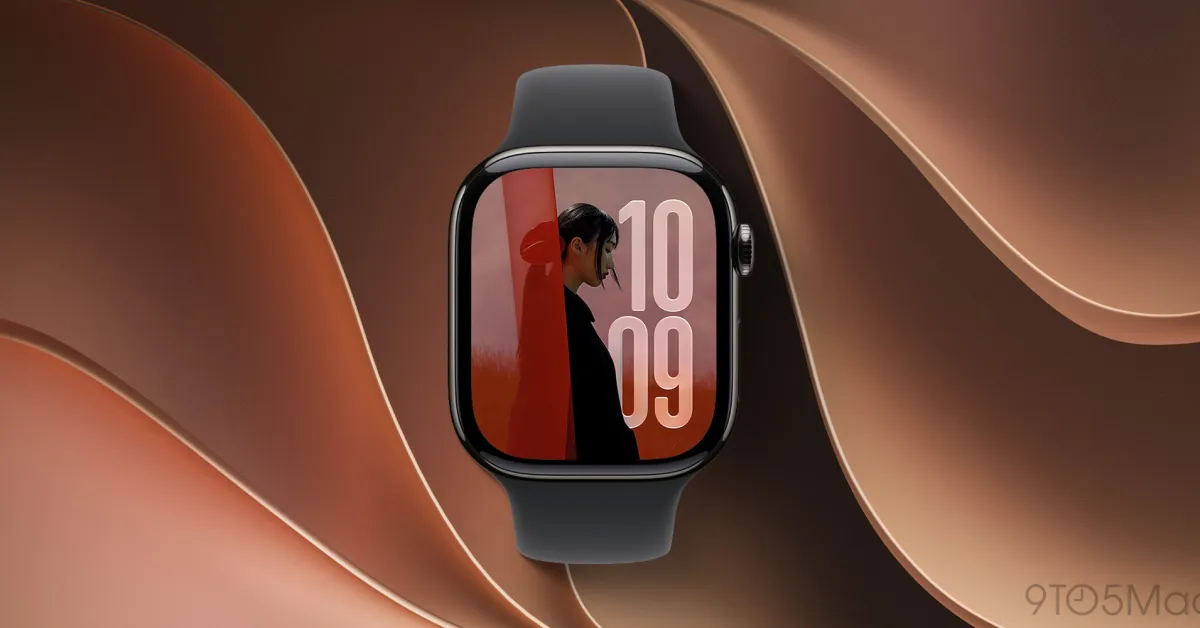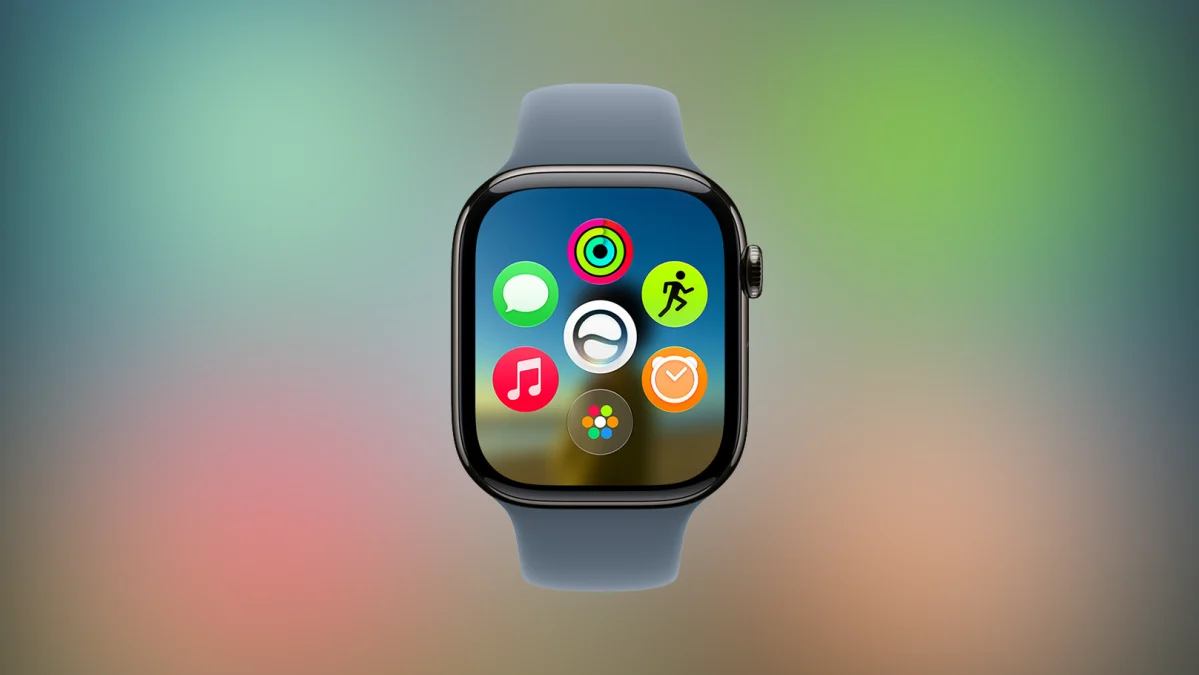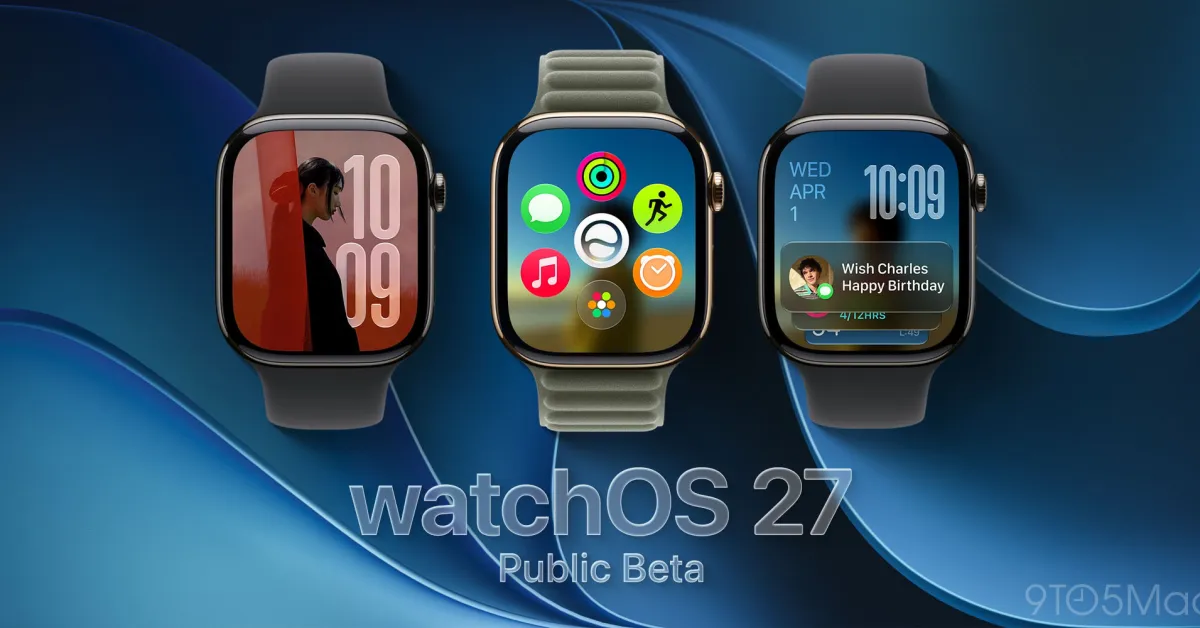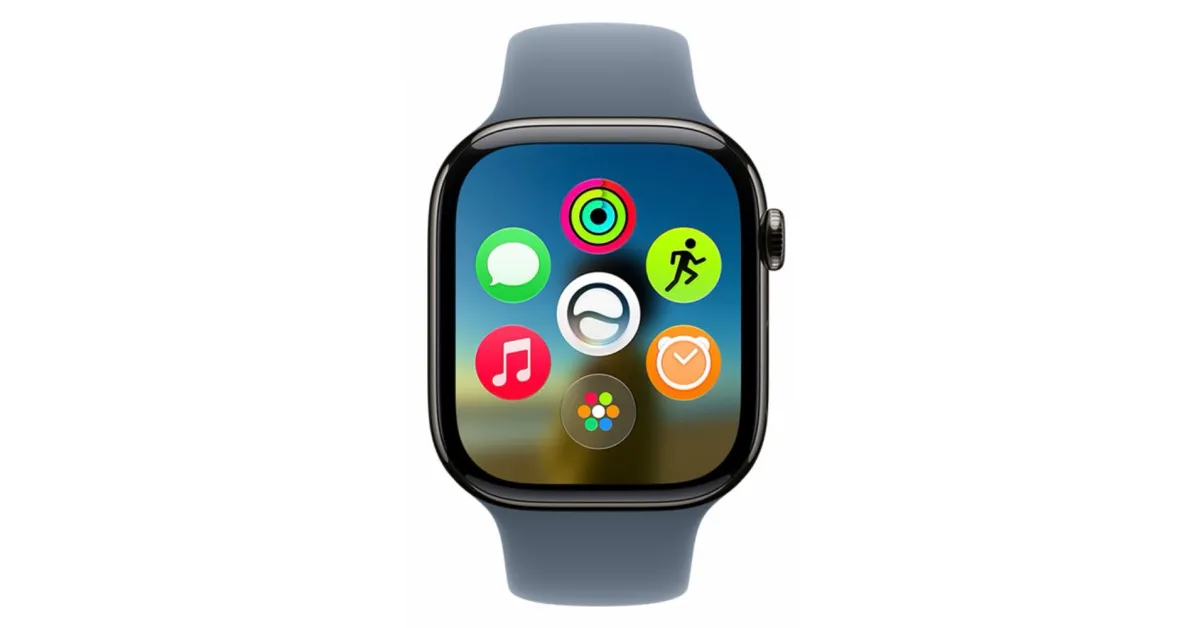
Apple Watch users have two current Home Screen layout options, but in watchOS 27 they’re joined by a new default: the dynamic app grid. Here’s how it works.
Dynamic app grid is watchOS 27’s new default Home Screen view
When Apple Watch first launched, it came with a very iPhone-inspired Home Screen.
The original Home Screen was the ‘honeycomb’ layout of app icons that today is called ‘Grid view.’ It was joined in watchOS 4 by a second option: ‘List view.’
But in watchOS 27, Apple adds a third Home Screen view that takes priority as the new default: the ‘Dynamic app grid.’