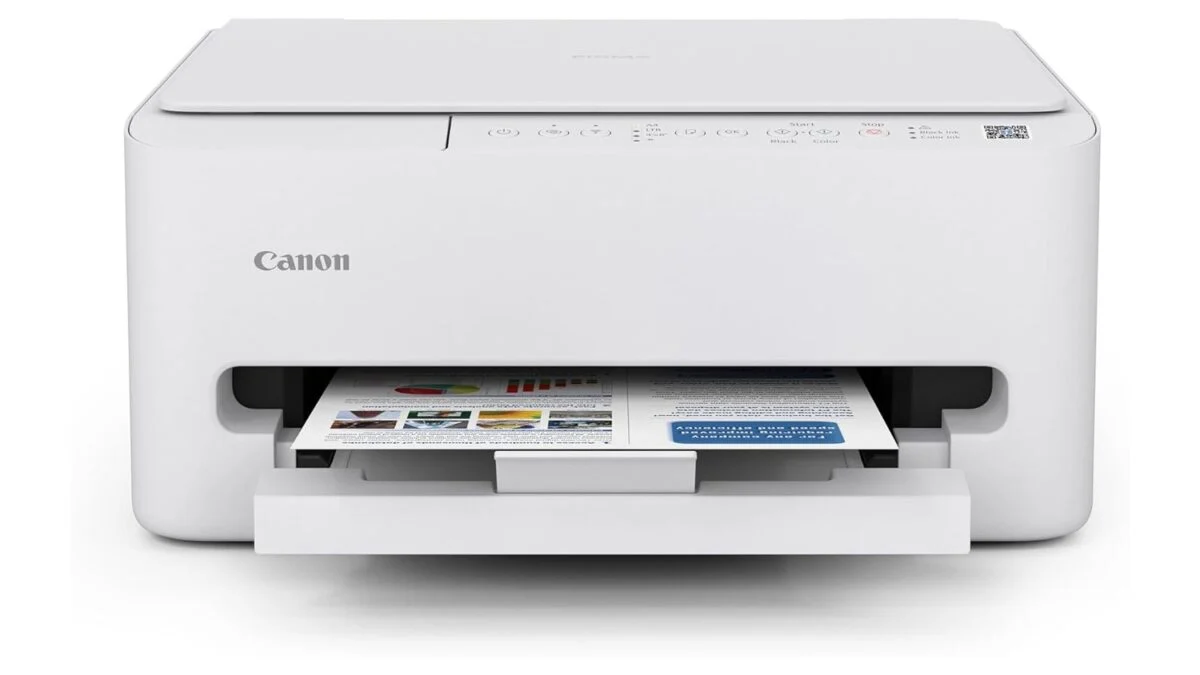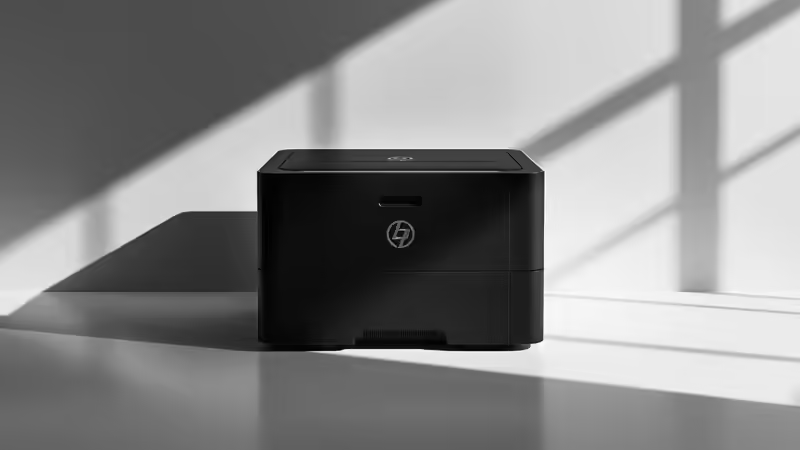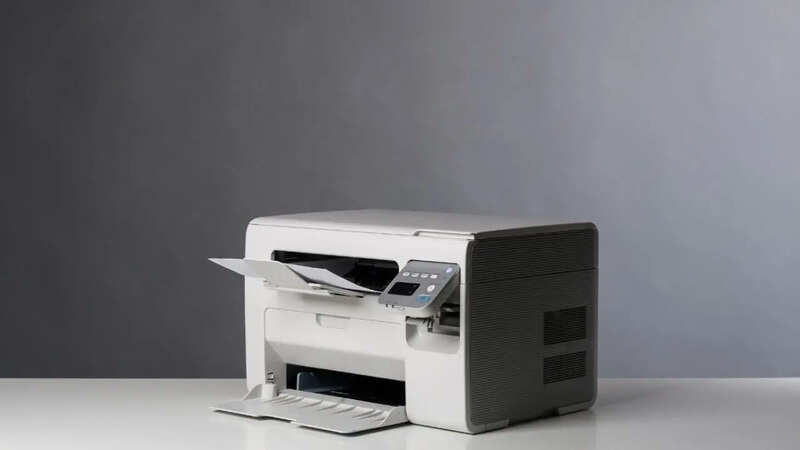
Laser printers still continue to be the most popular and trusted choices when it comes to buying printers for offices. Whether you have a small office or a large one where the printer needs to be connected to a network, no one wants the trouble of refilling the ink every now and then. Also, the printing speed needs to be high enough so that your efficiency at work increases, rather than just having a new asset with a high cost of printing. From startups to people having home office setups, people are increasingly going for laser printers because of the convenience and low costs.Here is everything you need to know about laser printers for offices and how to pick the best one. From things to consider before buying to the best choices in India, this guide has it all to help you in your purchase.Things to Consider Before Buying a Laser Printer for Office UsePrint volume and duty cycleYour printing frequency and the volume should be the first factor that determines the printer you are buying for your workplace. Check your team size and the number of prints or copies that are to be done daily. This will help you assess the duty cycle that you need for your printer at workType of outputBoth colored and black-and-white printer variants are available in India when you check out the best laser printers for offices. The colored printers cost a bit more, while the monochrome ones can easily fit into the budget of most commercial setupsPrinting speedThis is determined by the number of pages a printer can print per minute. Some of the best laser printers for offices currently offer you a printing speed of up to 30 black and white pages per minute and moreConnectivitySome offices still follow the conventional wired printing options, while others are shared spaces where users even want the option to print something from their tablet or smartphone. So, make sure that you check for the connectivity options from WiFi, Ethernet, USB, mobile connectivity and moreFunctionBoth single-function (print only) and all-in-one (print, copy and scan) printers are quite popular for offices these days. You need to figure out what suits you best for your office. Most offices prefer going for all-in-one printers with duplex printing to work on maximum efficiency with minimal human involvementPaper handling capacityAn input tray capacity of at least 150 pages is advised for printers in small offices, while the larger ones should go for an input tray capacity of at least 250 pages. Similarly, depending on your printing scale, you should be checking the output scale capacity while buying your printerCost of printingLaser printers are cost-effective, but it is also important to check the printing cost for the model and see whether it will be a long-term saving for you or just an additional expenseAutomatic duplex printingIn most offices where the printing workload is high, it is advisable to go for a printer that comes with a duplex printing option. This not only saves the printing time, but you also save paper by printing on both sides without manual interventionHigh-speed laser printers for offices:HP 323sdnw Auto Duplex WiFi Laser PrinterHP 323sdnw Auto Duplex WiFi Laser PrinterKey features:An auto-duplex all-in-one printer which enhances your work efficiency and saves paper and time181A Black Original Laser Toner Cartridge, which is a modern upgrade to 's iconic 12A tonersPrinting speed of up to 30 black and white pages per minuteMeant for heavy usage with an input tray capacity of 250 sheets and an output tray capacity of 100 sheetsSuitable for almost all sizes of paper, from envelopes to A440-sheet auto duplex feeder to enhance your productivity, with minimal human intervention needed for printingDuty cycle of 30000 monthly pages, 3X of what is offered by most laser printers in a similar budgetLow-cost refills for uninterrupted printingHP Smart app connectivity to print conveniently from your mobile devicesWeight: 11. 05kgAvailable with a warranty of 1 yearHP Laser MFP 1188w PrinterHP Laser MFP 1188w PrinterKey features:Ethernet, USB and WiFi connectivity available to match the requirements of almost every office spaceMore affordable than other popular all-in-one laser printers for officesComes with the HP Black Contractual Original Laser Toner Cartridge, which ensures a high-quality page yield for up to 1500 pagesDecent printing speed of up to 21 pages per minute, with the first print generated in just 8.3 secondsSupports almost all paper sizes from envelopes to A4150-page input tray capacity and 100-page output tray capacity, making this printer suitable for small officesEasy to use with a 2-line LCD, 3 LED indicators and 12 buttons for all your tasksCompatible with a wide range of operating systems, including Windows 11/10/7/Vista and macOS 10.5/11/1210000-page duty cycle, which is ideal for 1-5 users printing less than 1500 pages per monthCan be connected to your smartphone via the HP Smart appAvailable with a warranty of 1 yearBrother HL-L2321D Automatic Duplex Laser PrinterBrother HL-L2321D Automatic Duplex Laser PrinterKey features:Maximum printing speed of up to 30 black and white pages per minuteMaximum Print Resolution: 600 x 600 dpi, HQ1200 (2400 x 600 dpi) qualityPrint-only function, USB connectivityAuto-duplex printing is available for saving paper and timeCompatible with Windows, Mac and Linux devicesSupports almost all paper sizes from A4 to A6Input tray capacity of 250 sheetsMonthly duty cycle of 10000 pagesWeight: 6. 8kg with a compact design to fit any desk in your workplaceAvailable with a warranty of 1 yearHP 323d Auto Duplex Laser PrinterHP 323d Auto Duplex Laser PrinterKey features:All-in-one laser printer with an auto duplex printing mechanismRuns on 181A Black Original Laser Toner Cartridge, which is an upgrade to HP's iconic 12A tonersHigh printing speed of up to 30 black-and-white pages per minuteInput tray capacity of 250 sheets and an output tray capacity of 120 sheets40-page auto duplex feeder capacity to enhance your efficiency and reduce human efforts to a great extentSuitable for almost all commonly used paper sizes2-line LCD panel for a smooth user experienceEnergy-saving auto-off technology to save on the electricity consumption when the printer has not been in use for quite some timeIdeal for both regular and heavy printing needs3X duty cycle of regular printers with around 30000 monthly pages, making this suitable for almost every printing needBrother DCP-L2541DW Auto Duplex Laser PrinterBrother DCP-L2541DW Auto Duplex Laser PrinterKey features:Scanner resolution: Up to 19200 x 19200 dpi(interpolated), up to 1200 x 1200 dpi(from Scanner Glass) and up to 600 x 600 dpi(from ADF)All-in-one laser printer with USB and WiFi connectivityAn auto duplex printer to enhance your work efficiency by saving time and reducing paper wastageWindows, Mac & Linux compatibility, making this printer apt for almost every office setupPrint resolution: 600 x 600 dpi and HQ1200 (2400 x 600 dpi) qualitySuitable for almost all commonly used work paper sizes and a thickness of up to 105GSMInput tray capacity of 250 sheetsAllows you to print up to 2600 pages with the toner in the boxHigh printing speed of up to 30000 black and white pages per minuteCanon MF3010 Digital Multifunction Laser PrinterCanon MF3010 Digital Multifunction Laser PrinterKey features:Affordable monochrome all-in-one printer with USB connectivity for your officeScanner resolution: 600 x 600 dpiCompatible with almost all Windows, Mac and Linux systemsMaximum printing speed of up to 18 pages per minutePrinting cost of around Rs 3.88 per pageSuitable for almost all paper sizes from A5 to legalInput tray capacity of up to 150 sheets, decent enough for small officesPrint resolution: 1200 x 600 dpiMonthly duty cycle of up to 8000 printsCompact and minimalistic design, which can easily fit on any desk without requiring too much extra spaceHP 303dw Auto Duplex WiFi Laser PrinterHP 303dw Auto Duplex WiFi Laser PrinterKey features:Average duty cycle of 30000 pages per month, which is 3X of what is being offered by laser printers of most other brandsBudget-friendly single-function auto duplex printer for officesWiFi compatibility is available to have the convenience of printing from any device when you are connected to the printer181A Black Original Laser Toner CartridgeSuitable for both heavy-volume and low-volume printing needsHigh printing speed of up to 30 pages per minuteThe input tray capacity is 250 pages, and the output tray capacity is 120 pagesSupports a variety of paper sizes from A4 to envelopesCan be connected to your phone or tablet via the Compact design with a sturdy build, suitable for everyday use in officesWeight: 7. 4kgBrother HL-L2440DW Auto Duplex Laser PrinterBrother HL-L2440DW Auto Duplex Laser PrinterKey features:Single-function monochrome laser printer with auto-duplex printing feature, along with USB and WiFi connectivityCompatibility: Windows, Mac & Linux in laptops and desktops and both Android and iOS in smartphones and tabletsMaximum printing speed of up to 30 A4 pages per minutePrint resolution of up to 1200 x 1200 dpiSupports multiple paper sizes that are needed for both national and international documentation needsTN-2570XL Toner CartridgeInput tray capacity of up to 250 sheetsCan support a maximum paper thickness of up to 163 GSM3000 pages can be printed using the toner that is available in the boxAn LCD screen for a convenient user interfaceWeight: 7. 1kgAvailable with a warranty of 1 yearHP 303d Auto Duplex Laser PrinterHP 303d Auto Duplex Laser PrinterKey features:Affordable with auto-duplex printing to save paper, time and efforts30000-page monthly duty cycle, 3X of what is offered by most laser printers in a similar budgetUSB connectivity makes it easy to connect or fit into your office setupSuitable for both high-volume and low-volume printingPrinting speed of up to 30 black and white pages per minute181A Black Original Laser Toner Cartridge for sharp prints and hassle-free refillsInput tray capacity of 250 pages and an output tray capacity of 120 pagesWorks smoothly with papers of almost all commonly used work sizesWeight: 7. 4kg, and a compact design to easily fit on any of the desks in your workplaceAvailable with a warranty of 1 yearCanon imageCLASS MF465dw - Monochrome Duplex PrinterCanon imageCLASS MF465dw - Monochrome Duplex PrinterKey features:An expensive and premium laser printer, which is suitable primarily for large offices4-in-1 printer for printing, scanning, copying and faxingHigh printing speed of up to 42 pages per minute, with the first print ready in just 5 seconds5-inch touch color screen for a comfortable user experience, and it is customisable according to your most used optionsMobile printing available via Canon PRINT Business app, Apple AirPrint and Mopria Print ServiceADF capacity of up to 50 sheets for automatically scanning and copying one page after the other with minimal human involvementCan scan both black and white and colored pagesExpandable tray capacity of 900 pages, with sheets being divided into different compartments in 250, 100 and 550 pages3 years of warrantyAllows you to print up to 3000 pages with the toner included in the boxCanon imageCLASS LBP6030B Mono PrinterCanon imageCLASS LBP6030B Mono PrinterKey features:Highly affordable laser printer, which is suitable for small officesPrint-only monochrome printer with a printing speed of up to 18 black-and-white pages per minuteCompatible with almost all Windows and Mac operating systems, making it suitable for almost all office setupsInput tray capacity of 150 sheets, suitable for small office requirementsMaximum Print Resolution: 600 x 600dpiCan easily print on almost all commonly used paper sizes in offices1 year of comprehensive warrantyA duty cycle of 8000 pages per monthCompact design and can easily be placed beside your laptop or desktop on your deskBrother DCP-L2640DW Auto Duplex Laser PrinterBrother DCP-L2640DW Auto Duplex Laser PrinterKey features:Multifunction laser printer with Ethernet, USB and WiFi connectivityBoth flatbed scanner and ADF scanning options are availableWindows, Mac & Linux and Android & iOS compatibility available to make this printer compatible with a variety of devicesMaximum printing speed of up to 34 sheets per minuteSuitable for almost all paper sizes that are commonly used in workplacesCan support a paper thickness of up to 163 GSMInput tray capacity of up to 250 pages50-page ADF for a comfortable printing, scanning and copying experience to save paper and efforts3000 pages can be printed using the toner in the boxAvailable with a warranty of 1 yearFrequently Asked QuestionsWhy should you buy a high-speed laser printer for your office?High-speed laser printers have become a necessity for offices because of faster outputs that are needed for heavy monthly duty cycles. Most of these printers generate the first print in 5-8 seconds with printing speeds of around 30 pages per minute. So, you increase your work efficiency considerably when you invest in a printer by consciously picking a high-speed model.Are laser printers good for small offices?Laser printers are available in different variants with varying duty cycles, feeder capacities and more. So, carefully checking the features will help you pick the right laser printer for your office without overspending.How long does laser toner last?This will largely depend on your usage and the number of prints that are needed in your office regularly. Standard toners come with a yield of around 1000-3000 pages, while the high-capacity toners have a yield of around 3000-10000 pages or even more. So, it is important to assess your printing requirements before buying a new laser printer for your office.Do laser printers support wireless printing?Many modern-day laser printers are available with WiFi connectivity. So, giving the print command from your smartphone or tablet is possible if you have the relevant printer app installed on your device.Are color laser printers worth it for offices?Most offices do not need colored prints regularly. They run on black and white prints, while the official documents are printed on colored letterheads rather than normal paper. So, unless your work involves a lot of pictures and colored prints, you should not be going for colored laser printer and spend extra money on something that you will not use regularly. end of article
12 High-Speed Laser Printers for Your Office in 2026: What to Consider Before Buying + Top Picks
Picking the right laser printer for the office might be a confusing decision. And, you would not want to invest in something that does not enhance your work productivity and efficiency. Here is a complete buying guide with the best picks to help you out.
2,258 words~10 min read