Run a diffusion restyle on every frame of a clip, one frame at a time, and the still images look great. Then you play them back and the whole thing boils. Textures crawl, colors pulse, a brick wall shifts its grout lines every frame. The model did nothing wrong on any single frame. It just made a slightly different choice each time, and at 24 frames a second your eye reads those differences as flicker.
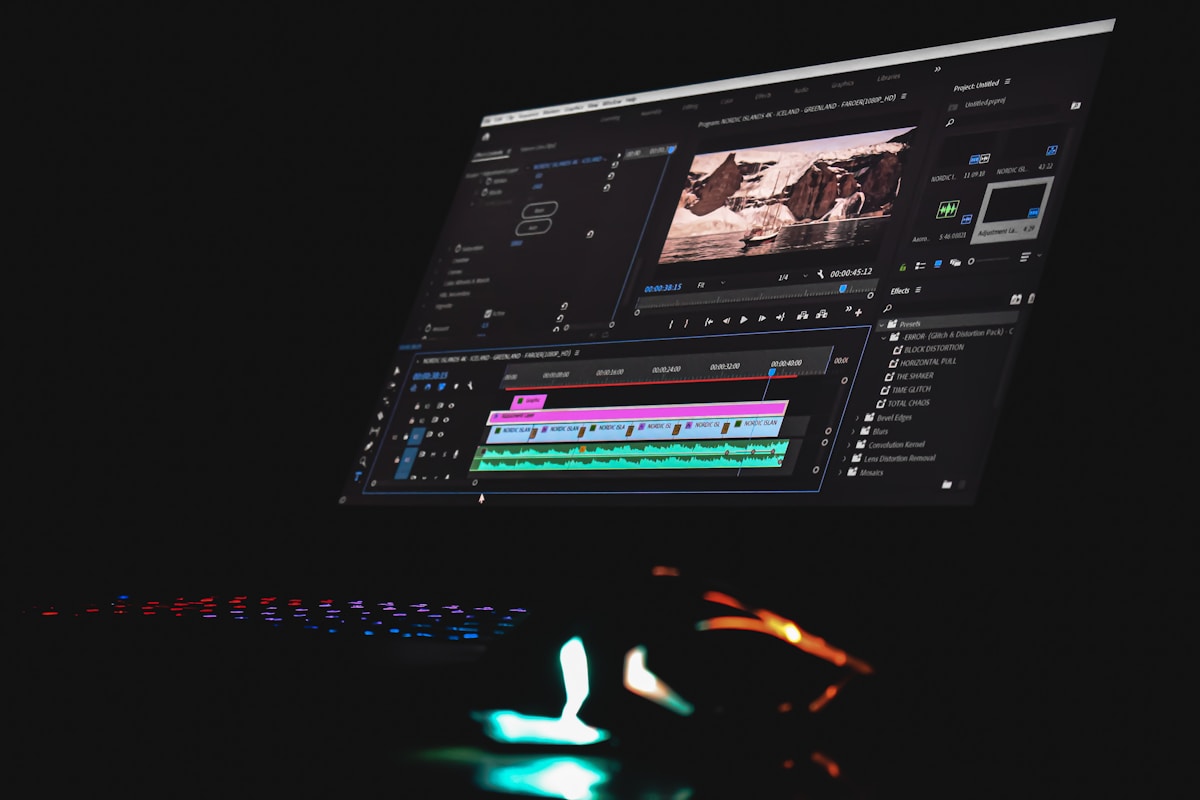
This is a walkthrough of the code that kills that flicker. The trick is to stop restyling every frame. Stylize a few frames, then carry the style to the rest by following the motion. The interesting part is the bookkeeping and the blending that make the carry invisible, so I will spend most of the post there.
Each frame is a separate sample from the model, so each frame lands in a slightly different place. Played in sequence, those small differences become flicker. Photo: Unsplash.
Why frame-by-frame flickers
A diffusion model starts from noise and walks toward an image. Two frames of a video that look almost identical to you are still two different starting points and two different walks. The model has no memory of what it drew last frame, so it picks a fresh interpretation of "oil painting" or "anime" each time. On a still you never notice. In motion you see the model changing its mind 24 times a second.