A web page can look clean on a laptop and still feel difficult to read on a phone.
Small screens make every layout decision more obvious. Long lines, crowded buttons, tiny text, and wide images can turn a simple page into something uncomfortable. The good news is that many mobile reading problems can be found with a short manual check.
Start with the first screen.
Open the page on a phone or a narrow browser window. Before scrolling, ask one question: can a new visitor understand what this page is about? If the title is hidden, the spacing is too large, or the first useful content appears too late, the page may feel confusing.
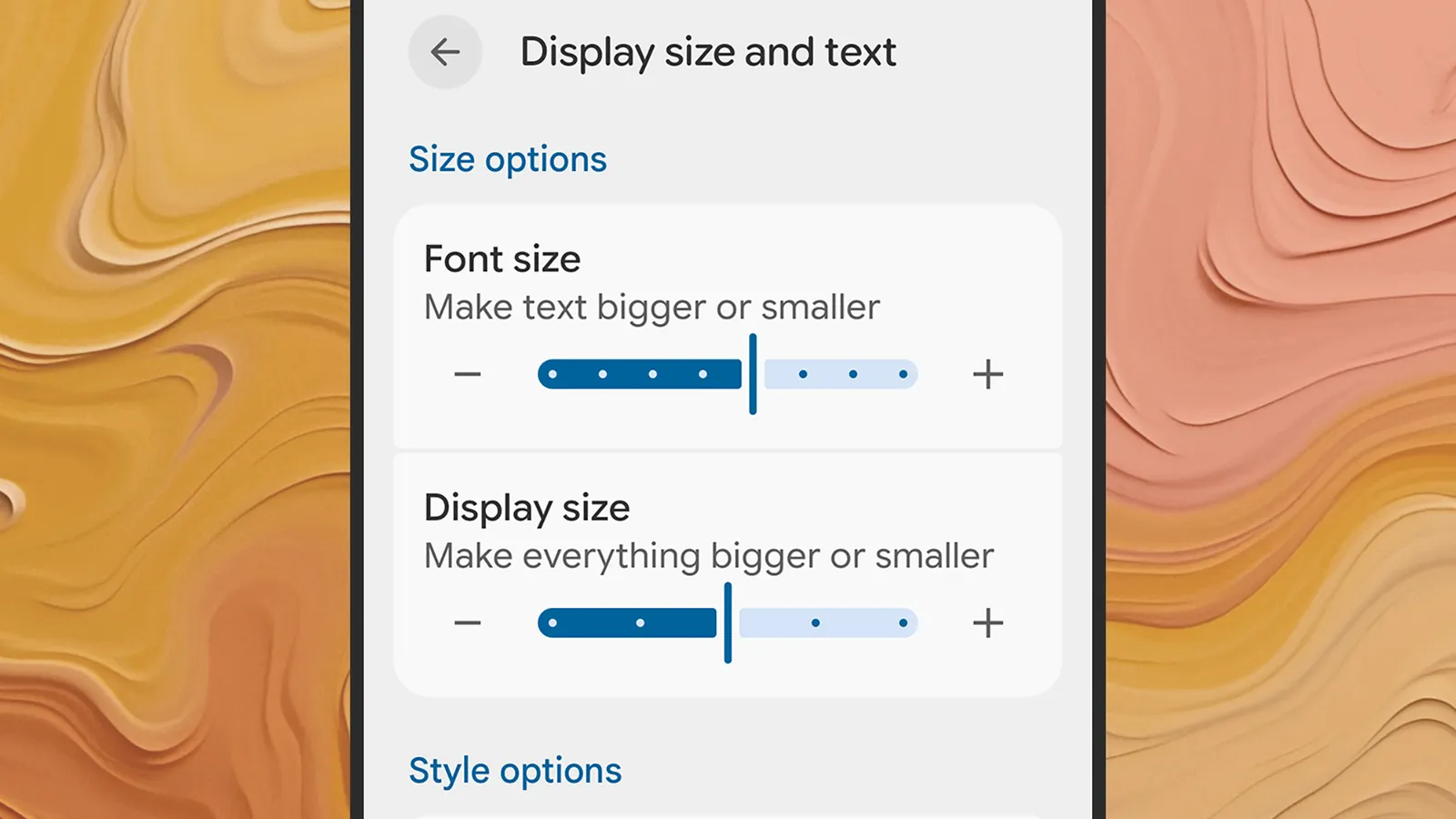
Next, check the text size.