(Image credit: Future)
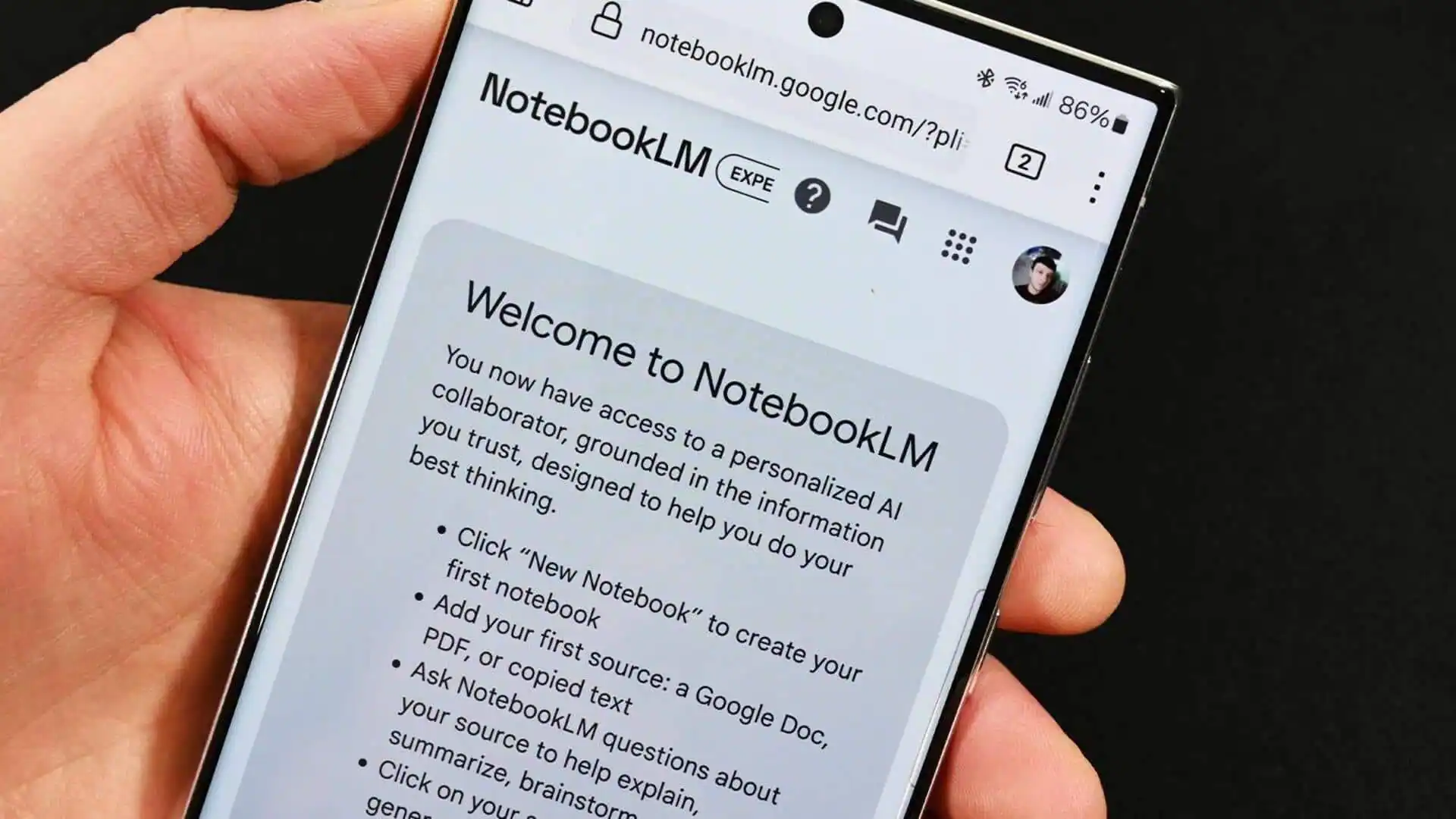
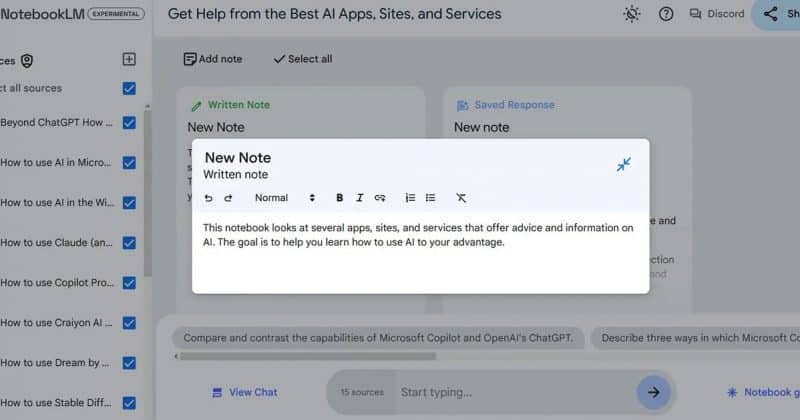
Up until a few weeks ago I used YouTube the way most people do. I'd save dozens of interesting videos to my Watch Later playlist, promise myself I'd watch them someday and then, well, I'd never quite get around to it.When I did finally press play, I'd often skip ahead or skip the video completely rather than devoting an entire 30 or 40 minutes watching a tutorial. And attempting to remember one useful tip, was a game in itself. I'd always go back and try to find the exact moment where something special was mentioned in the video.NotebookLM completely changed that. Now, instead of watching videos from beginning to end, I now upload them into Google's NotebookLM and transform the videos into an interactive course that I can question, compare and revisit whenever I need it.It's quickly become one of my favorite ways to learn and I've even gotten my kids involved with it so they continue to learn over the summer.Why NotebookLM works so well with YouTube Keep in mind that NotebookLM relies on YouTube's auto-generated transcripts, so it works best for talking-head videos, lectures,and tutorials rather than highly visual, text-free edits. You can easily check if a video has a transcript by simply clicking the "Show Transcript" button. That said, if you don't see it, there probably isn't one but you don't need to stop there. You can always turn on Gemini Live to take notes and record the video to later upload into NotebookLM.Getting videos into NotebookLM is surprisingly easy. Create a new notebook, click Add source, choose Website, then paste the URL of any YouTube video. NotebookLM automatically pulls in the video's transcript (when one is available), making it searchable alongside any other sources you add.Once they're inside a notebook, they become searchable knowledge, so instead of hunting through timestamps, I simply ask.Get instant access to breaking news, the hottest reviews, great deals and helpful tips.That means you can ask questions like:What are the three biggest takeaways? Explain this as if I'm a beginner. Which parts disagree with another video? What tools does this creator recommend? Give me a checklist based on everything covered. My AI bootcamp workflow1. I collect videos instead of watching them immediately. Whenever I find a great video, I simply save it to a playlist until I have a topic worth exploring. This could be a video about an AI workflow, AI tutorial, Claude Skills, Local AI, MCP servers or anything else I find interesting. My husband has a lawn care business, so he saves instructional videos for topics like pruning, edging, tools and tricks. Similarly, I save videos for my kids on topics they like.Once I have several videos covering the same subject, I move to NotebookLM.2. I upload several videos to NotebookLM