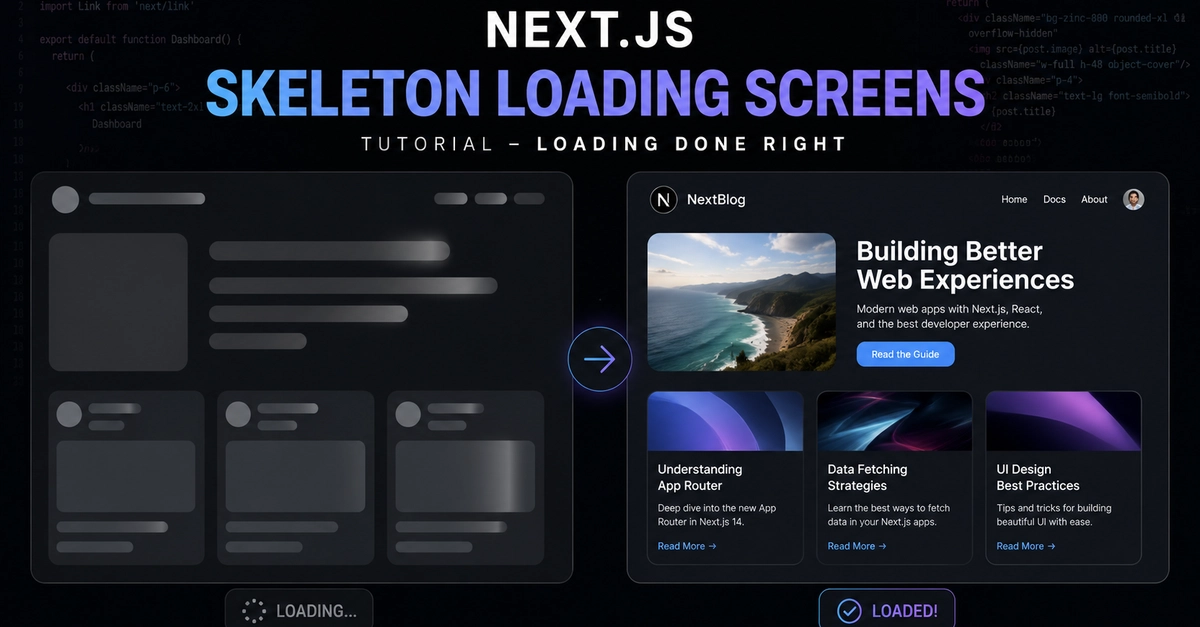
Skeleton screens are one of those things that seem simple until you actually implement them well. The basic idea is straightforward: show a placeholder shaped like the content while it loads. The execution has a lot of ways to go wrong.
Here's what actually works in Next.js App Router, from the patterns I've landed on after a lot of iteration building free AI image generator high quality where loading states are visible on almost every interaction.
Why Skeletons Beat Spinners for Most Cases
A spinner communicates "something is happening." A skeleton communicates "here's roughly what you're about to see." That distinction matters more than it sounds.
Users who see a skeleton can start mentally orienting to the layout before content arrives. They're not staring at an empty space trying to remember what was supposed to appear there. The cognitive load is lower, and the perceived wait time is shorter — not because the content actually loads faster, but because the user's brain is doing useful work during the wait.