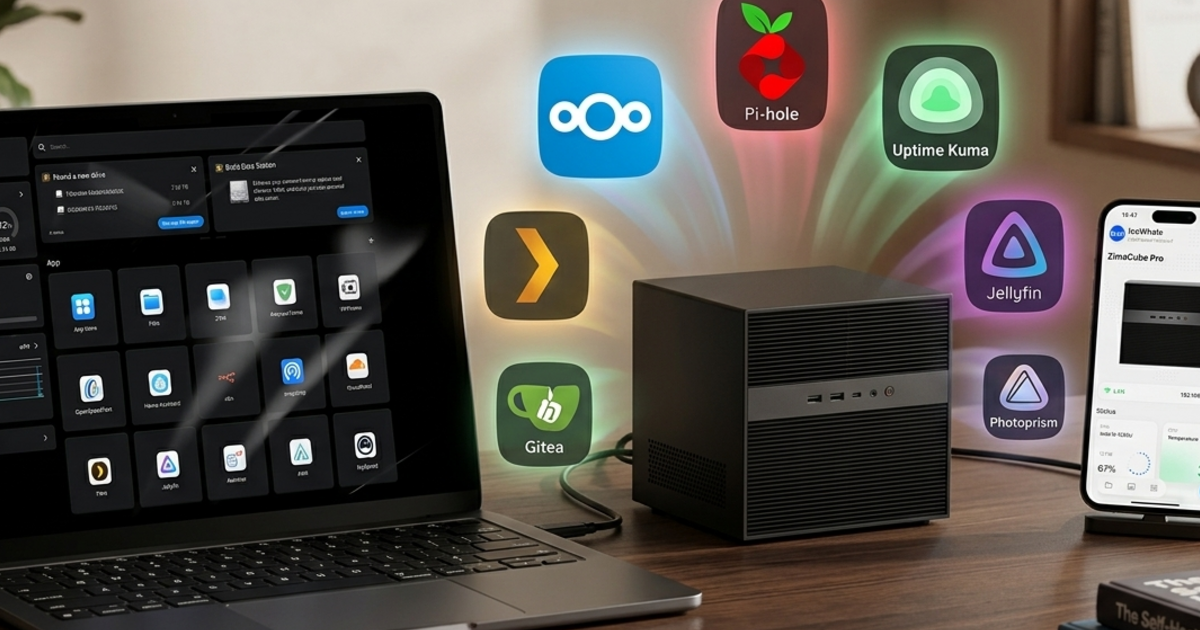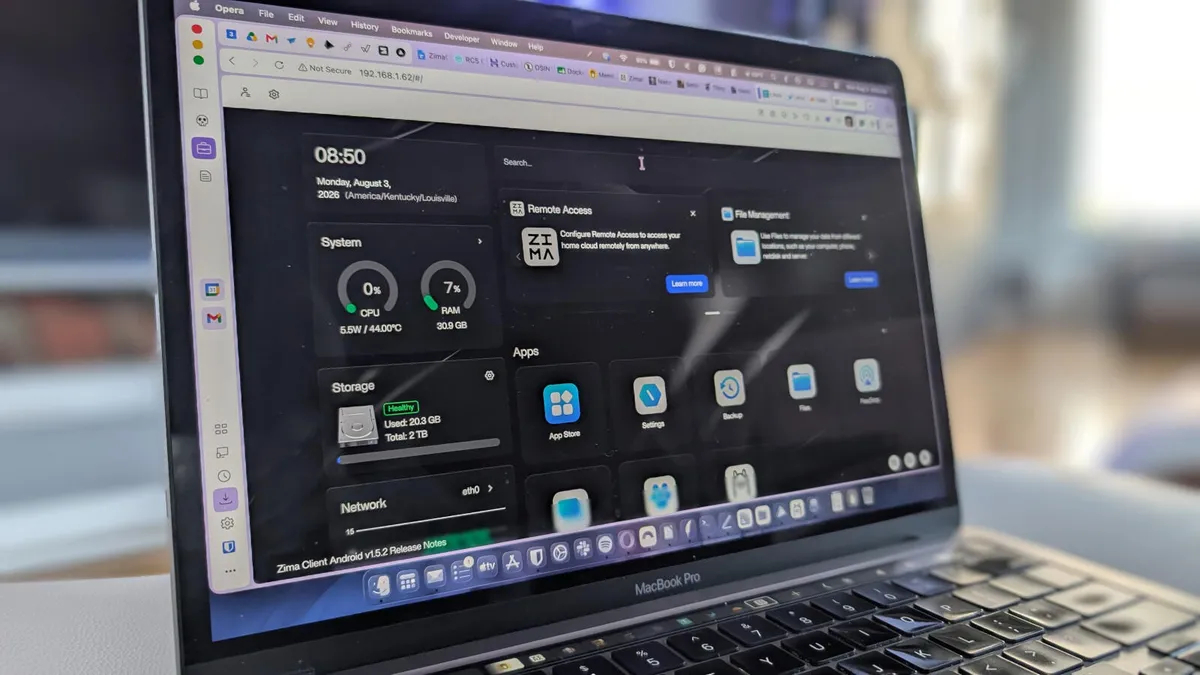
Last year, due to a client's data privacy policies, we had to pull all their files from international cloud services. This situation once again highlighted how critical it is to have full control over our own data. So, I decided to abandon third-party solutions like Google Drive for my personal use and some side projects, and instead set up my own cloud with Nextcloud.
Setting up your own cloud system is a powerful alternative to gain full control over your data, save on the costs of commercial services over time, and protect your privacy. In this guide, I will explain the fundamental architectural choices and practical steps you need to know before successfully installing Nextcloud, based on my own experiences.
Why Did I Need to Set Up My Own Cloud?
For years, I used commercial cloud services like Google Drive and Dropbox for both personal and work projects. While their initial convenience and zero management overhead were appealing, over time, certain limitations and cost factors pushed me to seek my own solution. Especially for some financial calculators in a side product of mine, keeping the collected data on commercial clouds began to feel risky, both in terms of KVKK (Personal Data Protection Law) and my internal audits.