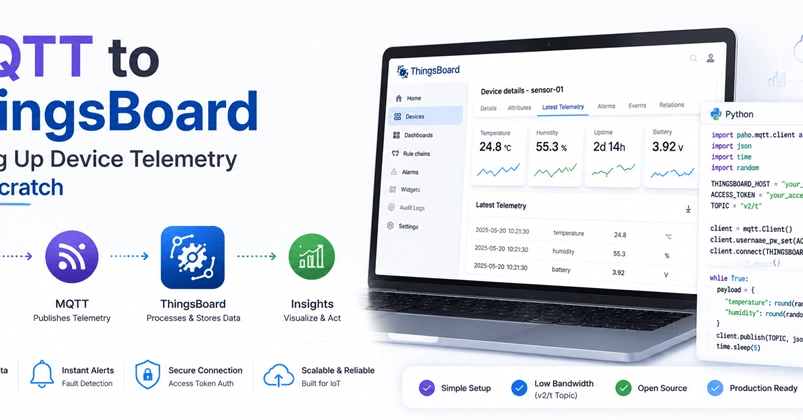
ThingsBoard is one of the most capable open-source IoT platforms out there. But the first time you try to get a device publishing telemetry over MQTT, the documentation sends you in three different directions of device profiles, transport configurations, topic formats, and credential types. There are a lot of setups before you see a single data point on a dashboard.
This post cuts through that. By the end, you will have a device sending live sensor data to ThingsBoard over MQTT and seeing it in the Latest Telemetry tab. No fluff, just working code.
What You Need Before Starting
A running ThingsBoard instance, Community Edition, is fine. You can use the live demo for a quick look, though a local Docker setup is more reliable for following along since the demo instance has usage limits. You also need mosquitto-clients installed for quick command-line testing and Python 3 with paho-mqtt for the scripting part.
# Install mosquitto client tools