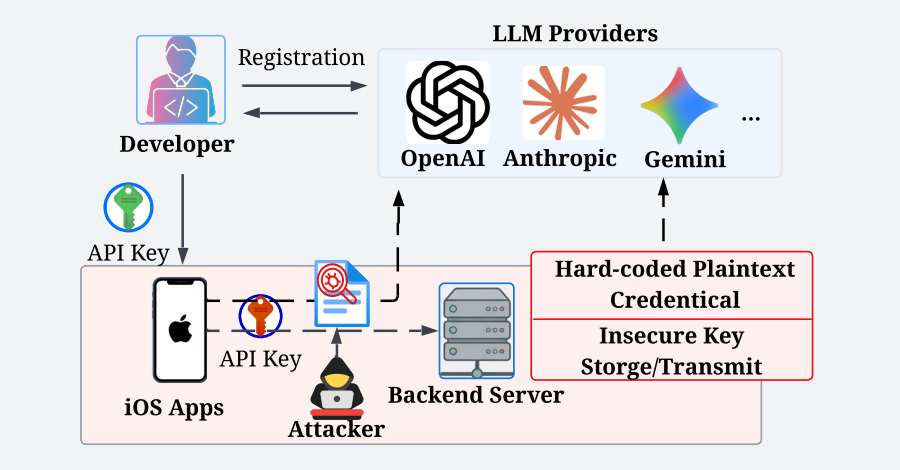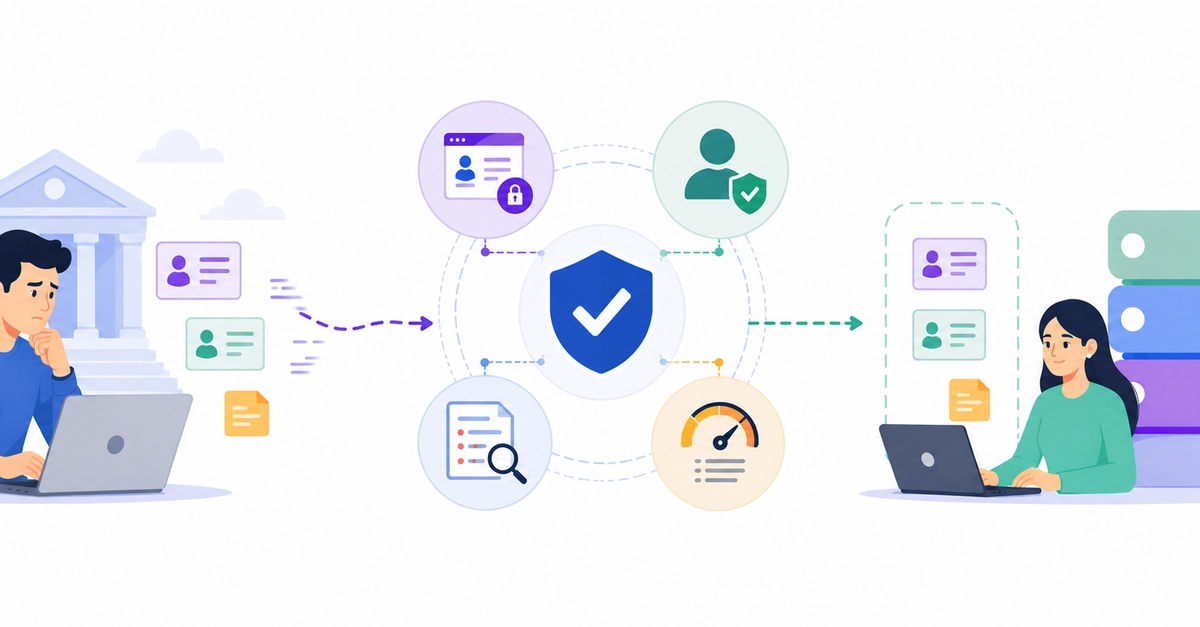
If you're running AI workflows in n8n that touch real customer data — emails, phone numbers, account IDs, health records — that data is almost certainly reaching external LLM APIs in plain text. n8n execution history stores every node's input and output by default, which means anyone with instance access can read raw PII from your logs.
This post covers five concrete approaches, from zero-dependency quick fixes to production-grade solutions, with real tools, install instructions, and honest tradeoffs for each.
Why this matters before we start
A typical n8n AI workflow looks like this:
Webhook → Pull customer record → Build prompt → OpenAI → Send response