(Image credit: Future)
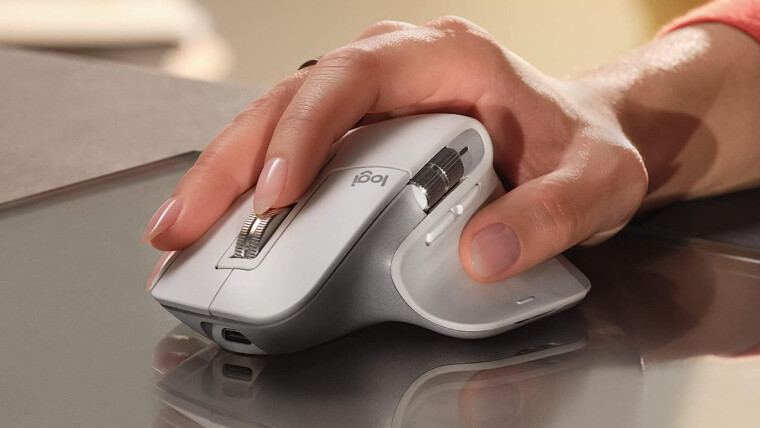
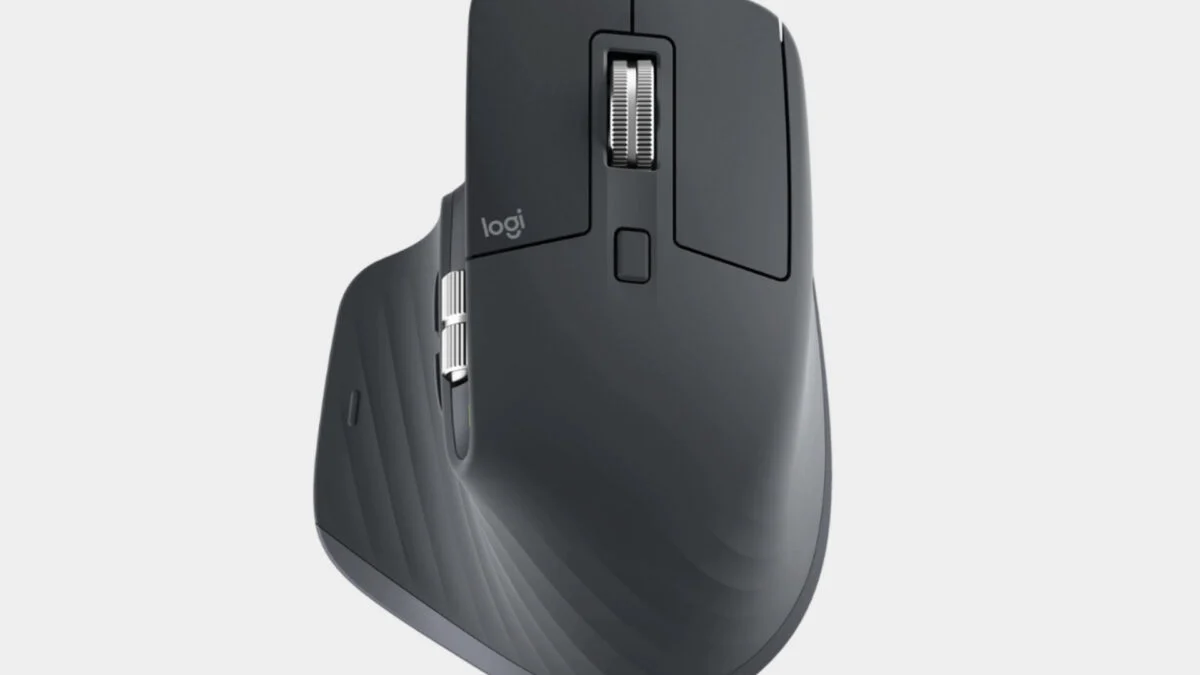
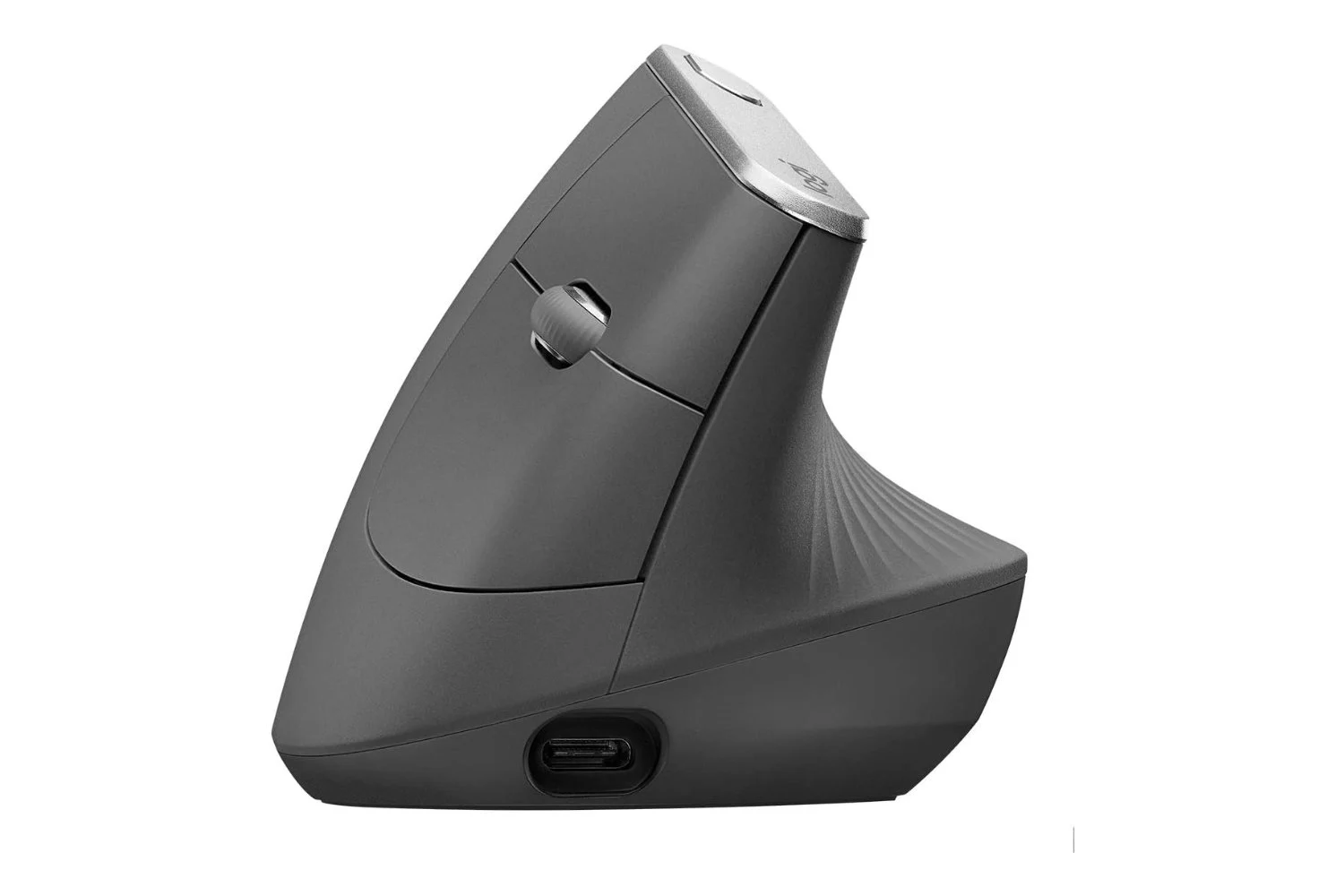
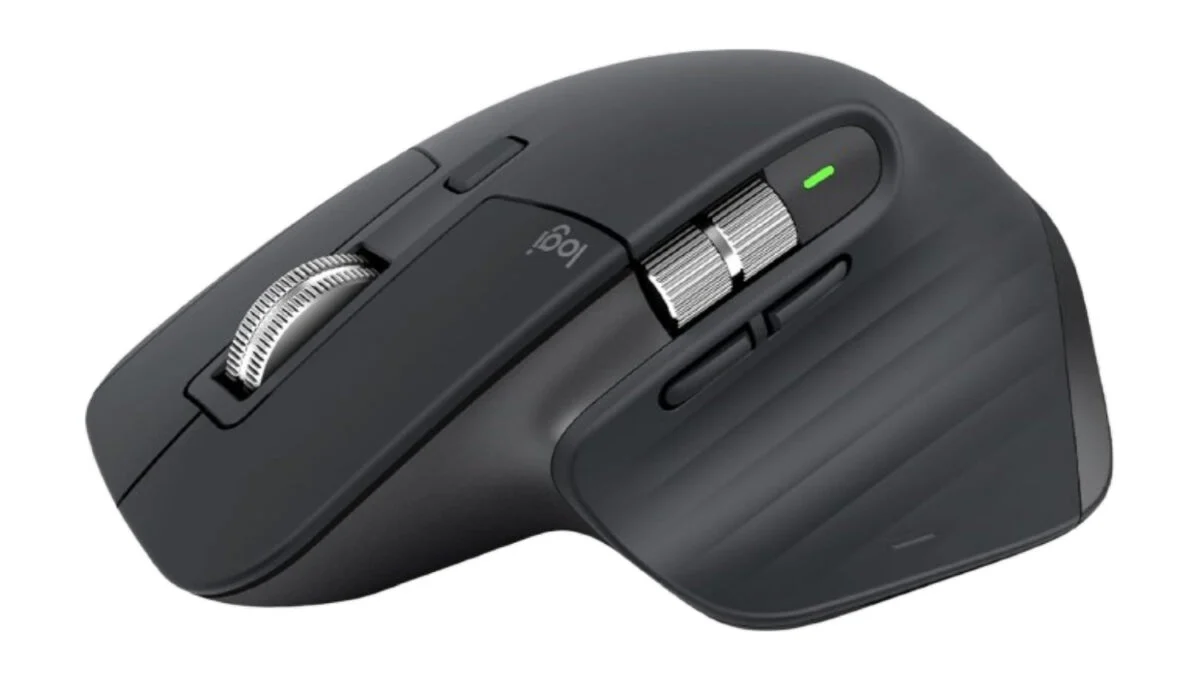
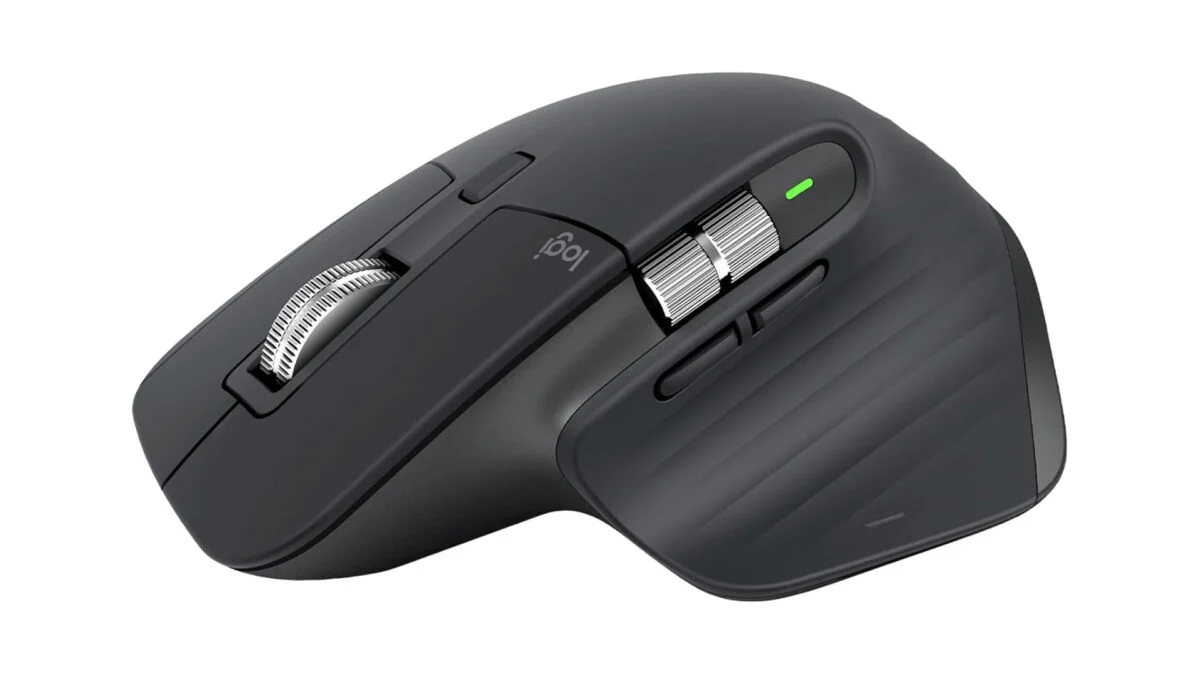
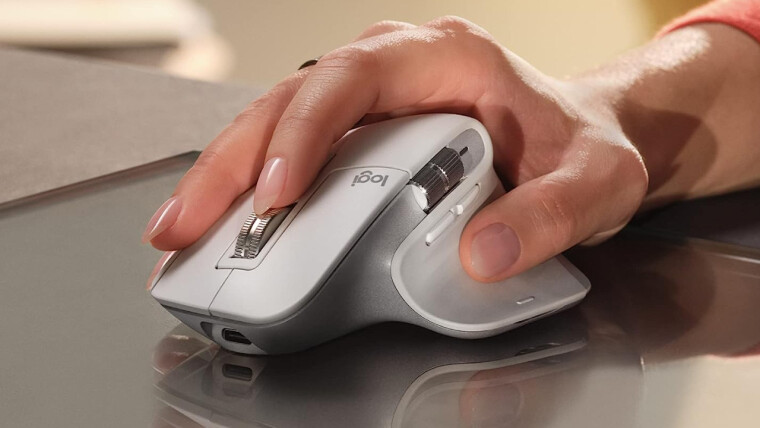
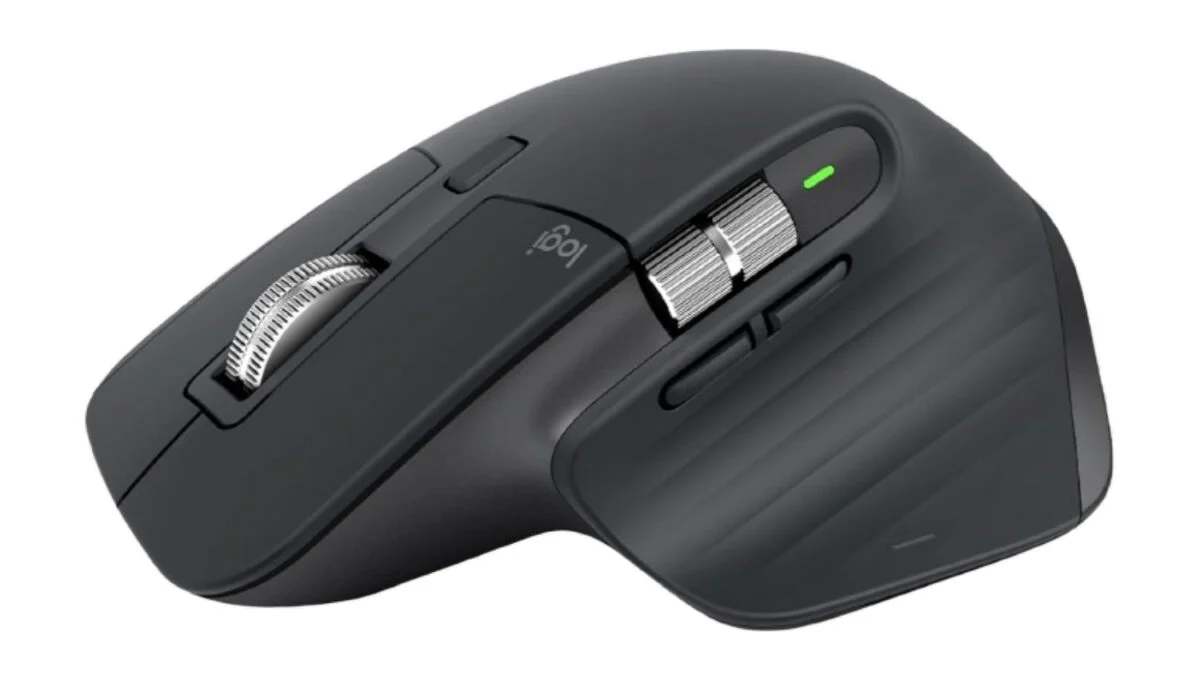
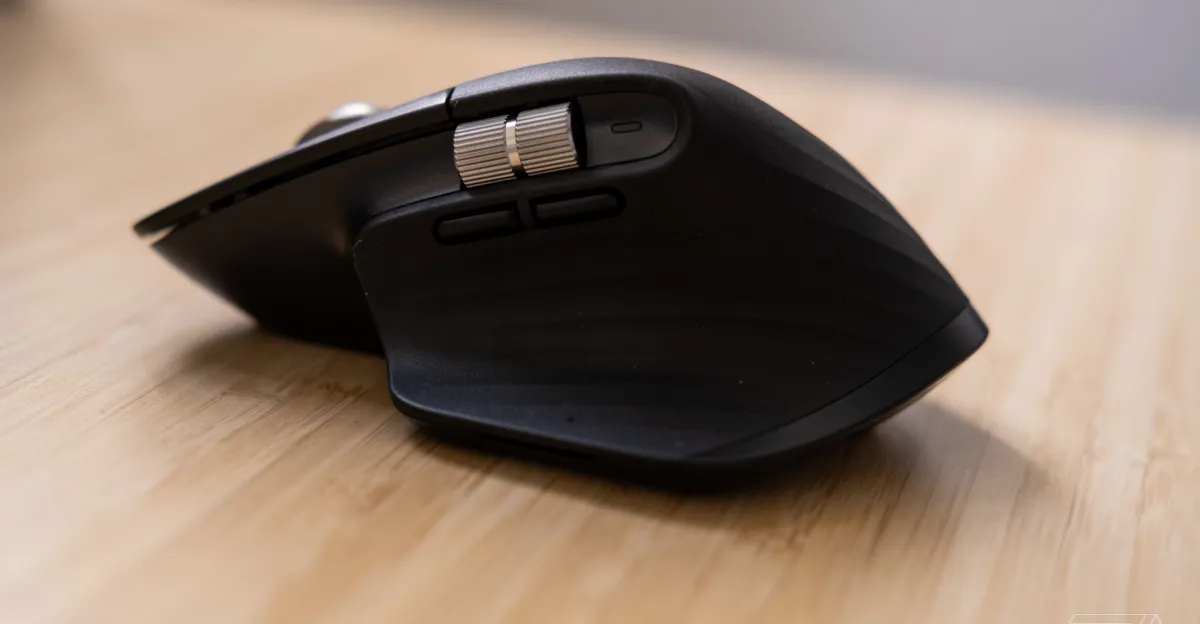
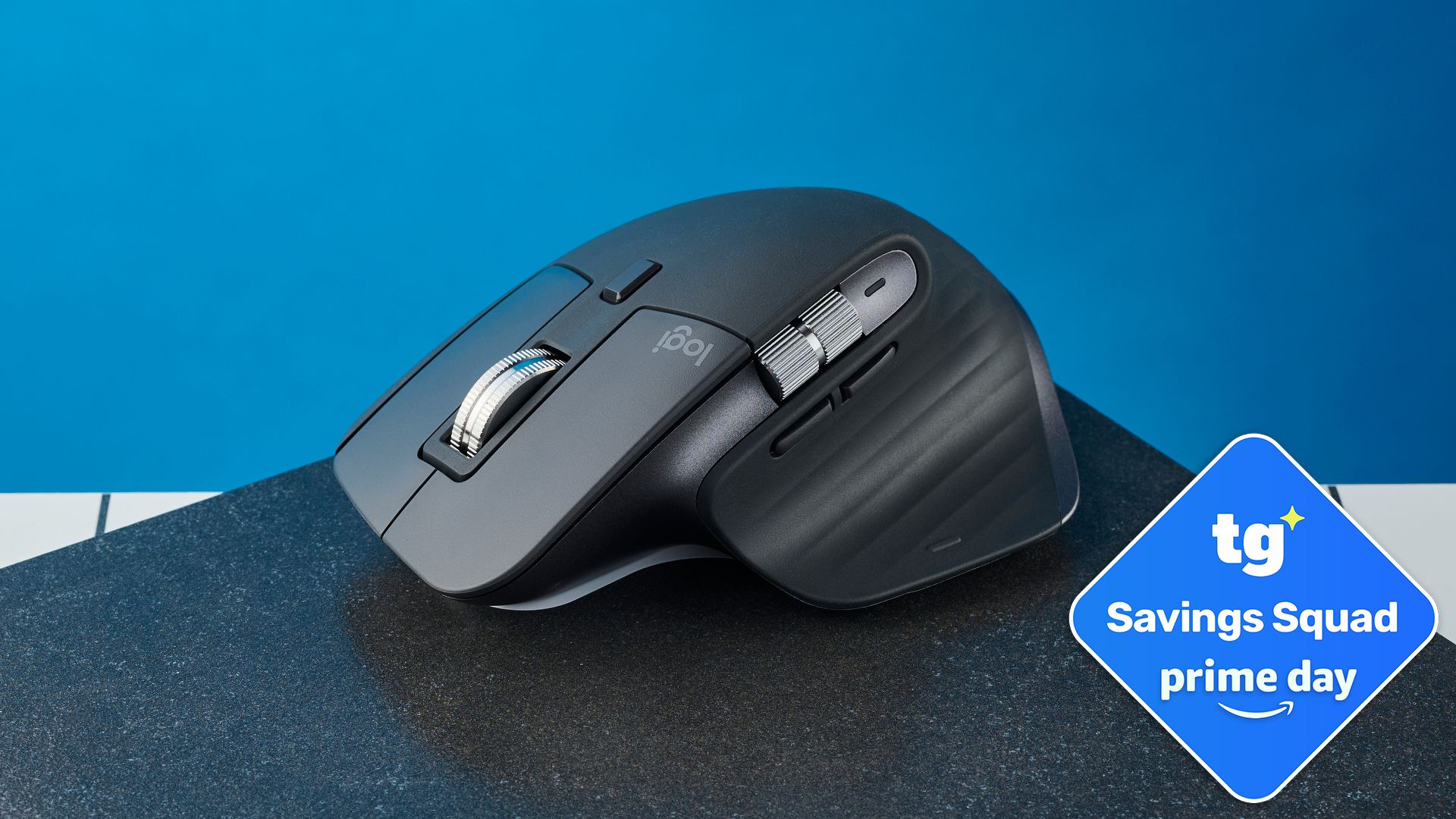
(Image credit: Future)The MX Master 3S features gestures on the thumb rest, so you still have the option for custom commands. The gesture pad positioning is much better, though, making it much harder to accidentally engage in practice.The biggie for many, though, will be the finish. The MX Master 3S features a soft-touch rubberized finish, while the 4 is hard plastic. Logitech claims this is to increase longevity, which I get, but it's far less comfortable. And besides, I've been using my MX Master 3S virtually non-stop for nearly two years and it's still in excellent shape, with no tears, degradation or deep wear areas in the rubber. Go figure.Otherwise, these mice are effectively the same. So what does that get you?Productivity mouse endgameProductivity mouse endgame, that's what. This thing is awesome. The scroll wheel is absolutely beautiful and changes between ratchet and infinite scroll with a single toggle, so you can zoom down hundreds of lines on a spreadsheet in seconds, before flicking back to ratchet for fine control.
(Image credit: Future)I have my middle mouse button set up to toggle between the two, which brings me onto another awesome feature of the MX Master 3S: how easy it is to customize. Using the Logi Options+ app, you can essentially tweak any feature of the 3S, including the gestures, dual scroll wheels and function buttons.You can also use the software for adjusting sensitivity, which scales up to 8,000DPI, and you can set two different presets. I have one for work at 2,550DPI and a more sensitive 3,500DPI setting for gaming (8,000DPI is a bit too sensitive for me). And I've assigned the mouse top button to toggle between the two, so I can switch between work and gaming quickly (very important in my job, which involves lots of gaming tests).