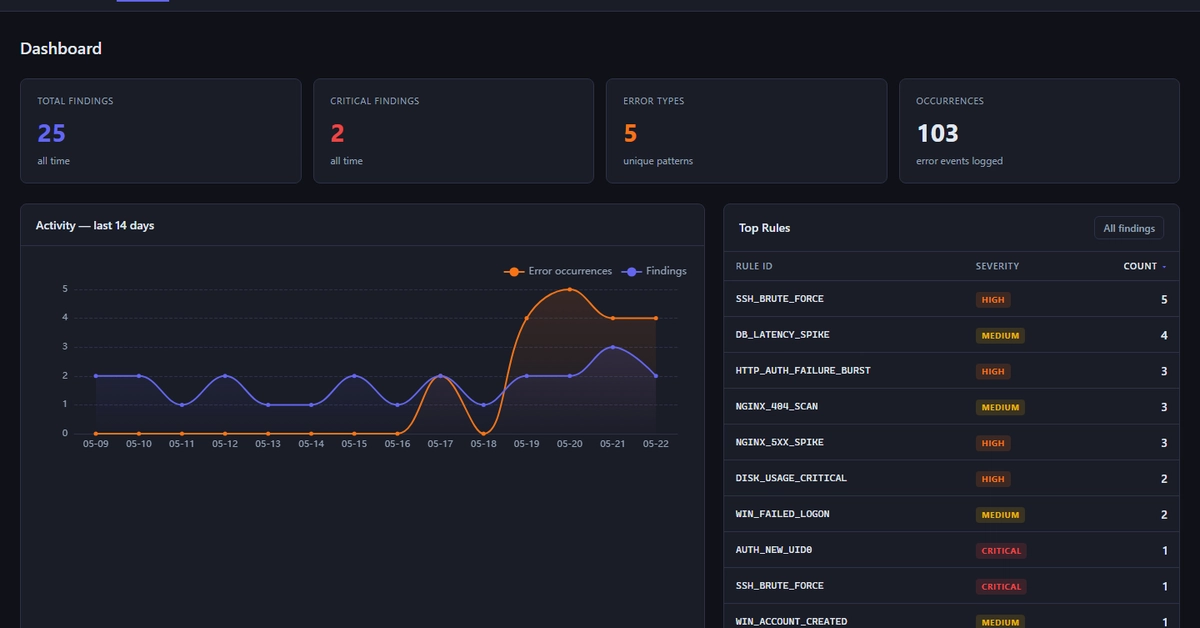
The short answer is: I built a log monitoring Python script using DeepSeek, but the generated code hallucinated and needed a lot of manual fixing. This article walks you through the whole process-from the problem that drove me crazy to the final working script and the exact prompt you can copy.
What Problem Drove Me to Build a Log Monitoring Script?
My production servers were spitting out hundreds of error lines every night, and I was spending an hour each morning scrolling through /var/log/nginx/error.log just to see if anything new had popped up. The pattern was simple: when the error count jumped above three in a 5‑minute window, I should get an alert. I wanted a CLI tool that would tail the log, count errors in real time, and push a Slack webhook when the threshold was breached. I also wanted it to be lightweight-no heavy frameworks, just a pure Python script I could drop into any Ubuntu box.
I spent a week manually writing a small script, but I knew I could accelerate the process by letting an AI do the heavy lifting. I turned to DeepSeek (and a quick side‑trip to OpenCode) to generate the whole workflow in one go. My goal was to get a functional pipeline that I could then fine‑tune for my exact needs, all while learning how to prompt an AI for real‑world automation.