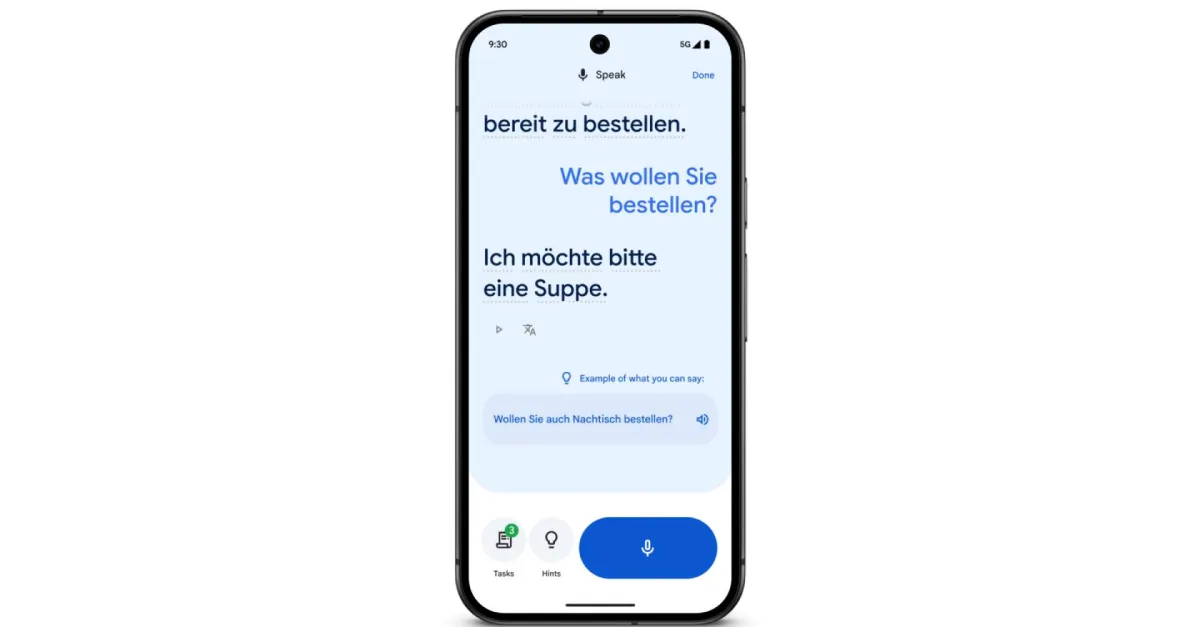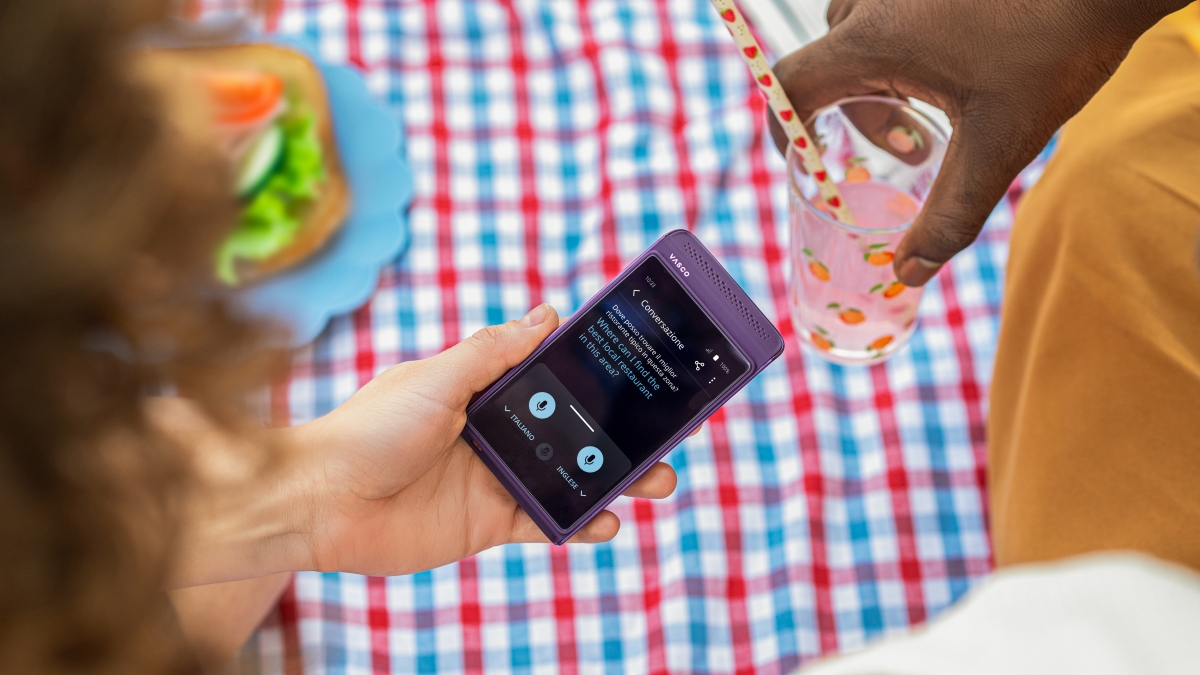
I build Voxis, an open-source Windows app that translates whatever your system is playing — a video, a game, the other side of a call — and plays the translation back as spoken voice, a few seconds behind the speaker. No subtitles, no virtual audio cable, no bot joining your meeting.
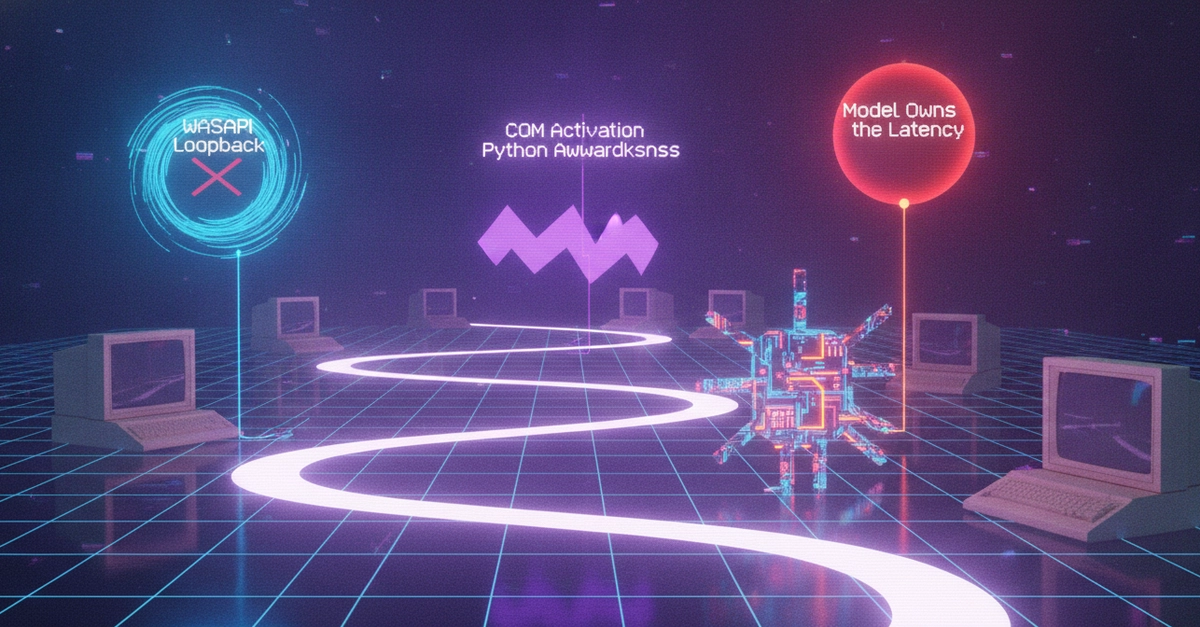
The "no virtual cable" part is the bit worth writing about. Almost every system-audio tool on Windows tells you to install VB-CABLE or VoiceMeeter, or to drop a bot into your call. Voxis doesn't, for incoming audio. This post is how that capture engine works, and the sharp edges I hit building it in Python.
I'll be specific about what's hard and honest about what's not mine to fix.
The goal
Read the exact audio the user is hearing — the post-mix system output — at 16 kHz mono, and do it without installing anything. Then stream it to a translation model and play the result back, all while the original keeps playing underneath.