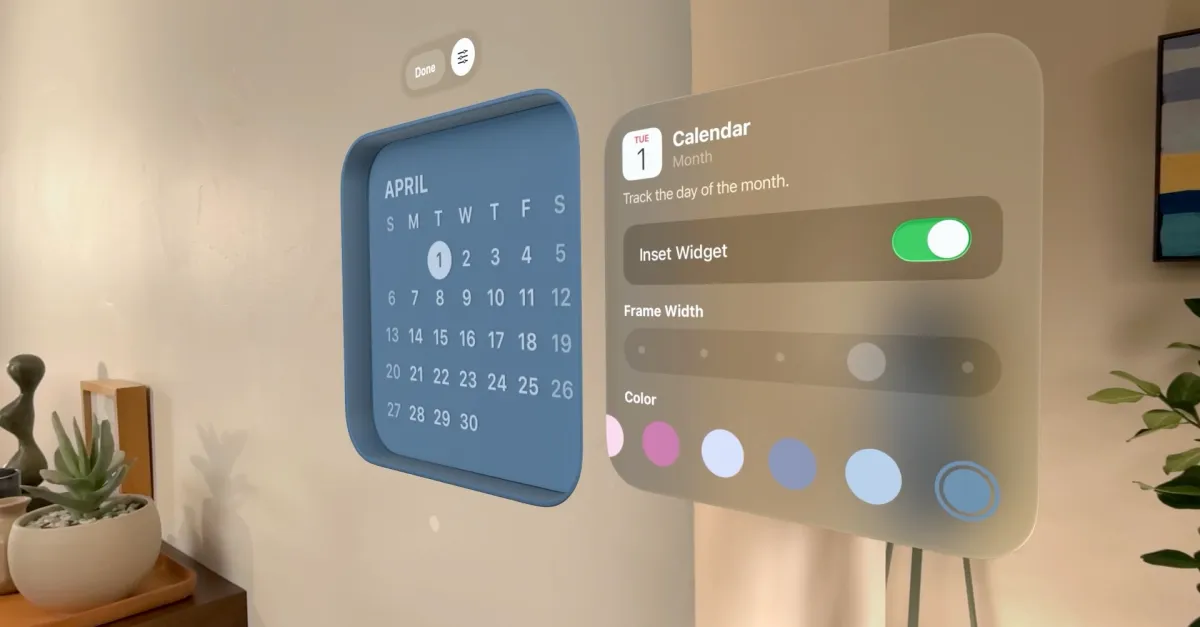
Recently, I worked on experiments implementing the well-known liquid glass effects on the web. Most of the implementations right now use a similar idea: clone the DOM content behind a glass element, distort that cloned layer, add blur, tint, highlights, and chromatic offsets, then place the result back under the glass surface.
But it breaks down when the thing behind the glass is a real canvas. Because a DOM clone can copy HTML, text, images, layout, and backgrounds. But it cannot naturally copy the actual pixels generated inside a WebGL canvas. A canvas is not a static DOM subtree. It is a framebuffer that changes every frame.
To make liquid-glass work on canvas, I would either need to capture the canvas every frame, which can become expensive and easy to desync, or move the glass refraction into the canvas/WebGL pipeline itself.
I needed a better WebGL demonstration
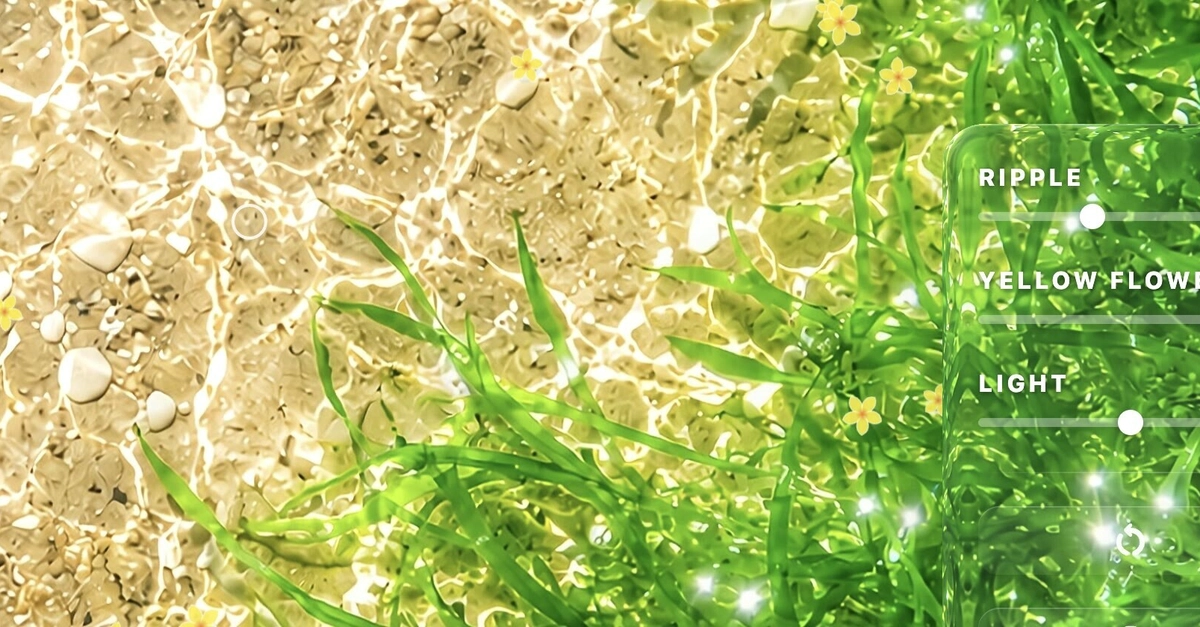
To test and demonstrate canvas-native liquid glass properly, I needed a background that was worth refracting. I wanted something alive: something with motion, attractive and visually pleasing.