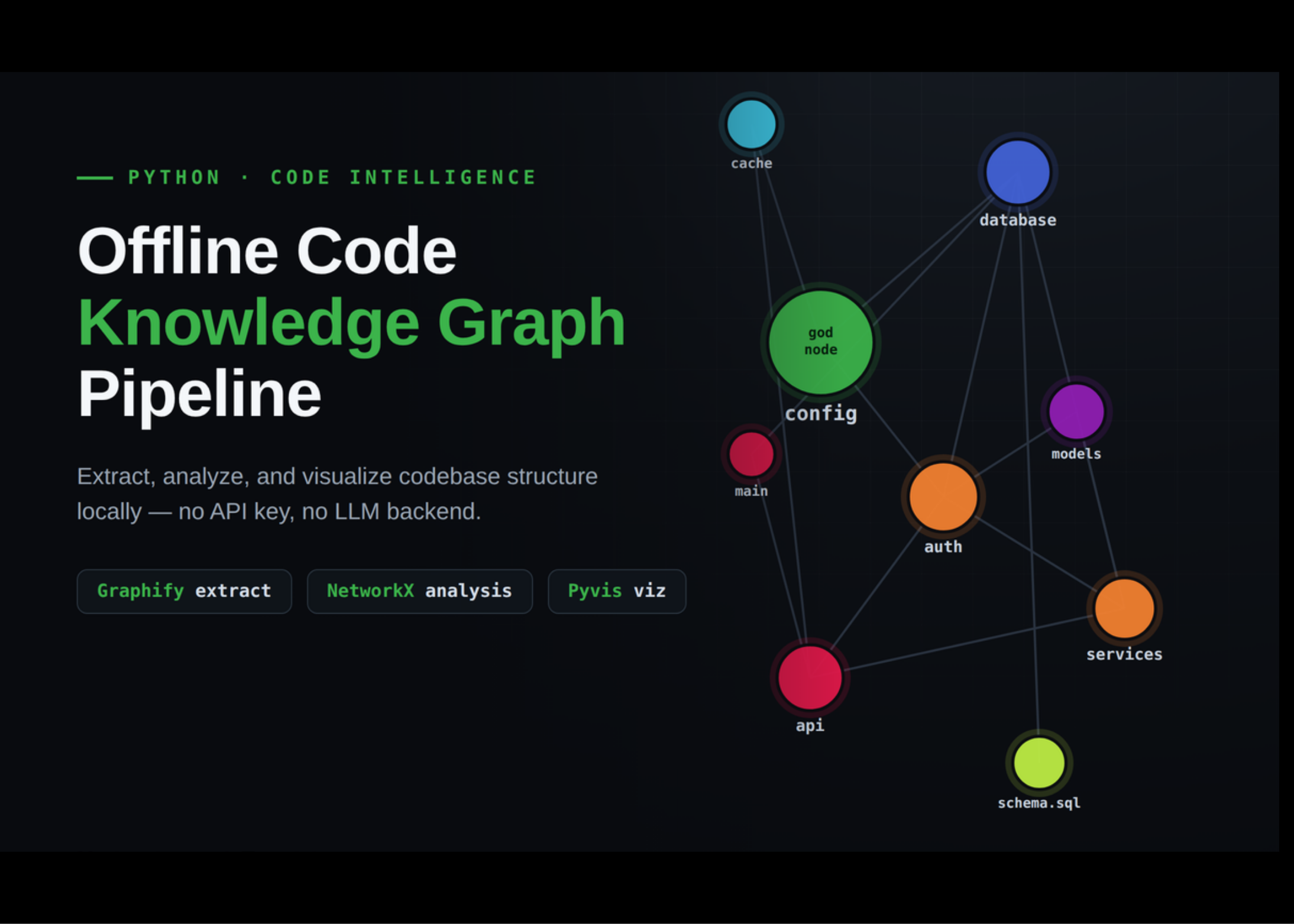
In this tutorial, we build a fully offline Graphify workflow that turns a realistic multi-module Python application into a knowledge graph. We start by installing Graphify and supporting graph libraries, then generate a small but connected sample application with configuration, database, authentication, service, API, cache, model, and SQL layers. We extract the graph locally using Graphify’s tree-sitter-based analysis, so we do not need an API key or any LLM backend. After loading the generated graph.json into NetworkX, we analyze the codebase’s structure using file types, relationship types, centrality scores, community detection, and shortest paths among important symbols. Also, we create both static and interactive visualizations, making it easier to understand how modules, classes, functions, and database objects connect across the project.
Installing Graphify and NetworkX
import subprocess, sys
def pip(*pkgs):
subprocess.run([sys.executable, "-m", "pip", "install", "-q", *pkgs], check=False)