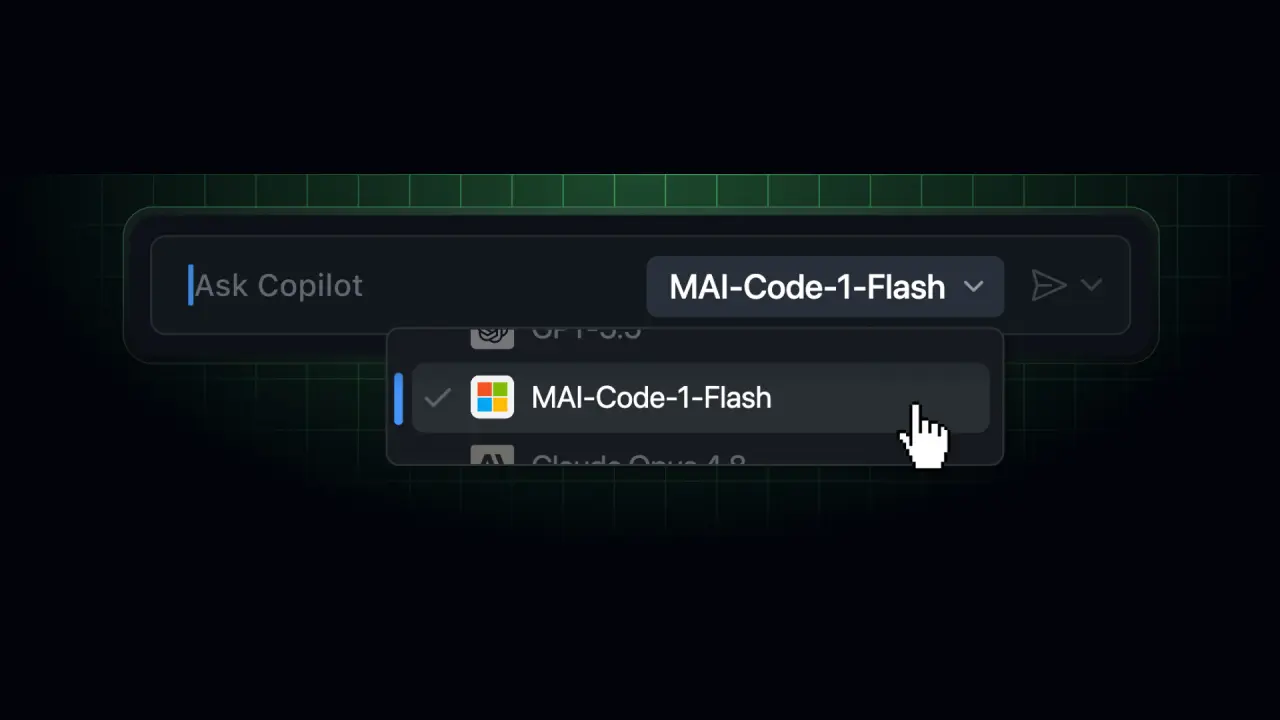
Microsoft has been pushing hard to make Visual Studio Code a major way to consume its AI services, mostly in the form of GitHub Copilot. GitHub Copilot’s deep integration with VS Code brings many conveniences — inline autocomplete, for instance — but it’s frustrating for those, like me, who would rather use another model provider, or even a locally hosted LLM, for those functions.
Visual Studio Code 1.122 introduced a new feature, “Use BYOK [Bring Your Own Key] without a GitHub sign-in,” that allows you to “use chat, tools, and MCP servers in air-gapped or restricted environments where GitHub sign-in isn’t possible.” More importantly, it “enables fully offline workflows with local models like Ollama.”
In other words, you can now use locally hosted LLMs for chat, tools, and Model Context Protocol servers inside Visual Studio Code. The one thing you still can’t do is use a local LLM for inline and next-edit suggestions — at least, not without additional tooling.
Choosing a model for BYOK mode
If you want to use a local LLM with VS Code’s bring-your-own-model system, the first thing you need is a way to host the model. VS Code lacks a model-hosting mechanism of its own, although it’s conceivable that a VS Code extension may offer something like that in the future. That said, hosting models is complicated enough that a dedicated app is really needed for the job.