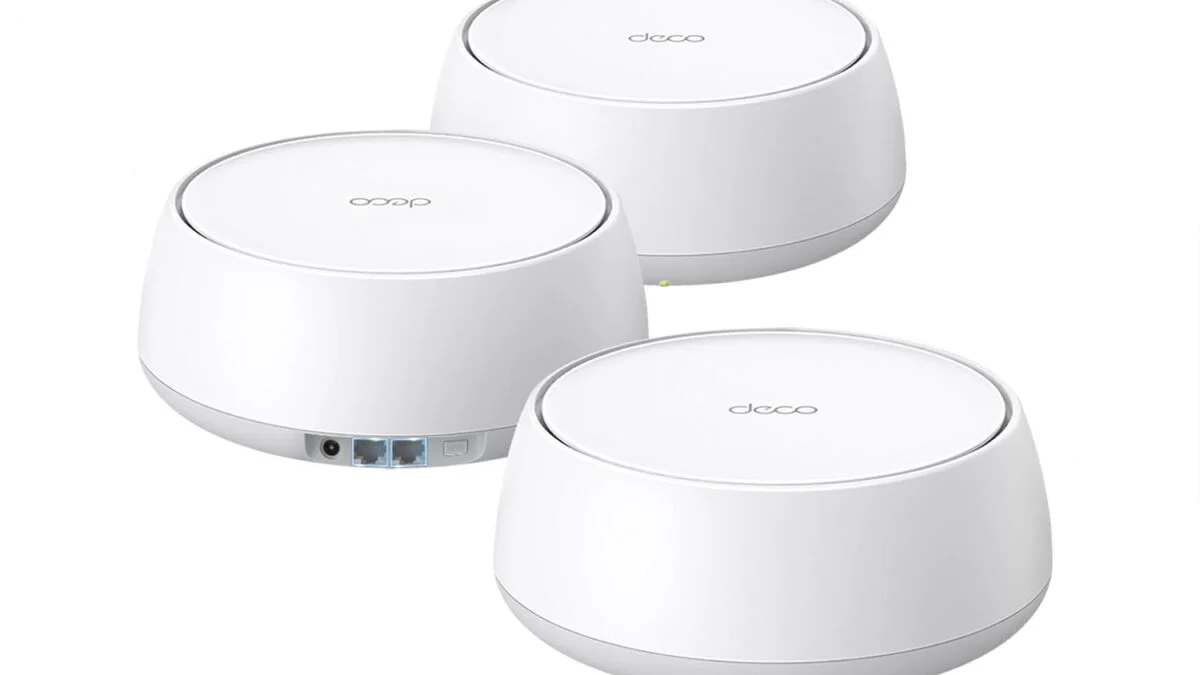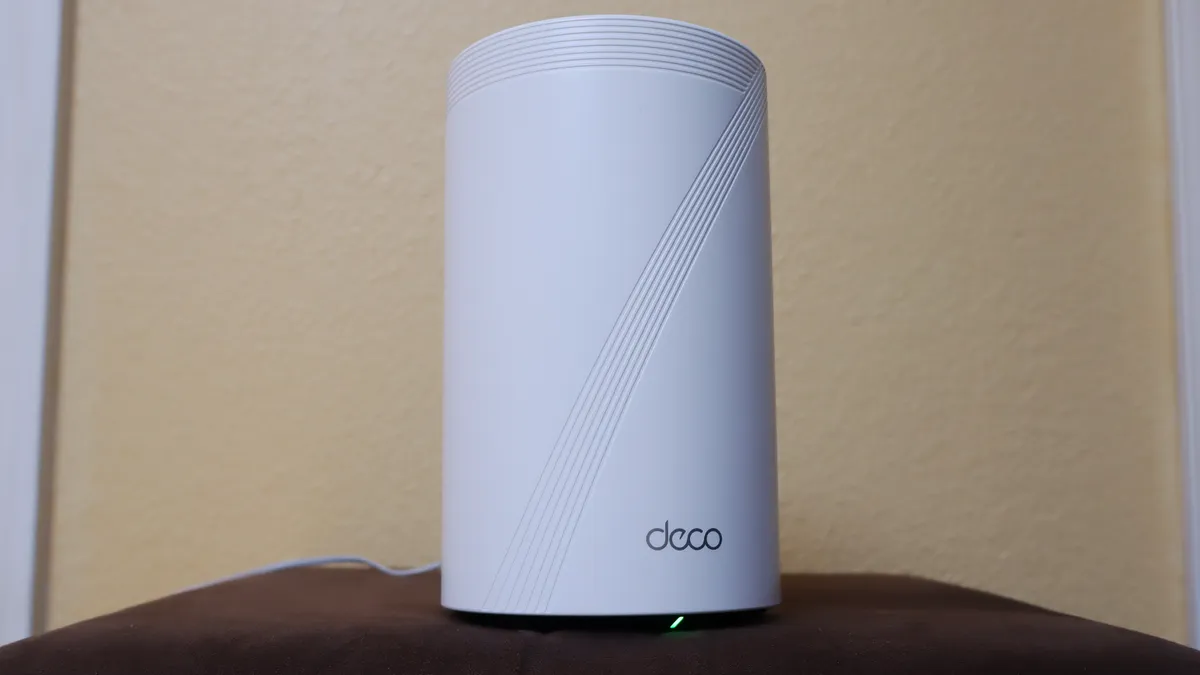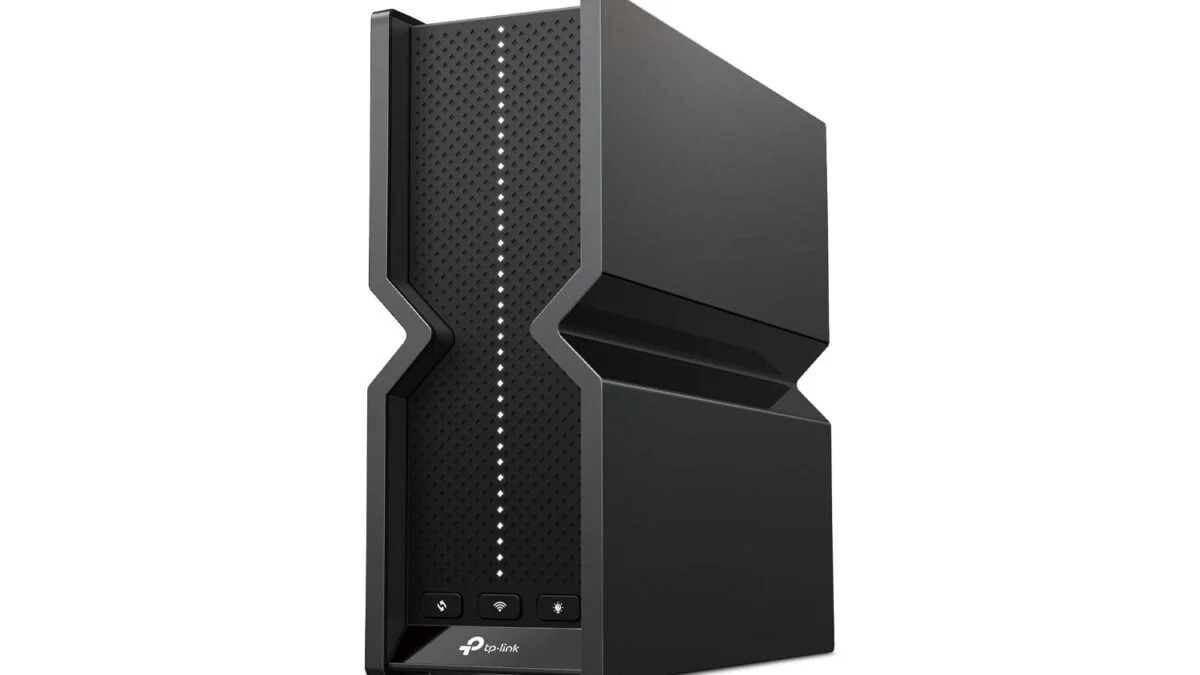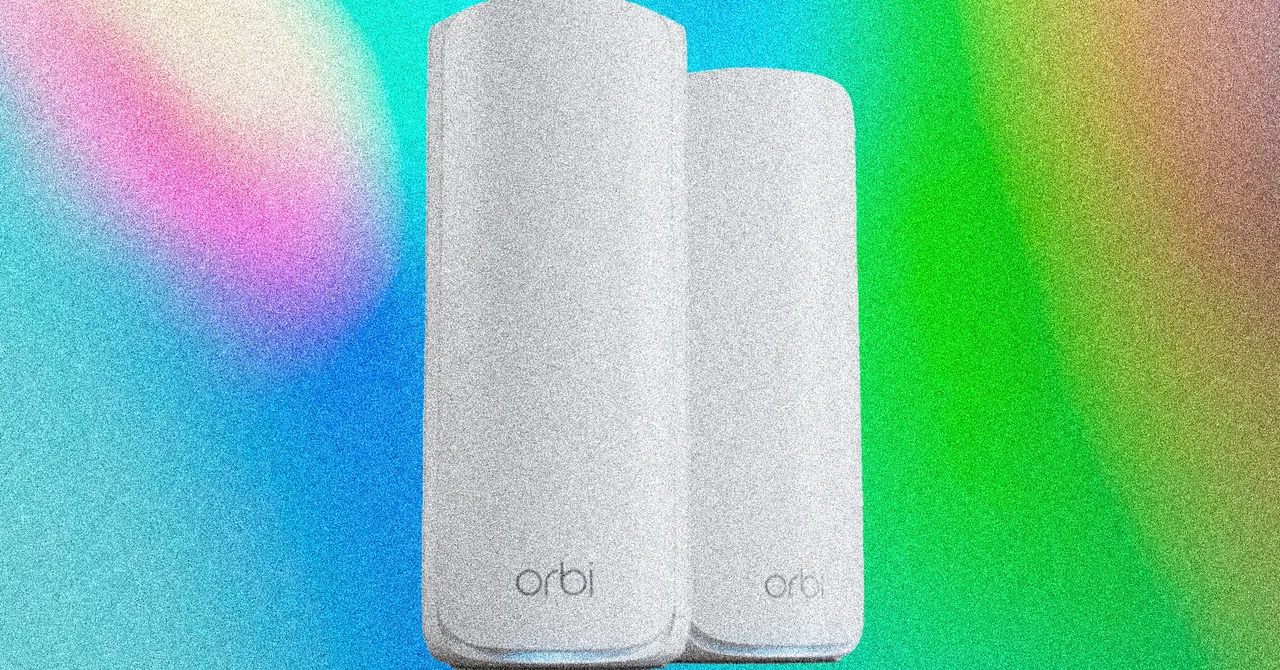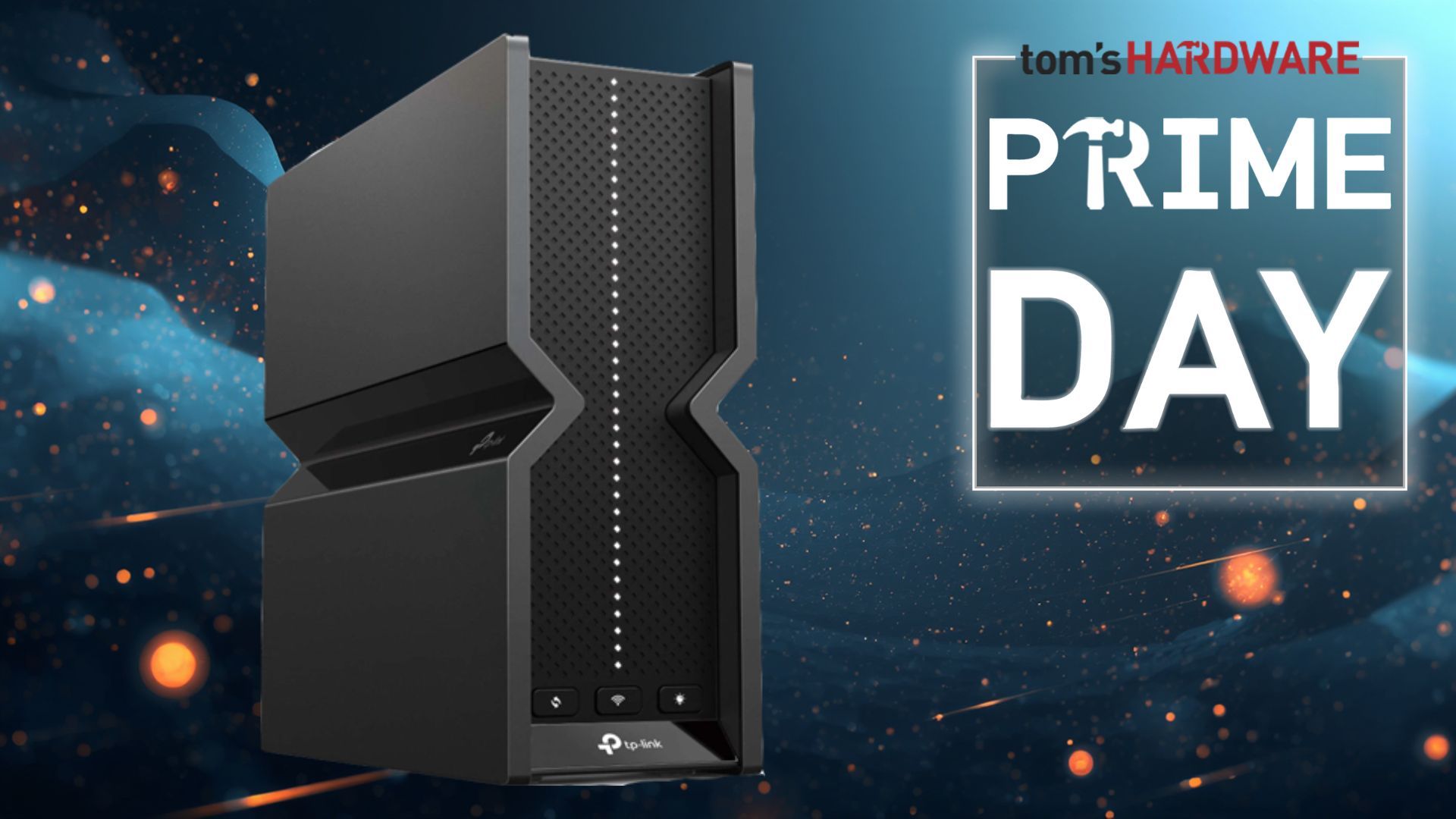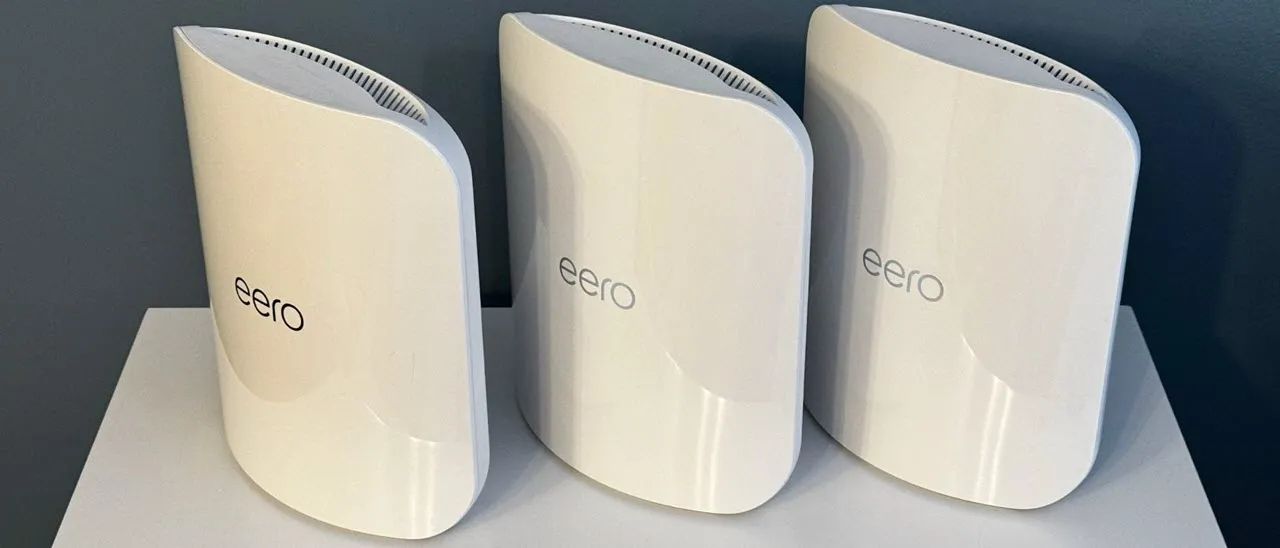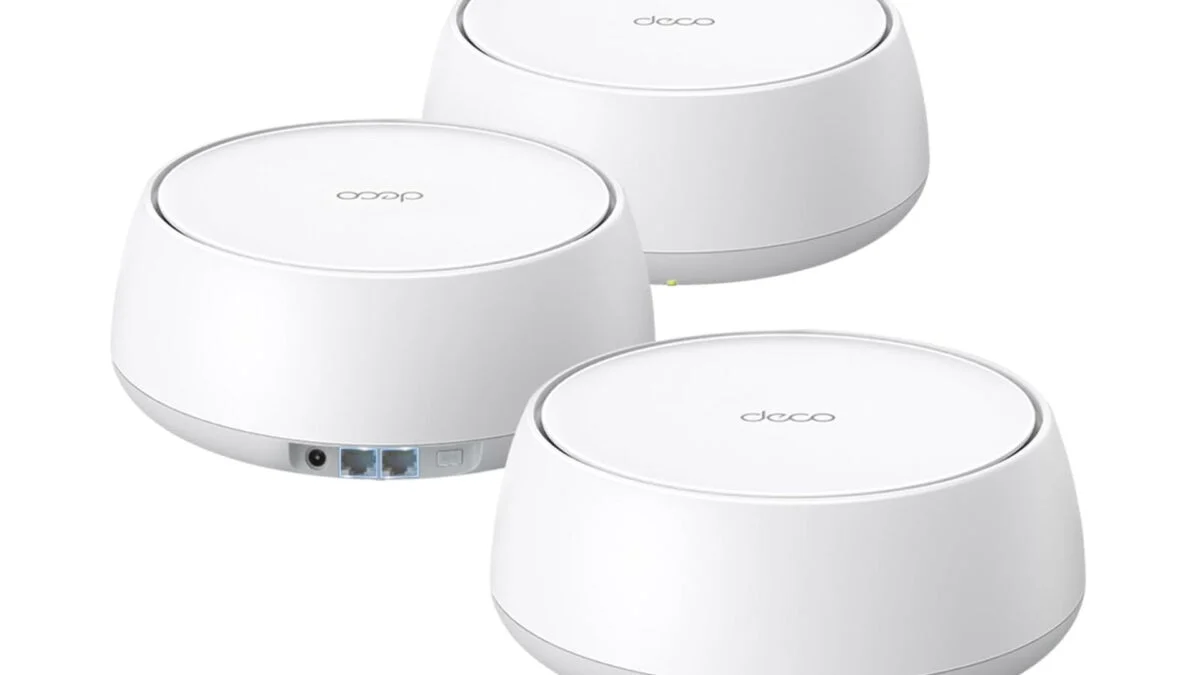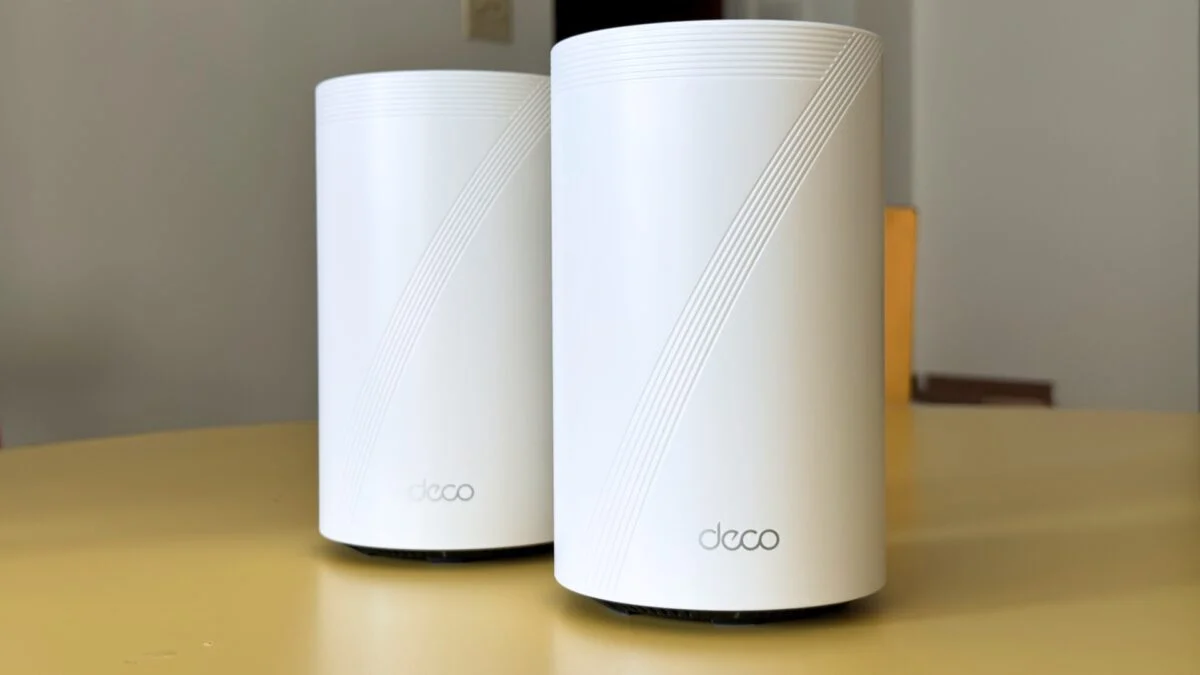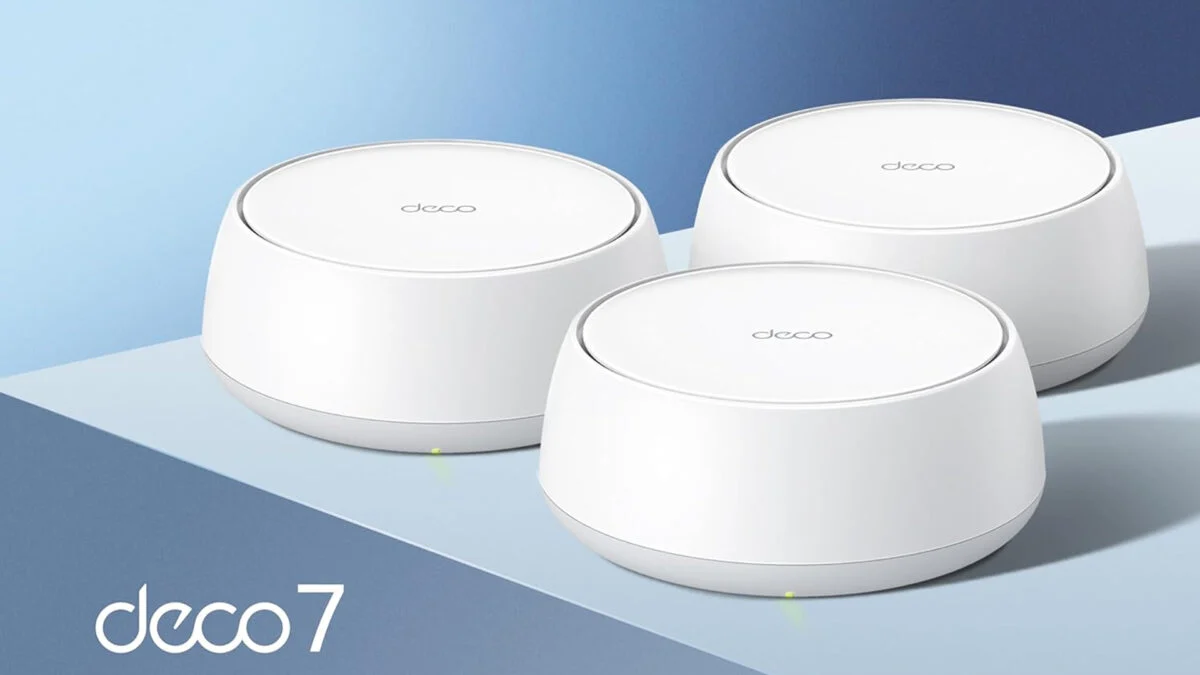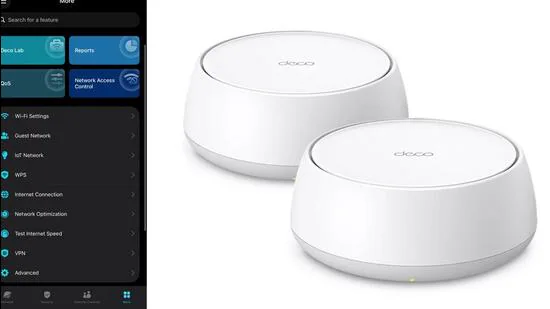
The world is healing, slowly. A fairly priced Wi-Fi 7 standard mesh system for homes is very much a reality. This is because of TP-Link’s Deco BE25 home mesh Wi-Fi system (the BE5000 spec variant), which, for a 2-pack system, sports a sticker price of ₹32,999 (market prices tend to be lower; 1-pack and 3-pack options are also available). Compared to TP-Link’s supremacy in India, the Linksys Velop Micro 7 Mesh and Netgear’s Orbi RBE362 mesh are significantly more expensive. Future proofing your home Wi-Fi system, if you’re spending money now, would be prudent.To set this up, you’ll need the TP-Link Deco app on your iPhone or Android phone. (Vishal Mathur | HT picture)First things first, let’s dispel a few social media myths before assessing the TP-Link Deco BE25 home mesh Wi-Fi system. This Wi-Fi 7 wireless networking system is intended for mainstream use, and a common criticism is that TP-Link omitted the 6GHz band. Purely technically, Wi-Fi 7 (802.11be) routers do not necessarily require the 6GHz band to operate at the Wi-Fi 7 standard. That said, it misses a potentially significant speed increase for compatible devices because of the massive spectrum that’s required for this band. To be fair, not many devices support this yet.What you get are two identical nodes, each with two auto-detecting WAN and LAN ports (rated at 2.5Gbps speed). The puck shaped design should sit well with most interiors, and does well to stay away from attention as it sits on a bookshelf or a table. The two node system I am assessing here has a theoretical maximum coverage of 4600 square feet, which is more than enough for a duplex home with a large indoor area (of course, considering the complexity of more than one brick wall between the node and the connected device). One could perhaps point to the lack of USB ports as a limiting factor, if you wish to attach a storage or a printer to the router.To set this up, you’ll need the TP-Link Deco app on your iPhone or Android phone, and the steps are a cinch. The only shortcoming of the Deco app is that you’ll constantly come across suggestions for a subscription. Be it a newsletter, the Security+ suite (which includes intrusion prevention), or parental controls.The Wi-Fi network is set up with the same SSID for the 2.4GHz and 5GHz bands, and you have the choice of setting the channel width for the 5GHz band at 160MHz which is the default or 240MHz for the tests. I left it at the former, because the latter can be susceptible in high interference environments, which an apartment complex most certainly is. There is no point trading reliability for an incremental increase in short-distance performance, particularly when judging the performance baseline.The 5GHz performance is capped at 4324 Mbps on the 802.11be band, while the 2.4GHz ceiling is at 688Mbps on the 802.11ax band. The 2.4GHz performance will see some variation if some of your primary devices are connected, and there is network congestion—that is, a lot of other routers on similar bands in the same airspace.On a 300Mbps fibre line, the primary node returns full speeds on an Apple Mac Studio (not Wi-Fi 7) and an Apple iPhone 7 Pro (this is Wi-Fi 7, at 160MHz) in close proximity and one brick wall away in a room. Further away, the satellite node loses some of the line’s original steam and delivers around 150Mbps on the iPhone and about 165Mbps on the Mac Studio. At no distance from the primary node or the satellite, did the Wi-Fi signal strength drop below 80% on any connected device, across a slew of phones, tablets and even a soundbar.Later, with 240MHz enabled, no device at home struggled with bandwidth. This included a Mac Studio as the primary computing device, an Apple TV for streaming 4K on Netflix connected with the satellite node, and a slew of other devices doing their thing.TP-Link has done the backhaul—that is the connection between each node—quite smartly. The MLO (Multi-Link Operation) technology, which is core to Wi-Fi 7, allows devices to simultaneously use the 2.4GHz and 5GHz bands to send and receive data, which speeds everything up. The nodes on TP-Link’s Deco BE25 system also use the MLO methodology to speed up their handshake and data transfers. This ties in with what TP-Link pushes as the AI-Driven Mesh.AI roaming, for instance, is a more refined way for devices to switch between the primary and the satellite nodes—at least more refined and less prone to interruptions than previous generation router plus range extender setups. When the system detects a device’s signal strength is reducing, the nearest node connects to it first and the distant node then completes the handover—no dropped video calls or broken streams. The AI here is, a rough analysis of specific times when a device may move from one location to another. Your phone moving from the living room or bedroom to the home office in the morning is one example.It is very clear that the TP-Link Deco BE25 (the BE5000 spec variant) home mesh Wi-Fi system does two things, very smoothly. First is, effortless Wi-Fi coverage for your home, without having to exactly break the bank to the extent many mesh systems demand. And secondly, the future proofing of Wi-Fi 7 that should hold you in good stead for quite a few years. Don’t overthink the missing 320MHz band, because the Deco BE25 offers a very workable alternative of 240MHz. For homes, this strikes the perfect balance between value and future-proofing.
TP-Link Deco BE25 proves future-proofing your home Wi-Fi doesn’t cost a fortune
While many Wi-Fi 7 mesh systems still charge an early adopter premium, TP-Link’s latest Deco brings this tech within reach of households | Business News
925 words~4 min read