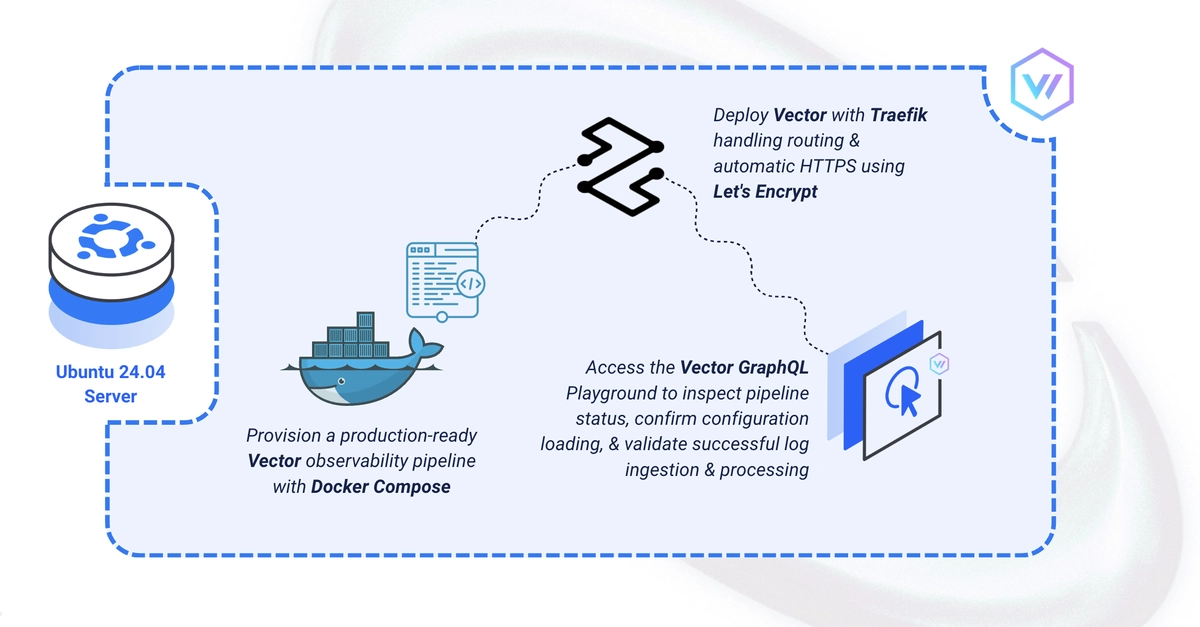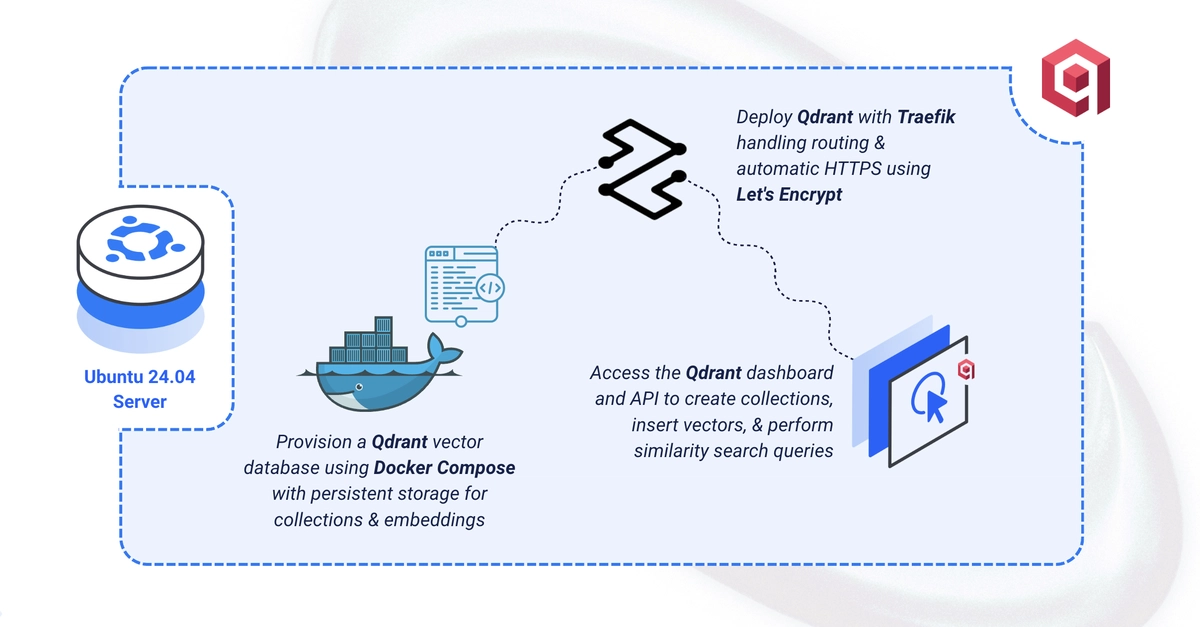
Qdrant is an open-source vector database for AI applications, optimised for similarity search over high-dimensional embeddings, with a REST/gRPC API, payload filtering, and a built-in dashboard. This guide deploys Qdrant using Docker Compose with Traefik handling automatic HTTPS, API-key authentication, and a sample collection that runs a similarity search. By the end, you'll have Qdrant serving vector search securely at your domain.
Set Up the Directory Structure
1. Create the project directory:
$ mkdir -p ~/qdrant/data
$ cd ~/qdrant