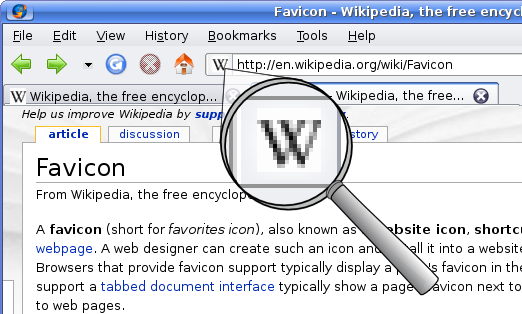
You changed your favicon three hours ago. Your browser still shows the old one. Here's why.
The Favicon Cache Is Not Your Regular Cache
Browsers cache favicons differently from images, CSS, and JavaScript. Chrome stores favicons in a separate database—the Favicon Cache—that survives cache clears, hard reloads, and sometimes browser restarts. Firefox has a favicons.sqlitefile that ties icons to history entries. Safari stores them in a system-level icon cache.
Clearing your browser cache won't touch any of these. That's why you still see the old favicon three hours after deploying the new one.
The Version-Busting Trick