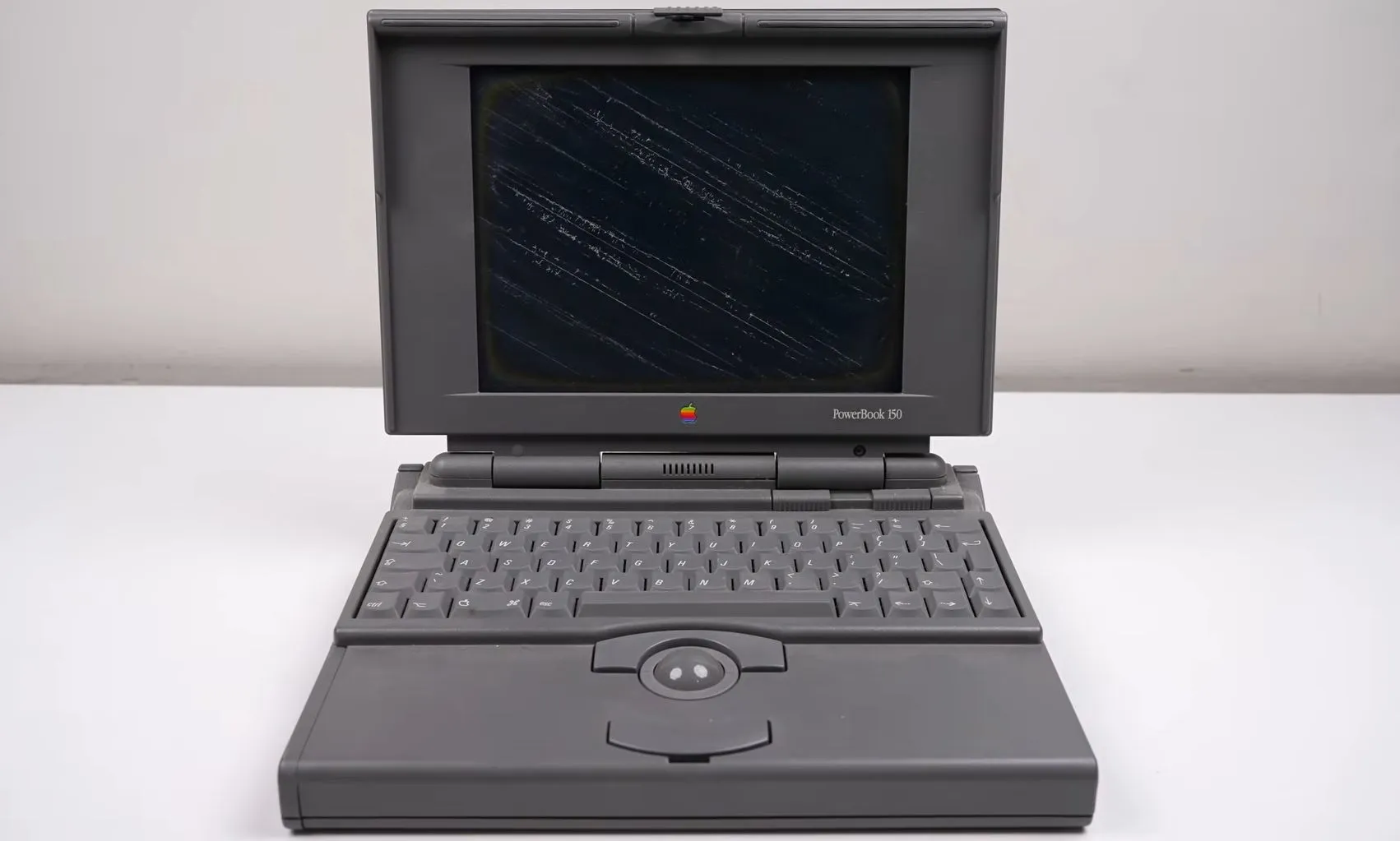
Every hardware technician or system engineer eventually faces the ultimate villain: a completely dead laptop that draws zero amps, or worse, triggers the bench power supply's over-current protection (ocp) instantly.
While software troubleshooting gets a lot of love, component-level hardware repair is a true art. Today, we’re going deep into the trenches of micro-soldering and motherboard diagnostics to map out exactly how to find a shorted capacitor or a blown PMU IC on a modern laptop logic board.
Step 1: The Initial Visual Inspection (Don't Skip This!)
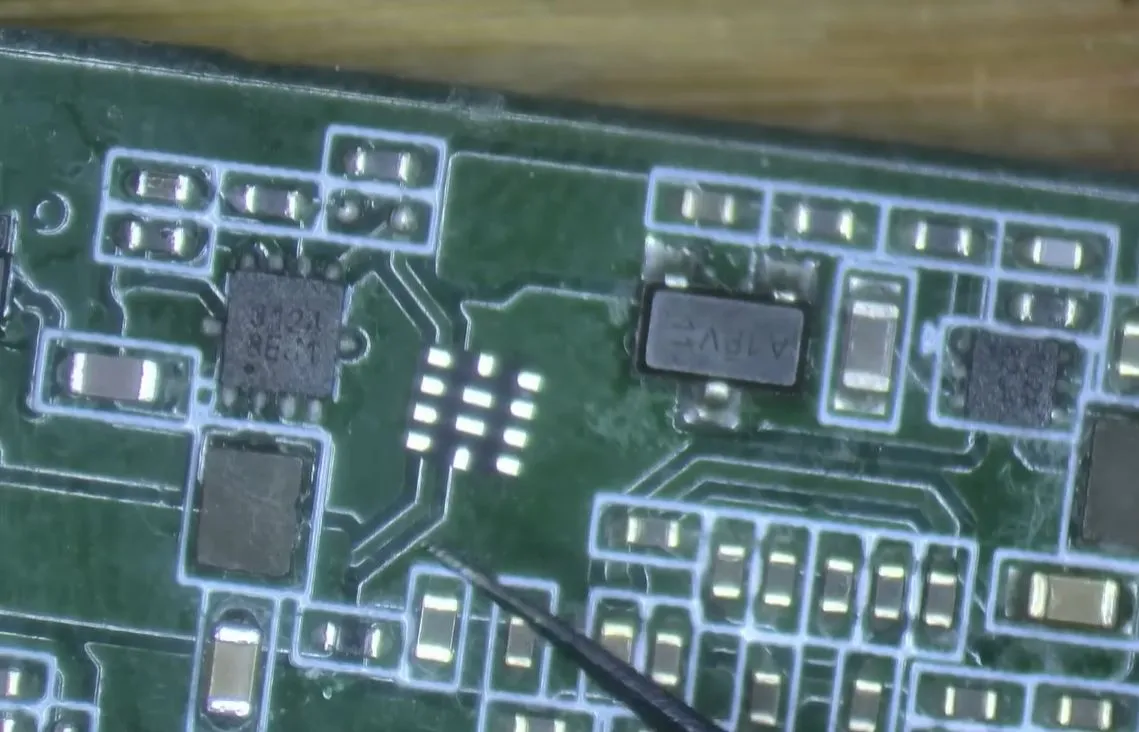
Before grabbing the multimeter, look closely under the microscope. 80% of catastrophic shorts leave physical evidence:
Discoloration: Blown ceramic capacitors often turn dark gray, cracked, or show tiny burn marks.