iOS 27 beta 2 includes our first look at the new Write with Siri features, which replace the standalone Writings Tools feature introduced as part of the first wave of the iOS 18 Apple Intelligence rollout.
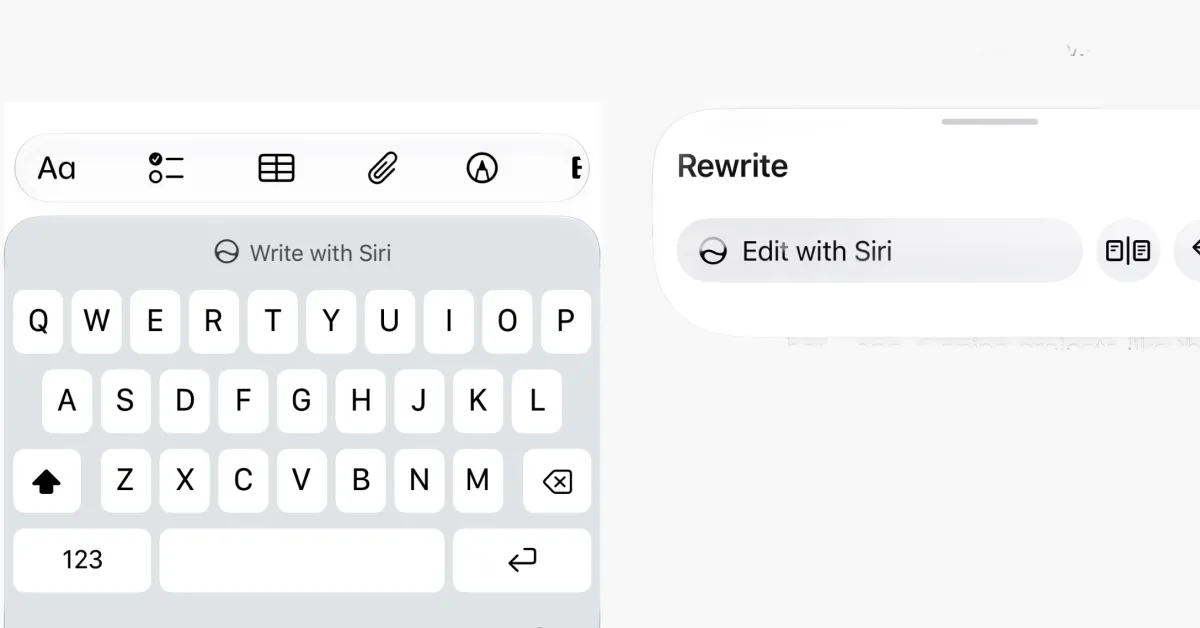
When editing text, the keyboard now prompts the user to write with Siri. This allows you to ask Siri using a natural language request to generate new text, proofread something you already wrote, rewrite a document into another style, and more.
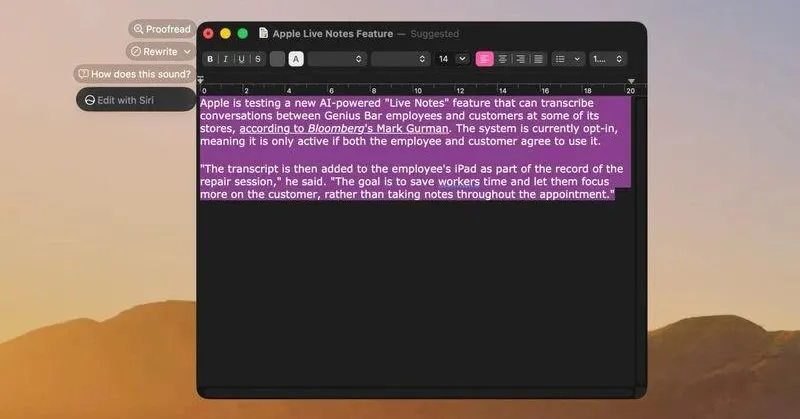
The older Writing Tools panel with dedicated buttons like ‘Friendly’ and ‘Professional’ has been removed in favor of this new Write with Siri system.
You can try this out for yourself in an app like Notes, or most apps that use the standard system text components.
Before you type anything, the keyboard suggestions bar will feature a prominent Write with Siri action. If you ignore it and start typing, a smaller Siri button appears next to the usual set of three predictive word suggestions.