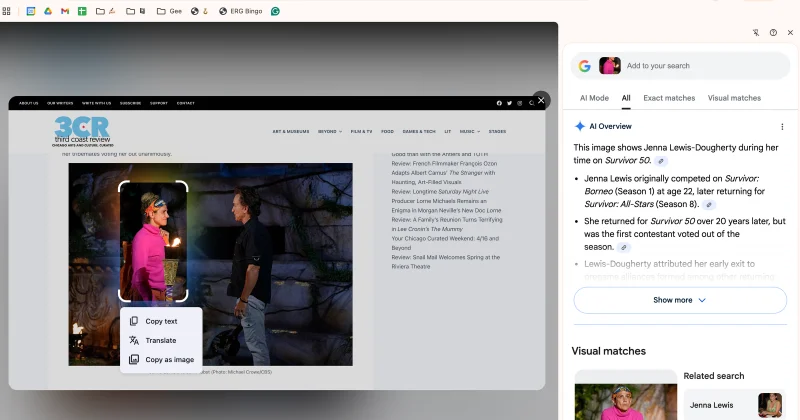
Google says it’s saving files and media uploaded during searches in user search history to train AI and improve the experience after announcing the change last month. Search history will include pictures, screenshots taken with Circle to Search, and audio files used in voice searches, but you can disable that.
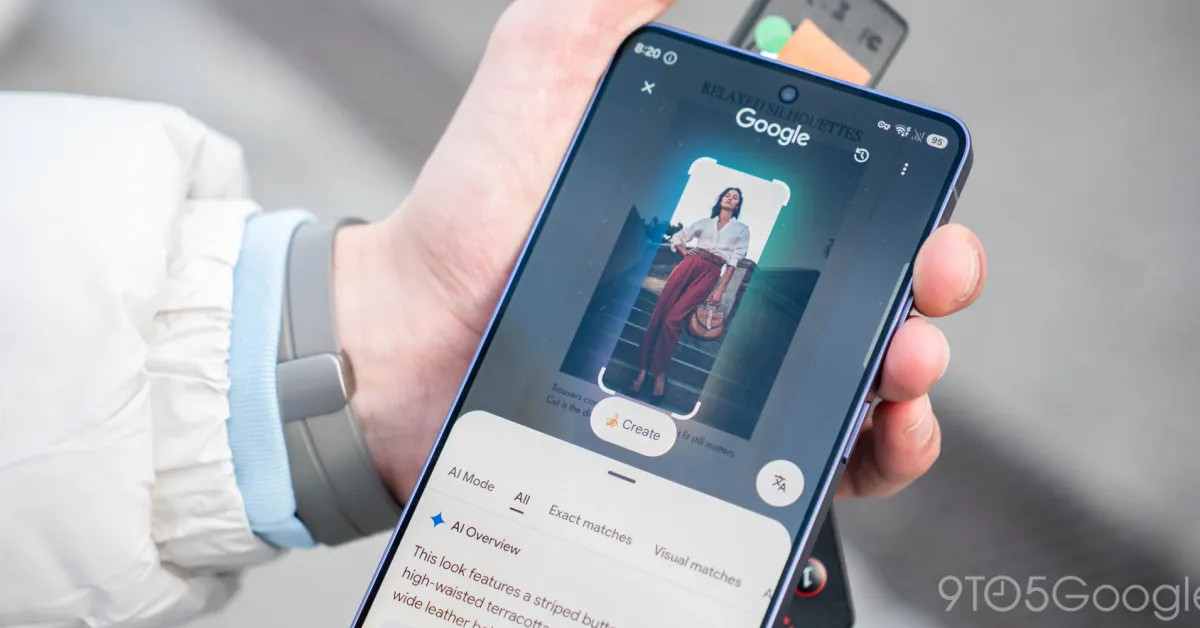
You may have seen a new pop-up appear while using one of Google’s search tools in Android. In our case, a card appeared during a routine Circle to Search interaction. The message states that any media used in Google Search interactions is now saved in the user’s Search Services History.
We covered this announcement in May, though it seems some are now seeing a new message explaining Google’s new Search Services policy.
Of the main media types Google intends to keep on hand, it lists files, images, and audio. One can assume this includes screenshots used in Circle to Search or Google Lens, considering this showed up after initiating the feature on a Pixel 10 Pro XL.
Whatever is visible on the screen is stored as a screenshot and saved in your Google Search media history. The same goes for audio used with Google Translate, pictures in Google Lens, or when identifying songs – a feature famously on-device only.