• AD CONTENT •
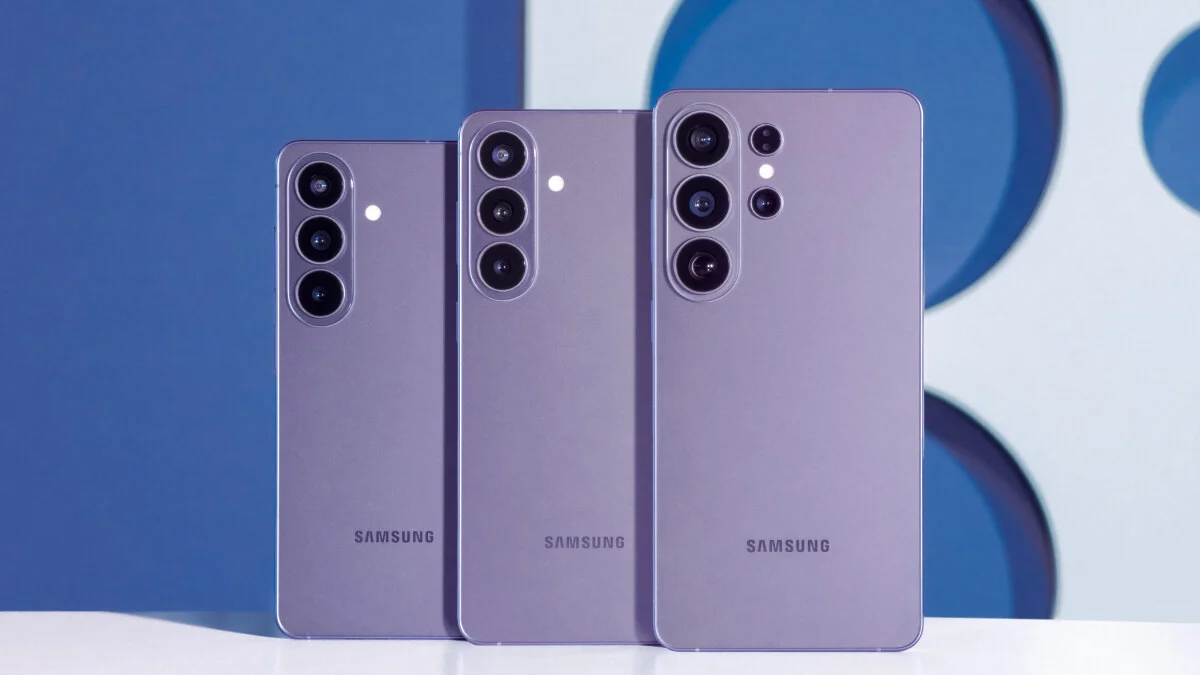
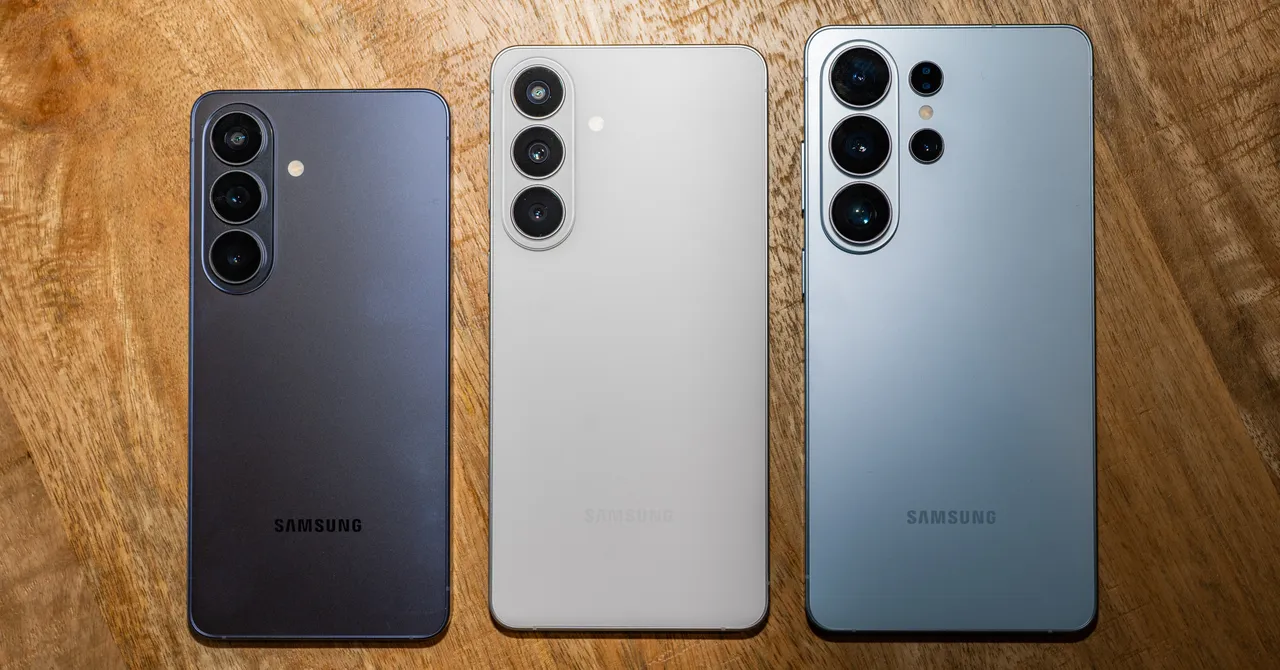
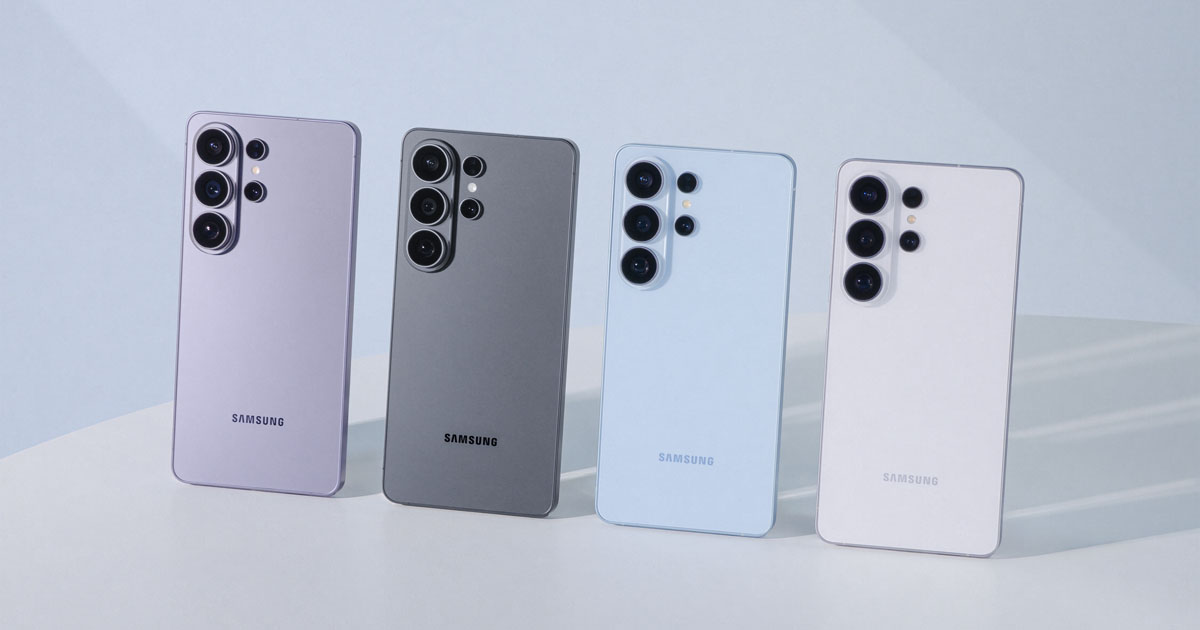
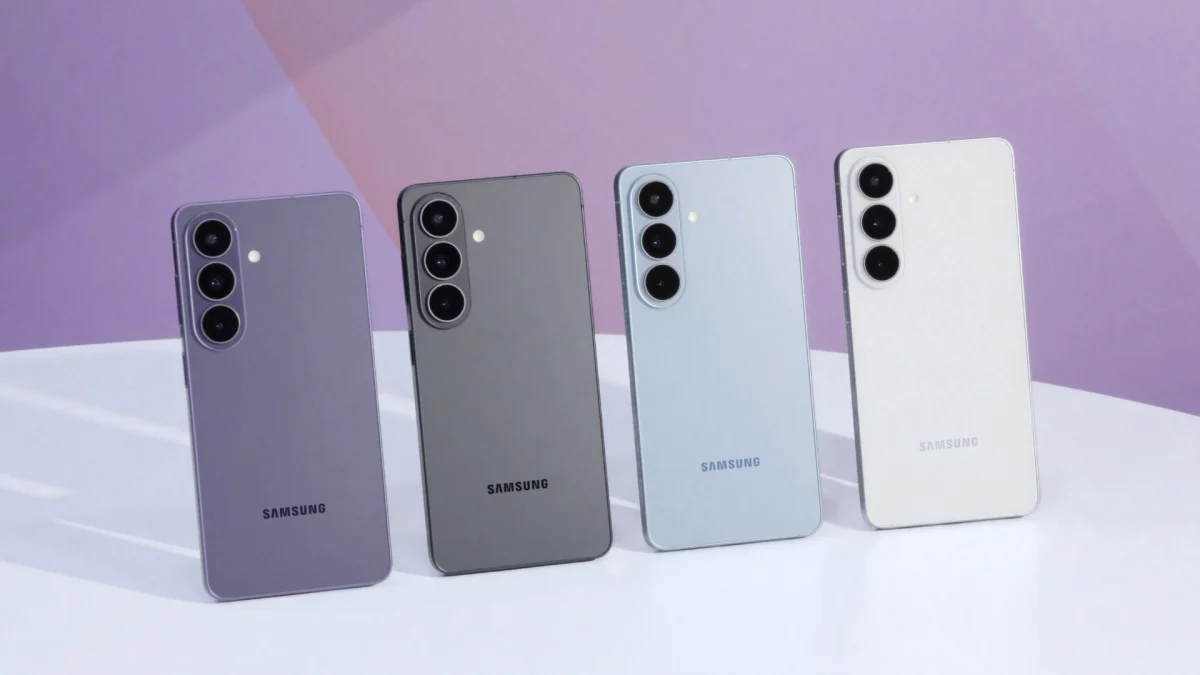
A practical walkthrough of the Galaxy AI features worth setting up the moment you take your new Samsung Galaxy S26 out of the box.
The following content is brought to you by Mashable partners. If you buy a product featured here, we may earn an affiliate commission or other compensation.
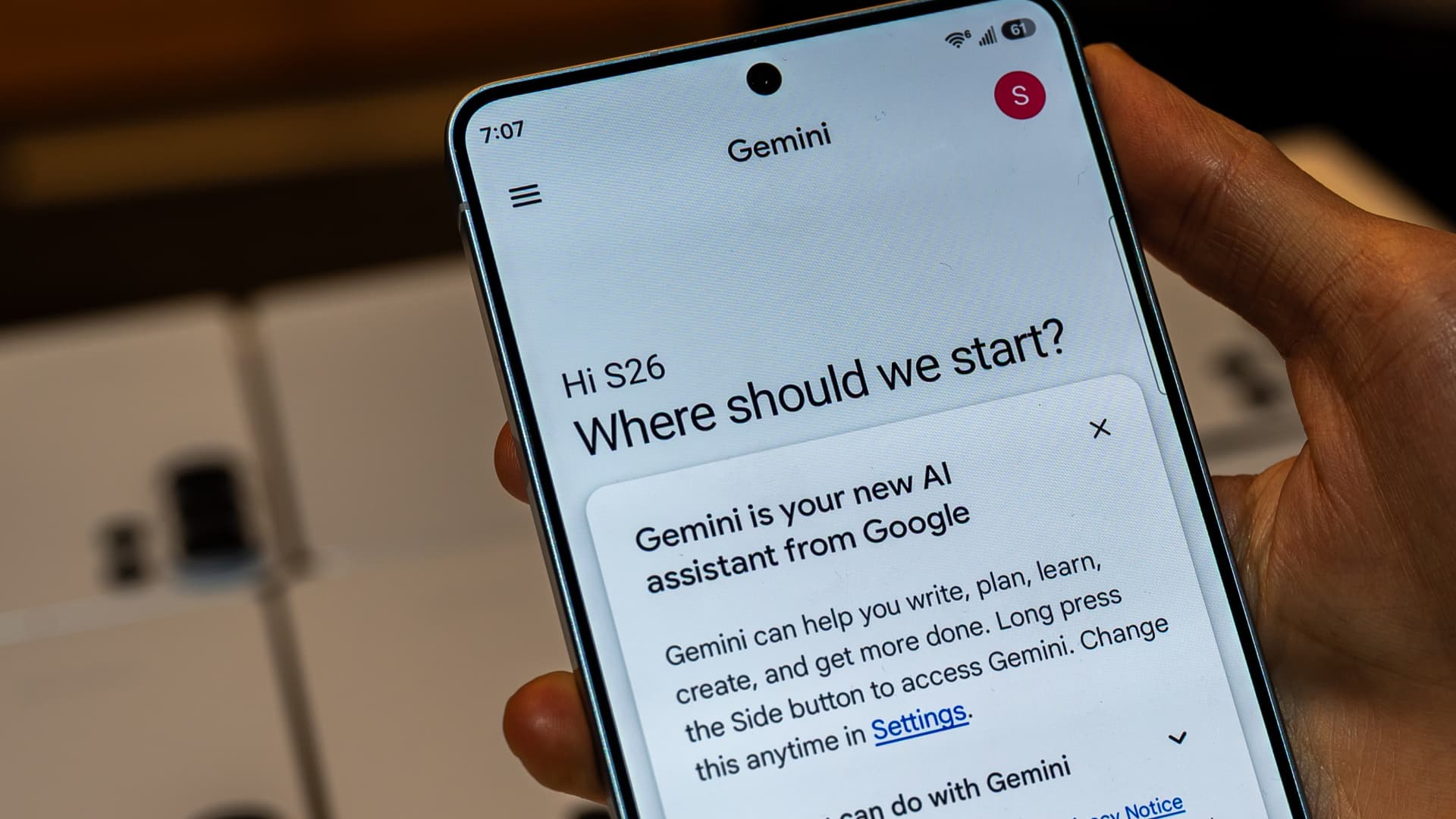
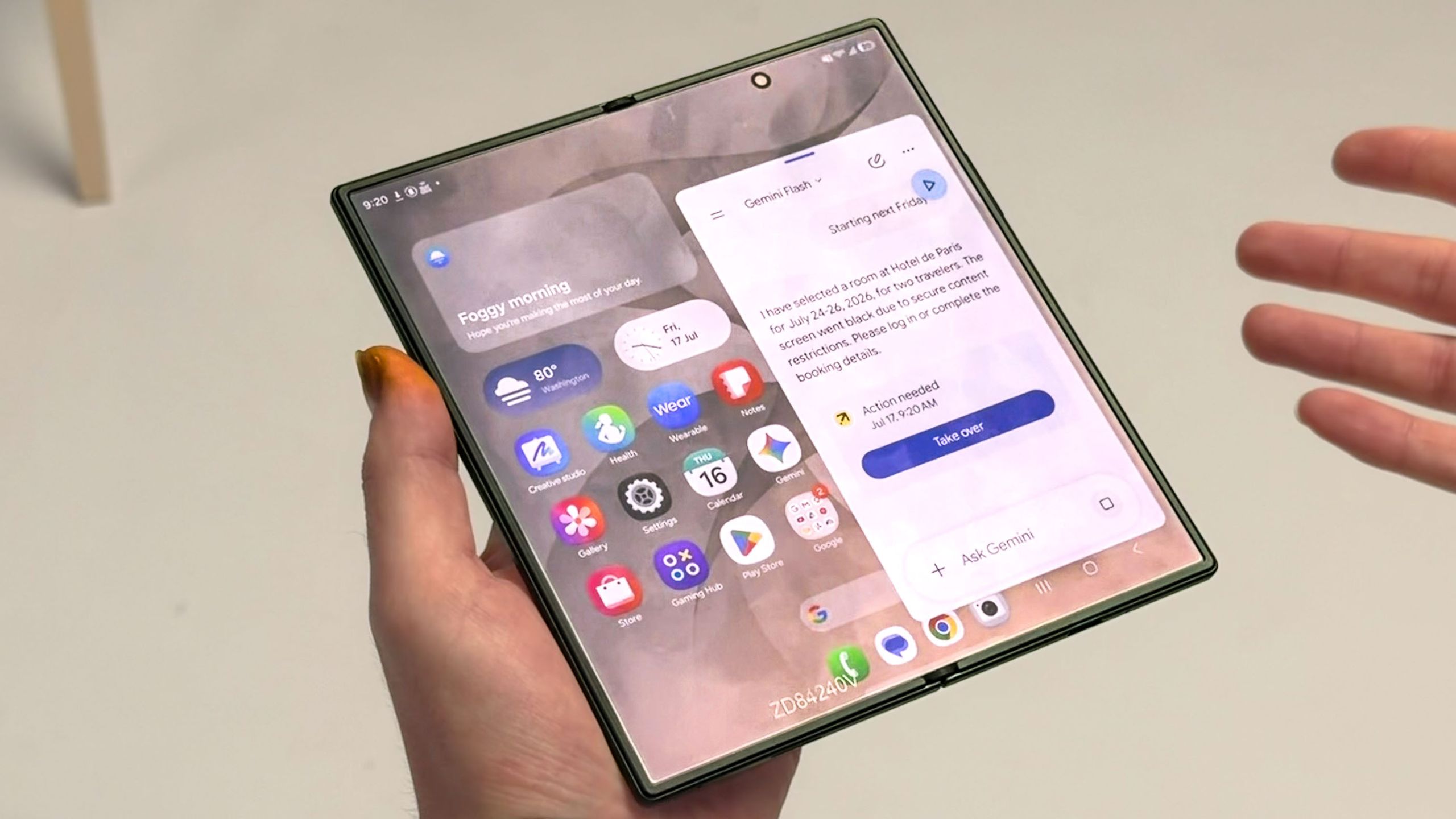
TL;DR key takeaways:The Samsung Galaxy S26 Series is built around Galaxy AI[1], with features that surface information when you need it and stay out of the way when you don't.Now Brief and Now Bar recap your schedule, current weather forecast, and live activities like music playback.Call Screening filters unknown callers and provides a live transcript of their reason for calling before you decide whether to pick up.Photo Assist[2], Creative Studio[3], and Bixby work together so editing, content creation, and voice control all happen in one place.Privacy Display[4] on the Galaxy S26 Ultra narrows the screen’s viewing angle to keep your screen private in public spaces.Modern existence can be exhausting. Between double-booked meetings on your work calendar and an entire digital social life to manage online, the small stuff has a way of stealing time you’d rather have for, you know, life.The Samsung Galaxy S26 is built to smooth out the rhythm of that everyday routine so you can get some of your time back. From need-to-know morning briefings that set your workday up for success, to live call transcripts that filter unknown numbers before you decide whether to pick up, to weekend photo-editing for post-worthy content, the device handles the little things for you.