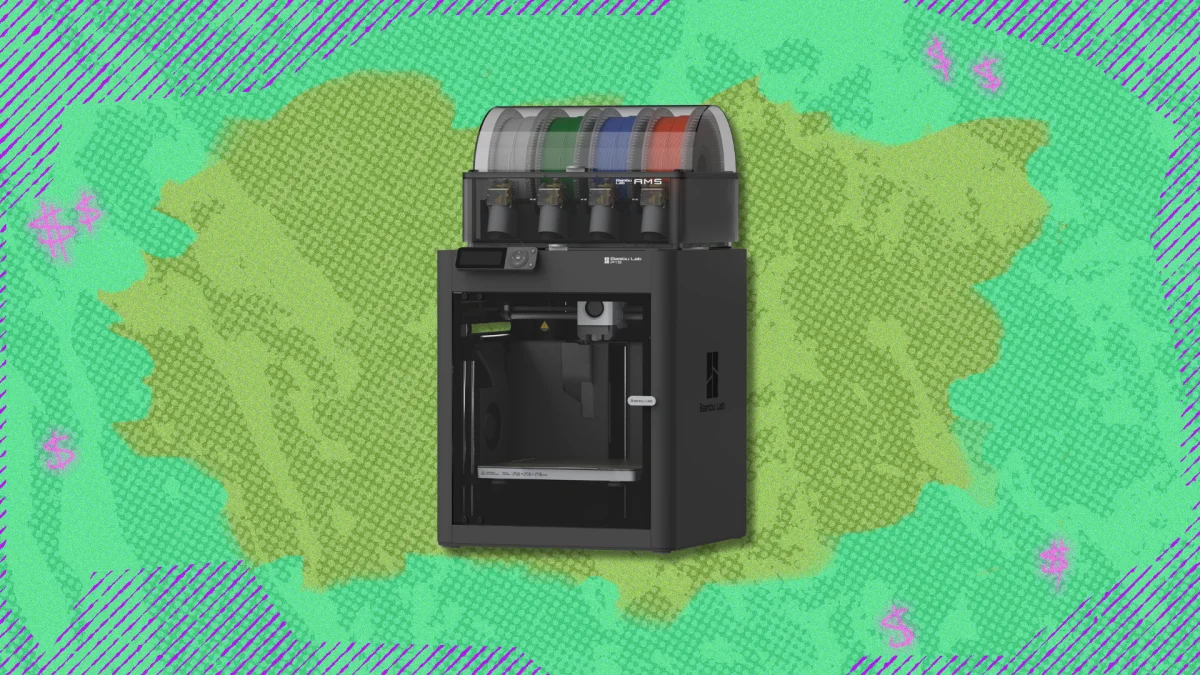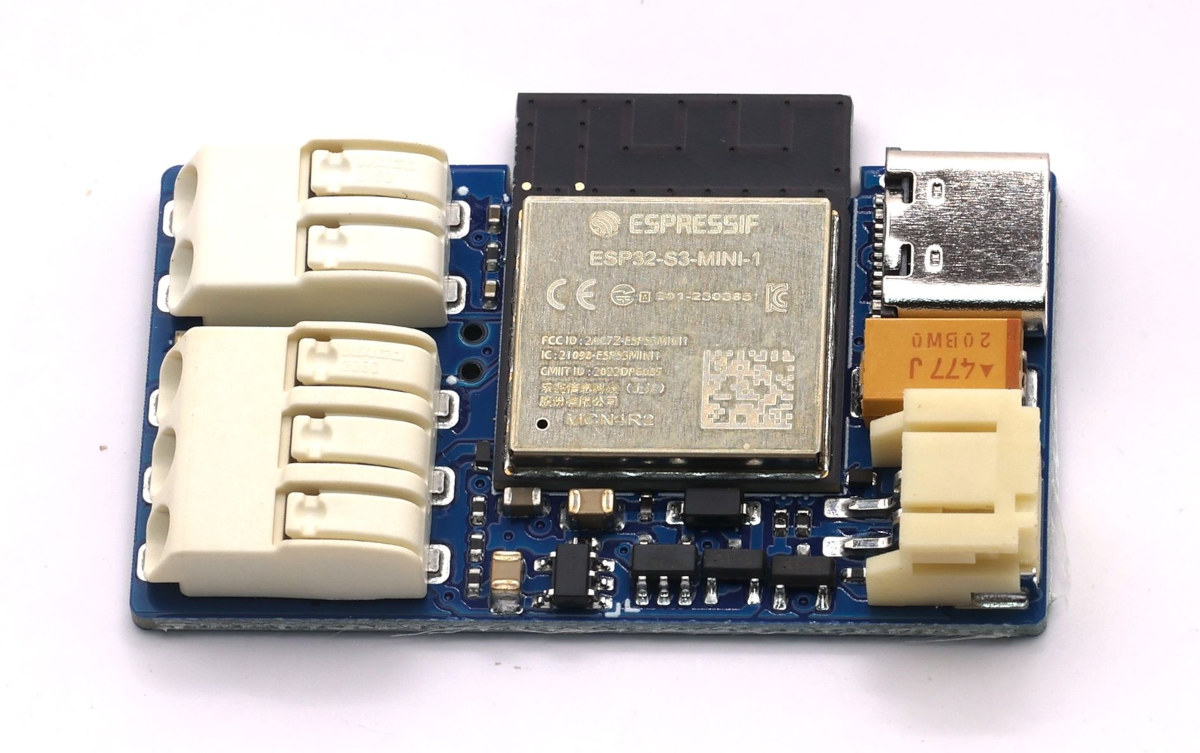
Bambu P1S – External LED Light (MQTT Controlled)This project adds an external LED light strip to the Bambu Lab P1S printer, synchronized with the internal chamber light using MQTT over the local network.The goal is to improve visibility inside the printer while keeping the behavior fully aligned with the printer’s native light control, without modifying firmware or adding manual switches.IntroductionThe built-in light of the Bambu P1S is functional but relatively weak, especially for long prints, monitoring, or video recording.You have two options to add a LED strip to the printer:Add a LED strip that consumes less that 0.3 amps and you can replace the connection to the onboard LED light and use the printer button to turn the light on and offAdd a LED strip that consumes more than 0.3 amps, use an external power and not control the leds using the printer.Instead of using an always-on LED strip or a separate switch, and not being able to use the printer to turn the lights on and off, this project listens to the printer’s own MQTT messages and mirrors the state of the internal chamber light.When the chamber light turns on, the external LED strip turns on. When it turns off, the external light turns off as well, using smooth fade-in and fade-out transitions.Everything runs locally.NOTE : If you see that the ligthts can't connect to the printer (you turn the light on and off and the LED ligths don't match settings), check if you have more than 2/3 MQTT connections to the printer - It's a known bug/limitation of Bambu printers, at least for P1 series. This was the behavior I saw when using the Printer on LAN mode only and/or developer mode.Here's the project repository in Github. You can find all the necessary files and instructions there.Why This ProjectTo Improve internal visibility of the print in the cameraImprove internal visibility of the print for timelapsesKeep lighting behavior consistent with the printerNo firmware modificationsNo outside connectionsNo manual controlsFully reversible installationHow It WorksAn ESP32 connects to the same local network as the printerIt subscribes to the MQTT topic published by the printerThe printer reports its internal state, including the chamber lightWhen the chamber light state changes:ON → external LED fades inOFF → external LED fades outWhen the chamber light state changes:ON → external LED fades inOFF → external LED fades outA MOSFET switches the LED power safelyHardware RequiredElectronicsESP32 board (Seeed XIAO ESP32-S3 used in this project)IRLZ44N MOSFET10k resistor220 ohms resistor5mm LED (color not important)2x USB-A Pcb mountPowerPowered via USBLED power is routed through the ESP32 5 V pin by designCommon ground between ESP32 and LED strip3D Printed PartsA custom 3D printed enclosure is used to:Hold the PCB securelyProtect the electronicsProvide cable strain reliefMount the assembly on the back of the printerElectrical Schematic and PCBThe schematic includes:ESP32 GPIO to MOSFET gate connectionGate pull-down resistorMOSFET low-side switching for the LED stripShared ground referenceStatus LED outputThe schematic files are included in the repository, in the PCB directory.PCBPCBWay logo
Smart LED Upgrade for Bambu P1S with ESP32-S3
Upgrade your Bambu P1S with smart WiFi-controlled LEDs powered by ESP32-S3. Clean install, custom PCB, fully open source. By Bruno Santos.
TL;DRAI
A DIY project adds external LED lighting to Bambu P1S via ESP32-S3, synchronized locally using MQTT without firmware modification. Demonstrates local IoT automation patterns increasingly relevant for tech teams managing device infrastructure independently.
915 words~4 min read