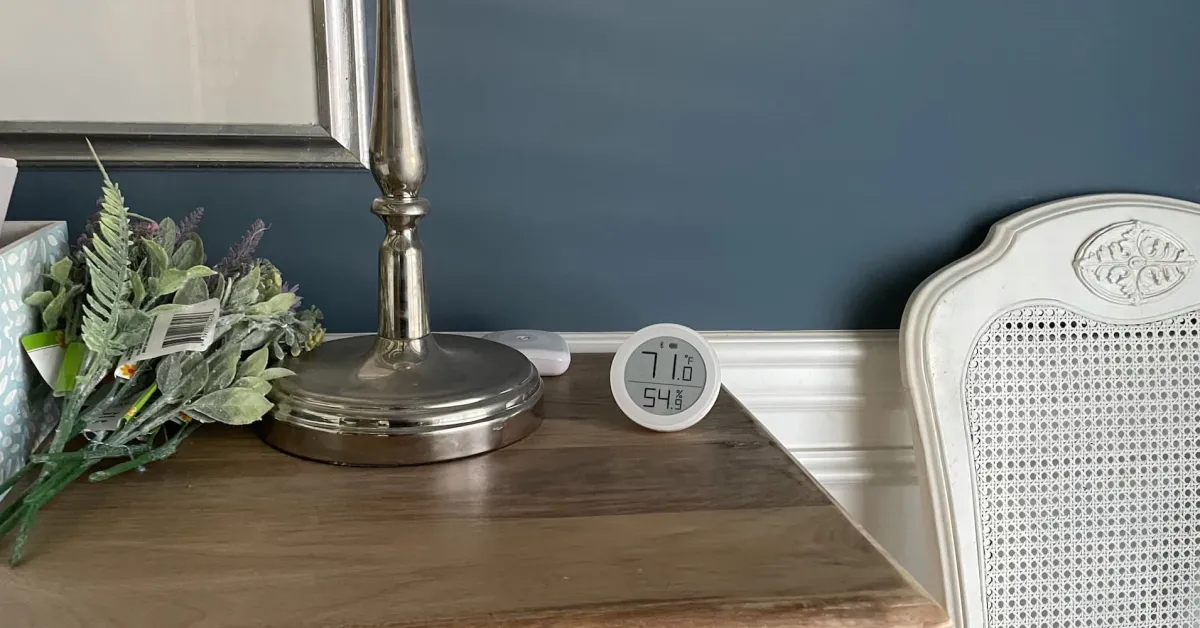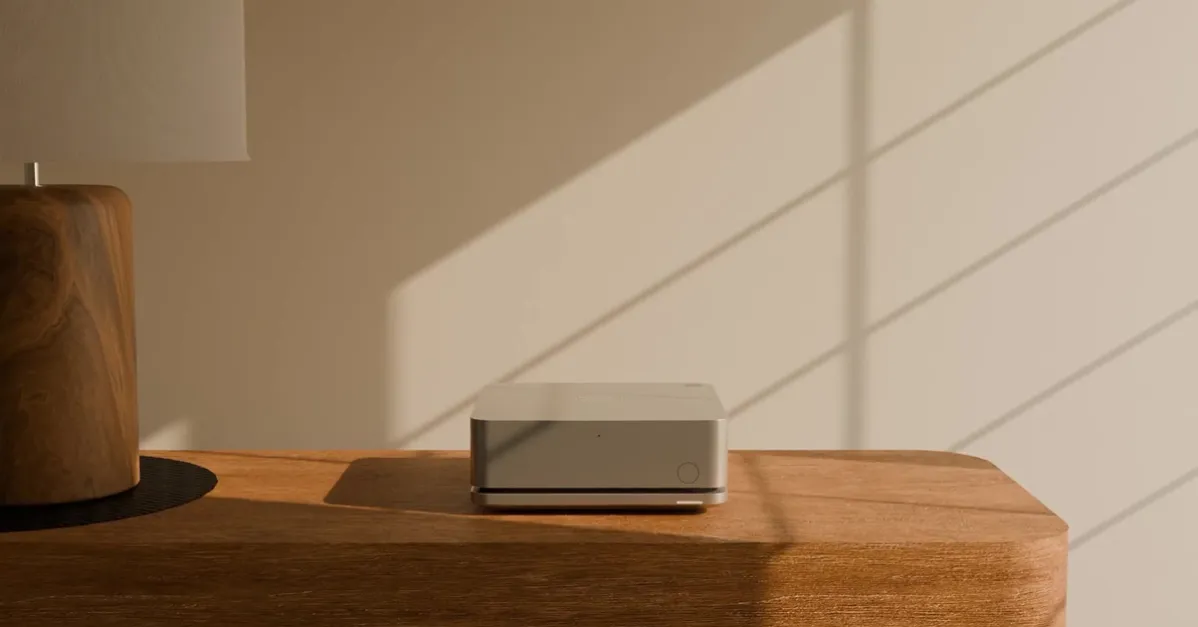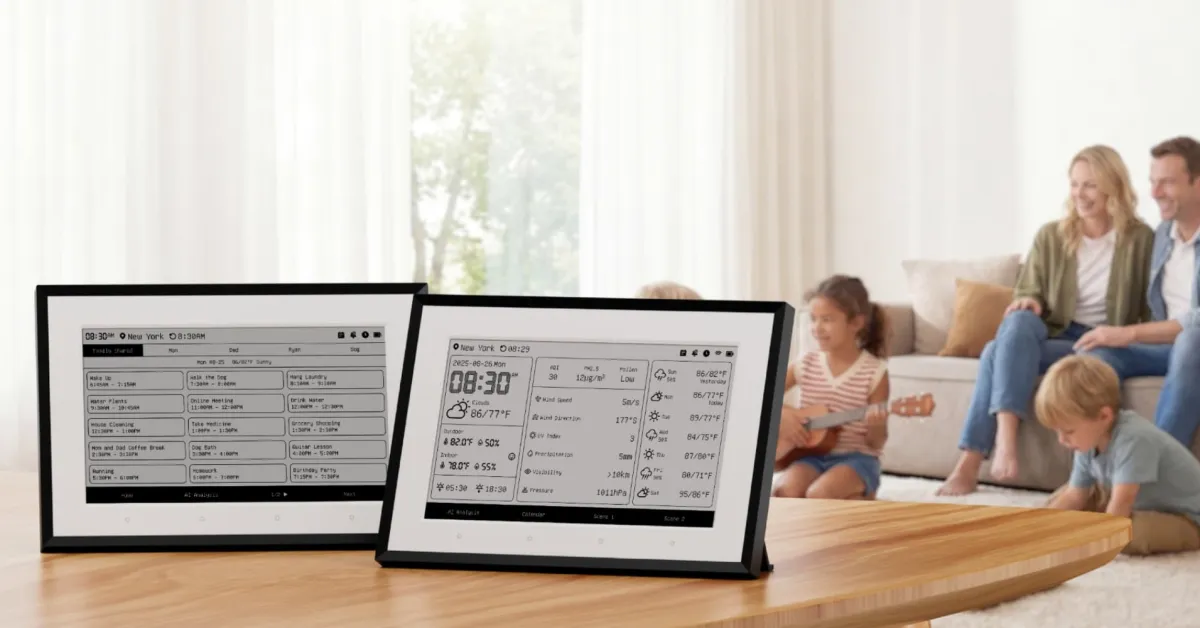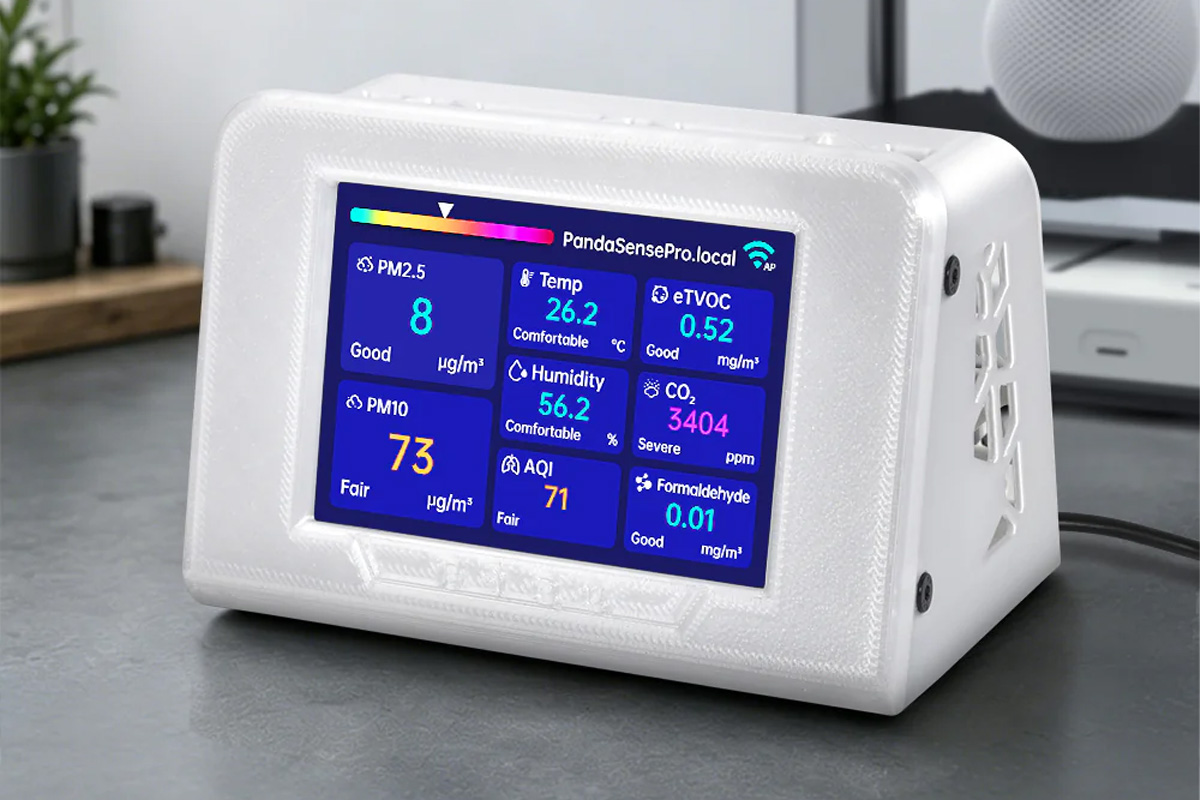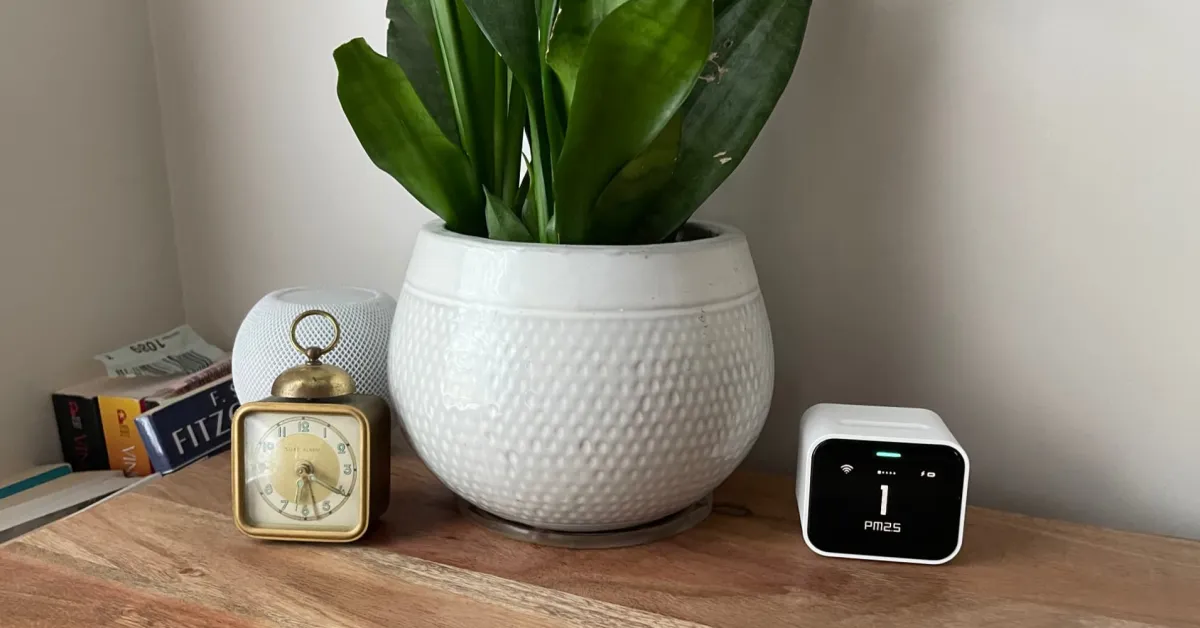
One constant on my desk for a few years now has been the Qingping Air Monitor Lite. When a device can look awesome, but also provide some really cool data for your Apple Home environment, it’s going to be a must-have.
HomeKit Weekly is a series focused on smart home accessories, automation tips and tricks, and everything to do with Apple’s smart home framework.
The design
The first thing that stands out to me about the Qingping Air Monitor Lite is that it has a retro look, which adds a nice look to your desk. It uses an LCD screen, but it almost looks like it belongs in the 80s. It has a squatty body style, breaking the mold of flat, square devices. On the back, you will find a USB-C charging port and a power button. It can run on the internal battery for a limited time, but if you have a spare outlet nearby, you can use the included USB-C-to-USB-A cable to keep it fully charged at all times. Inside the Qingping app, you can customize a few settings based on whether it is running on battery power or plugged into the wall. In my experience, it’s just better to leave it plugged up.
On top, you will find a capacitive slider that lets you swipe to rotate the display through its various metrics. The device tracks temperature, humidity, CO2 levels, and air quality using PM2.5 and PM10 metrics.