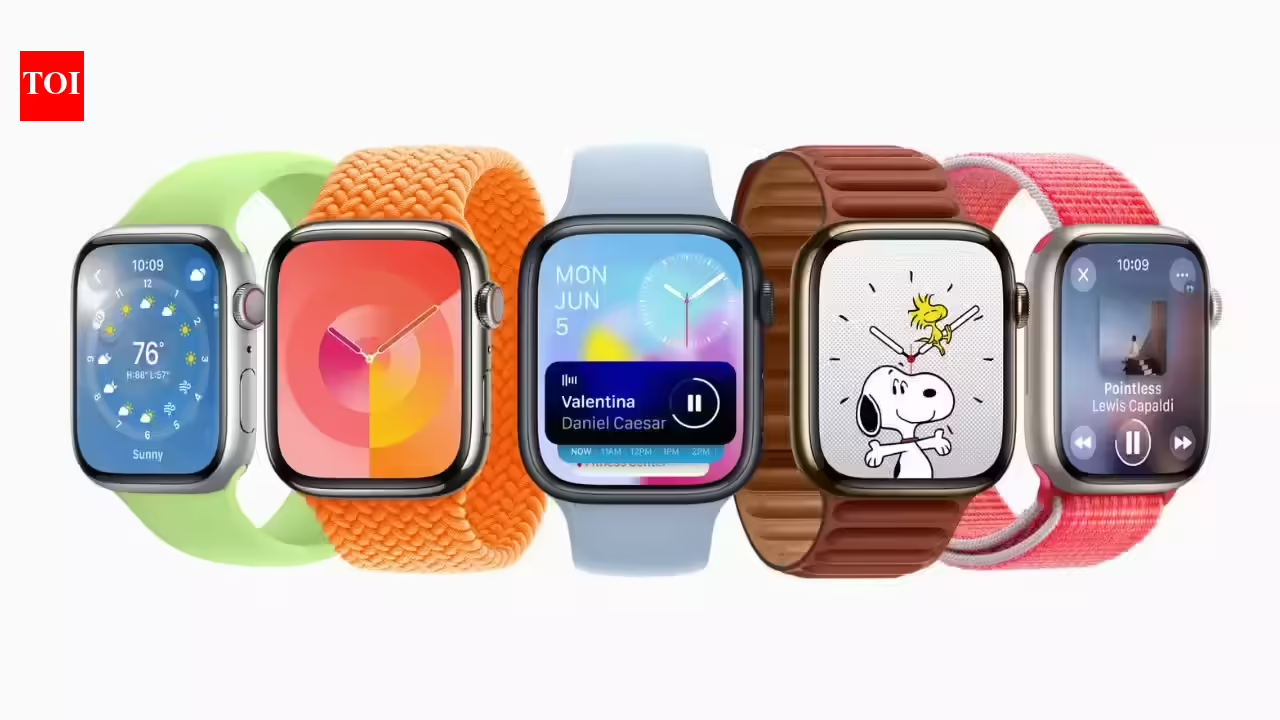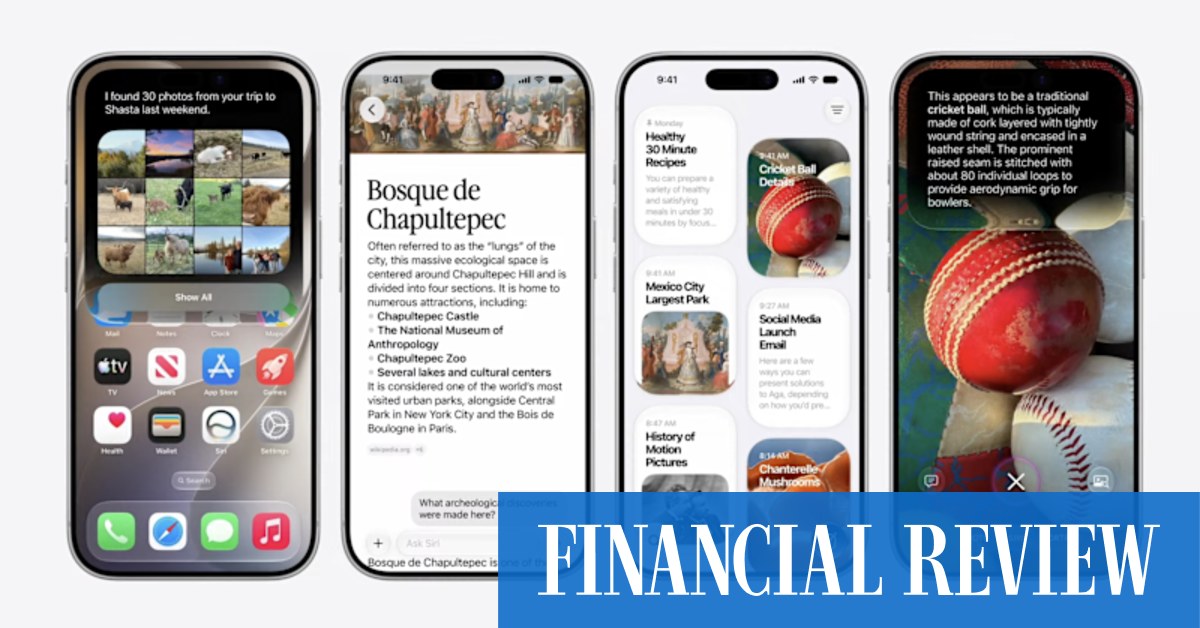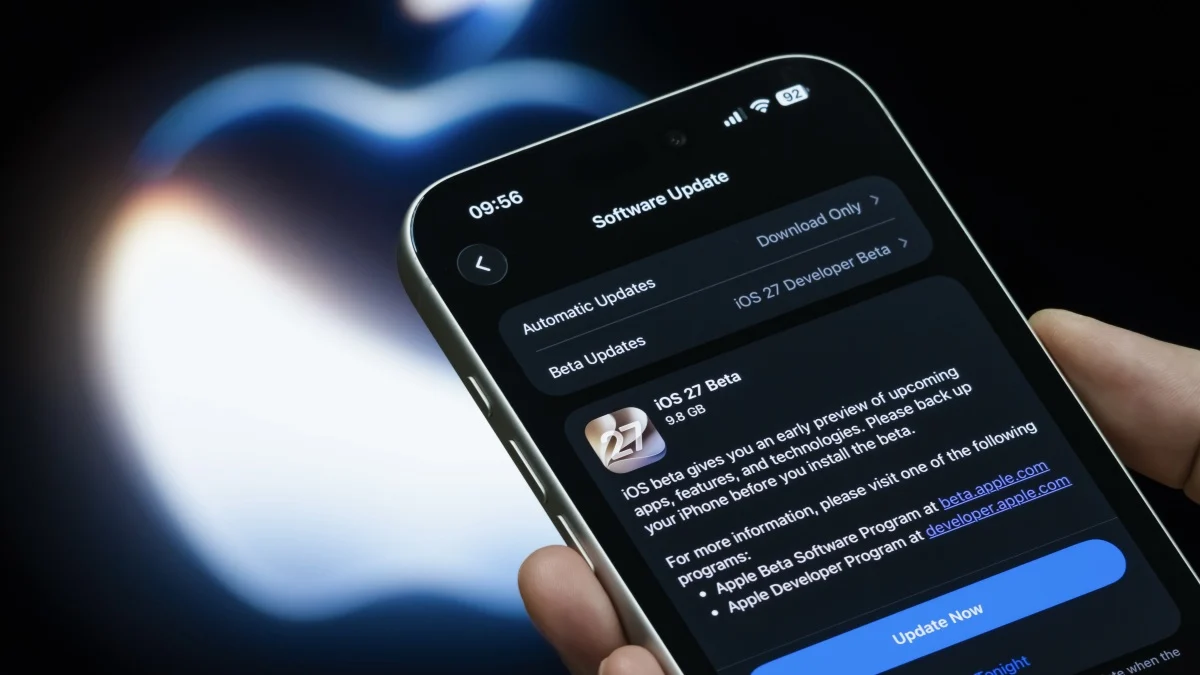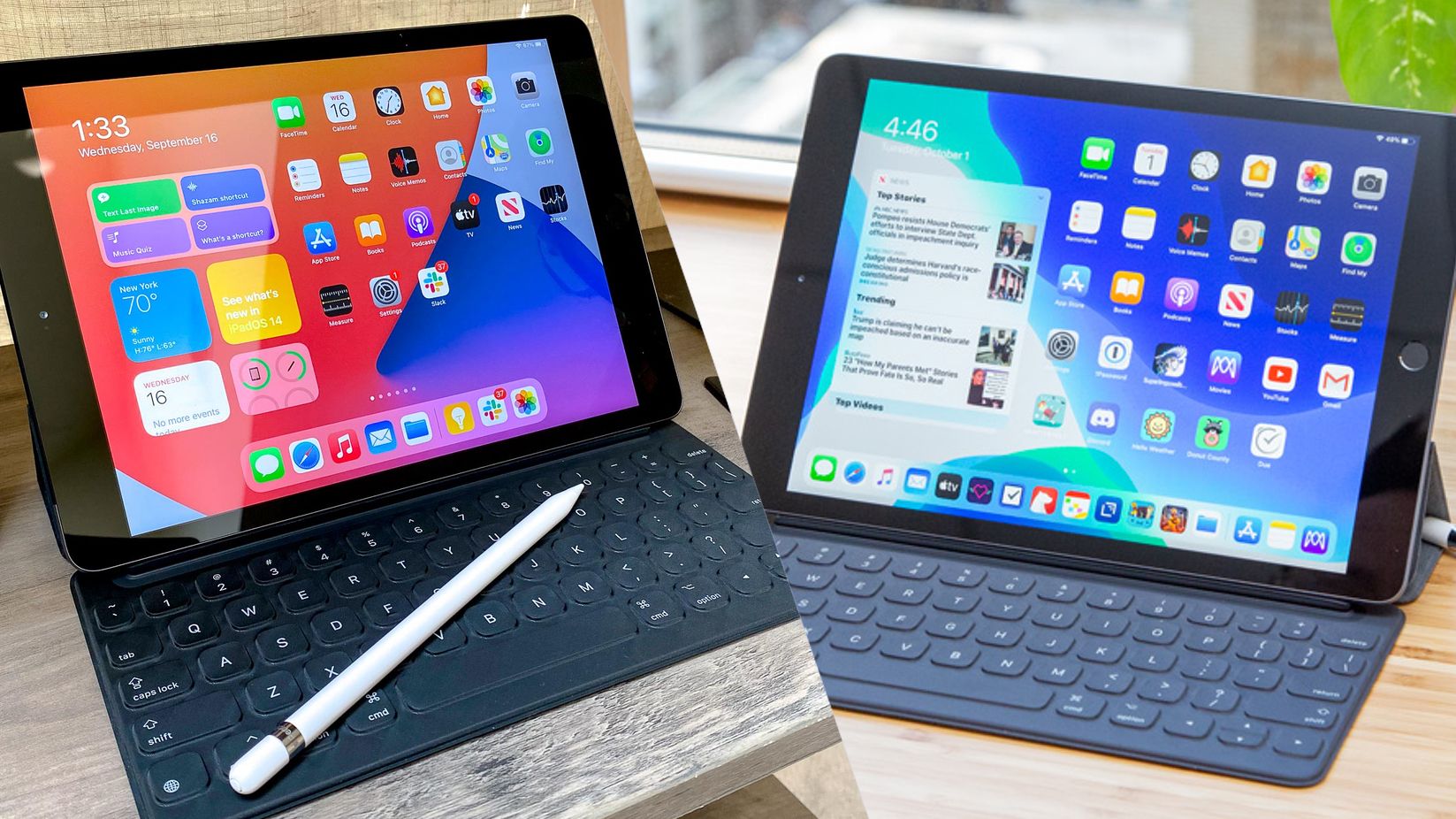
Here's some good news: just because Apple stops supporting a device doesn’t mean you need to throw it away. When I first saw reports that Apple is preparing to end software support for 16 devices across its ecosystem, I immediately wondered if my device would suddenly become unsafe to use. And while the answer is more complicated than a simple yes or no, I did find some answers by asking ChatGPT.And while a device that no longer receives major software updates can often continue working for years, there are legitimate concerns about security patches, app compatibility and whether it’s time to start planning an upgrade. But if you're just hoping to browse the web, stream videos, send emails and use many of your favorite apps, the device should be fine.But because I wasn't sure how to navigate the risks without support, I turned to AI. Instead of asking a generic question like “Should I replace my iPad?” I created a prompt designed to evaluate any aging Apple device and explain the tradeoffs in plain English.Support for these 16 devices will end September 2026This update marks the largest support cut in Apple Watch history, dropping five models at once to focus on newer chips:Apple Watch Series 6 (2020) Apple Watch Series 7 (2021) Apple Watch Series 8 (2022) Get instant access to breaking news, the hottest reviews, great deals and helpful tips.Apple Watch Ultra (1st Generation, 2022) Apple Watch SE (2nd Generation, 2022) Apple has raised the baseline hardware requirements for iPads, leaving behind five older models:iPad Air (3rd Generation, 2019) iPad mini (5th Generation, 2019) iPad (8th Generation, 2020) iPad Pro 11-inch (1st Generation, 2018) iPad Pro 12.9-inch (3rd Generation, 2018) This update officially completes Apple's transition away from Intel processors, meaning all remaining Intel-based Macs are losing support:MacBook Pro (16-inch, 2019) MacBook Pro (13-inch, 2020 – model with four Thunderbolt 3 ports) iMac (2020) Mac Pro (2019) Two older streaming boxes are being left behind to focus purely on modern 4K hardware:Apple TV HD (2015) Apple TV 4K (1st Generation, 2017) (Note: If you own an iPhone, you're safe this time around! The accompanying iOS 27 update continues to support all the same iPhone models as the previous generation).The ChatGPT prompt I recommendIf you own any of the older Apple devices losing support, copy and paste this prompt nto ChatGPT: "My device is a [DEVICE NAME]. It is currently running [OPERATING SYSTEM VERSION]. Apple has stopped providing major software updates for this device. Act as a consumer technology expert and assess: Whether the device is still safe for banking, shopping and sensitive accounts. How long apps are likely to continue working. What security risks I should know about. Whether I should keep using it, repurpose it or replace it. The most cost-effective upgrade path if I decide to upgrade. Explain your reasoning in plain English and avoid technical jargon."The beauty of this prompt is that it forces ChatGPT to think through the practical implications rather than simply telling you that newer hardware exists.What ChatGPT gets rightWhen I tested similar prompts on older devices, ChatGPT generally did a good job distinguishing between “unsupported” and “unusable.”To specify, a device that stops receiving major operating system updates doesn’t immediately become dangerous. In many cases, Apple continues providing security updates for older versions of its software. Even when those eventually stop, the device may remain perfectly suitable for low-risk tasks like media streaming, reading, video calls or serving as a dedicated smart-home controller.Where ChatGPT shines is helping people think through how they actually use their device.For example, someone who only uses an older iPad for Netflix and YouTube has very different needs from someone who regularly uses that same device for online banking, password management and work-related tasks.What ChatGPT can’t tell youAs useful as the prompt is, I wouldn’t treat ChatGPT as the final authority. That goes with pretty much any time you prompt an AI, to be honest. The chatbot doesn’t have access to Apple’s internal support plans. It can make educated assessments based on publicly available information, but it can’t predict exactly how long specific apps will continue supporting older hardware.That’s why I recommend using ChatGPT to help with decision-making tool rather than a decision-maker. Think of it as a knowledgeable friend you can contact at any time to help you evaluate your options.If the chatbot identifies legitimate concerns about security, compatibility or performance, that’s your signal to do additional research before making a final choice.The bigger lessonOne of the most useful applications of AI for me is often navigating gray areas. Apple ending support for a device doesn’t automatically mean you need to spend hundreds of dollars on a replacement. But it also doesn’t mean you should ignore the risks forever. This prompt can help you understand where your device falls on that spectrum.It's a good conversation worth having before you rush out to buy something new. Is your device on the list? Let me know in the comments if you plan on replacing your device.Follow Amanda Caswell and stay ahead of the AI curve
Apple is ending support for 16 devices — here’s the ChatGPT prompt that tells you what to do next
I leaned on AI to figure out what to do with my old Apple devices
TL;DRAI
Apple ends support for 16 devices—5 Apple Watch, 5 iPad, 4 Intel Mac, 2 Apple TV—by September 2026. Teams should audit device categories for security exposure and app dependencies to prioritize refresh budgets rather than assuming blanket replacement.
952 words~4 min read