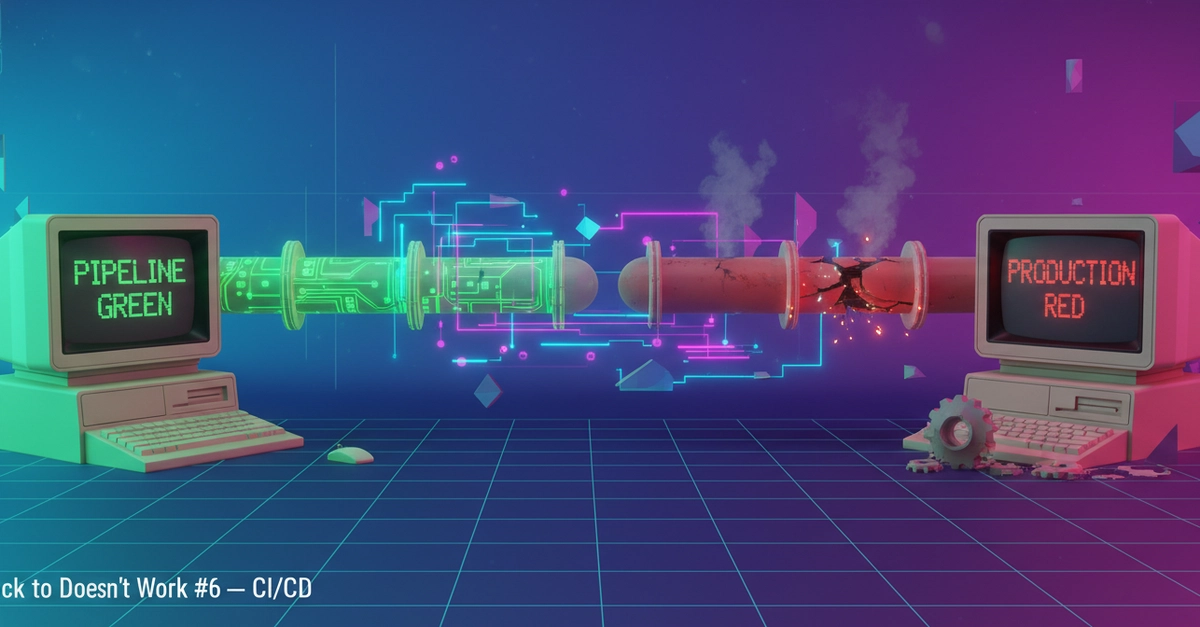
You're three hours into a Friday afternoon deploy. Your Azure DevOps pipeline compiled successfully, the Fabric items synced, and the release gate passed. The production workspace looks identical to staging. Monday morning, your data engineer messages you: the Semantic Model refresh is broken, the lakehouse partitions are corrupted, and nobody can open the report without a timeout error.
This is the Microsoft Fabric CI/CD story nobody writes tutorials about.
I found this pattern documented extensively on Qiita — Japan's largest developer community — in a post by ryoma-nagata that walks through the complete Azure DevOps Pipeline setup for Microsoft Fabric CI/CD. The Japanese documentation and community have developed a nuanced understanding of what's actually production-ready versus what's a "hello world" demonstration. English-language resources are sparse, and the gap is costing teams real money.
The Core Pattern: Fabric Items as Pipeline Citizens
Microsoft Fabric stores everything as "items" within workspaces — semantic models, lakehouses, data pipelines, reports, notebooks. The CI/CD challenge is treating these items as version-controlled code that can be promoted through environments.