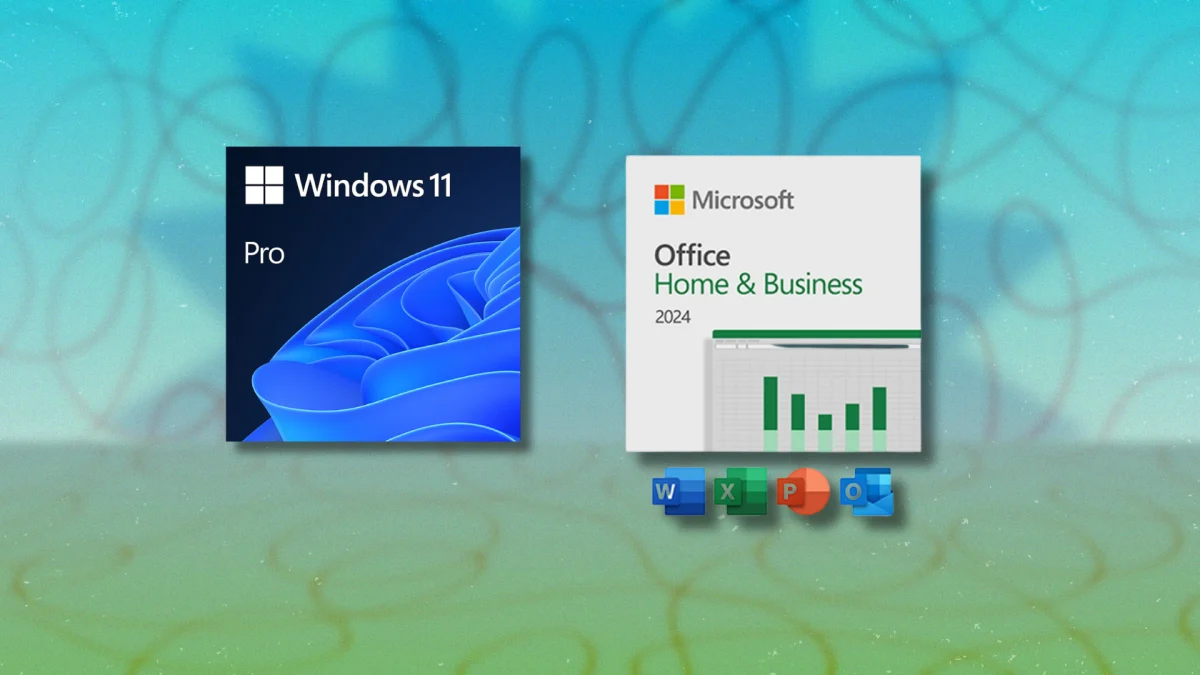
StackSocial regularly runs deeply discounted licenses on Microsoft software, and the Windows 11 Pro license is legitimate — a one-time digital purchase with no subscription, no recurring fees, and no expiration. You buy it, you redeem the key, you install it on one PC, and it’s yours permanently. For $10. (Not a typo.)
See at Stacksocial
Leave Home, Go Pro
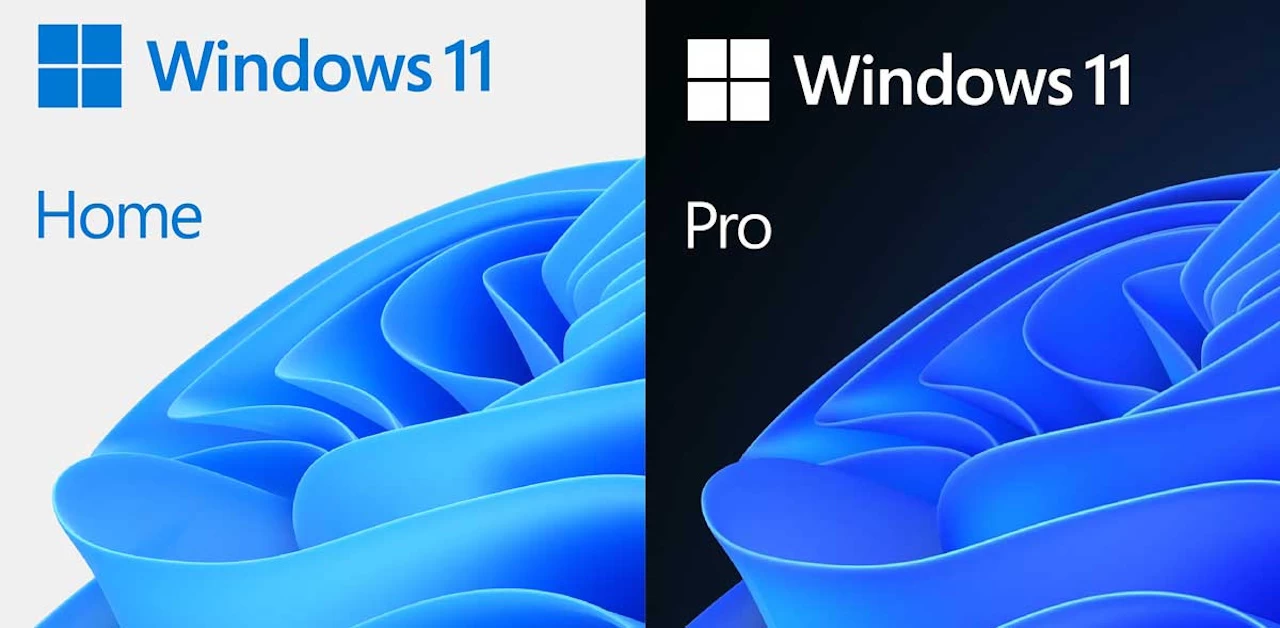
The main difference between Windows 11 Home and Pro comes down to four features that most casual users don’t need, but ones that power users can’t work without. BitLocker provides full-disk encryption — the standard for enterprise data security and compliance — which protects everything on the drive if the machine is lost or stolen. Hyper-V lets you run virtual machines natively, which is essential for developers testing across environments, IT professionals managing systems, or anyone who needs to run a sandboxed OS alongside their main installation. Windows Sandbox provides an isolated environment for testing unfamiliar applications without risking the primary system. And Azure AD support connects to Microsoft’s enterprise identity platform for business network access and identity management.
For anyone doing development work, managing IT infrastructure, running VMs for testing, or working in an environment that requires encrypted drives, these are the features that justify Pro over Home — and with the Pro version selling for $10, any hesitation to go big and go Pro should be gone.