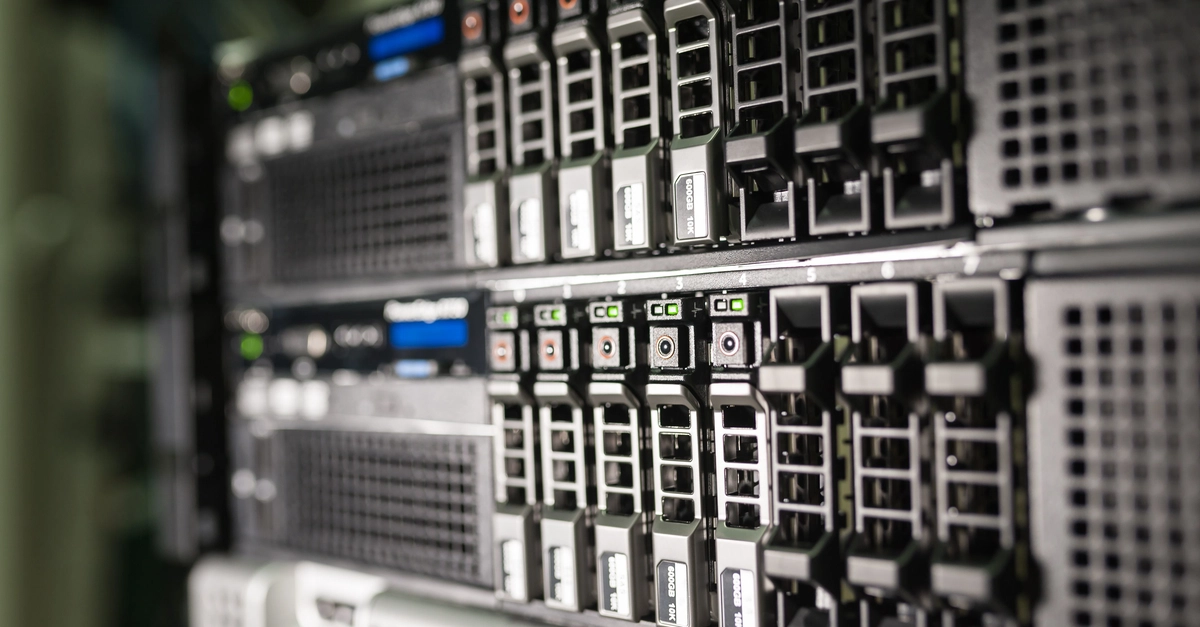
If your idea of homelab fleet management is currently five terminal tabs, a sticky note with IP addresses, and the dawning horror of remembering which Pi runs apt and which runs dnf — this guide is for you. We'll wire up a real mixed-architecture homelab (NAS, two Raspberry Pis, a Docker media box, and your desktop) so you can drive the whole thing from one AI chat instead of hopping between SSH sessions. The engine is the open-source MCP server remote-agents.
In short: a lightweight agent runs on every machine and dials outbound into an encrypted relay room. Your AI assistant (Claude or opencode) sees the whole homelab as one computer and calls tools like fleet_exec, fleet_read, schedule_add, exec, and set_mode. Command payloads are end-to-end encrypted (AES-GCM-256) — the relay only ever forwards ciphertext, never plaintext, never keys.
Table of Contents
Architecture: five hosts, one room
Recipe 1 — Install agents and tag the homelab