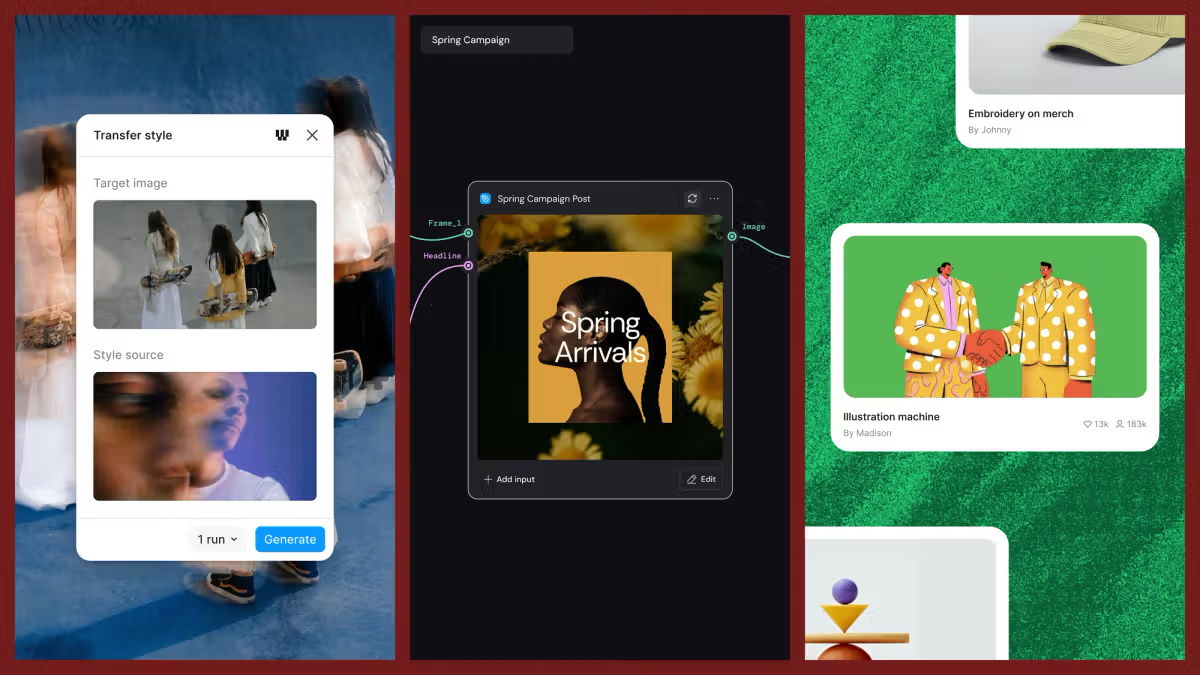
June 18, 2026Aleph 2.0 brings frame-level creative direction to the Figma Weave canvas.Runway’s new model Aleph 2.0, now available in Weave, is built for more precise footage control to make every edit a decision you direct.More time, more controlAleph 2.0 supports video clips up to 30 seconds, so you can direct a full scene. Bring in reference images to inform the look you want, and the model applies it across the video while preserving everything you didn't ask to change. Keyframe edits carry through wherever they're relevant, so a change to a subject follows that subject through every frame they appear in.Sequence your stepsCreative direction rarely happens in a single prompt. The Aleph 2.0 node in Weave lets you build a video the same way you build any creative project, one decision at a time. Through a connected workflow, you can preview changes before you commit, refine as you go, and shape the final result.Go beyond what you capturedOnce a scene is on the canvas, you're not limited by what was originally filmed. Change the camera angle, introduce a new character, or transform the environment entirely—without a reshoot. That way you can explore multiple directions side by side and develop ideas without starting over. You design the conditions and the model takes the video somewhere new.Pricing will be updated soon to scale with input length, which may reduce costs for many use cases. Visit our help center, community templates library, and knowledge center to learn more about how to get started in Figma Weave.Kim Köhler is a creative workflow advocate at Figma Weave. He builds AI-driven workflow examples for designers, produces tutorials, and helps grow an engaged creative community. He previously held creative direction and technical artistry roles at Meta and The Mill.Create and collaborate with FigmaGet started for free
Direct Every Frame with Runway Aleph 2.0, Now in Figma Weave | Figma Blog
Aleph 2.0 brings frame-level creative direction and video editing control to the Figma Weave canvas.
300 words~1 min read