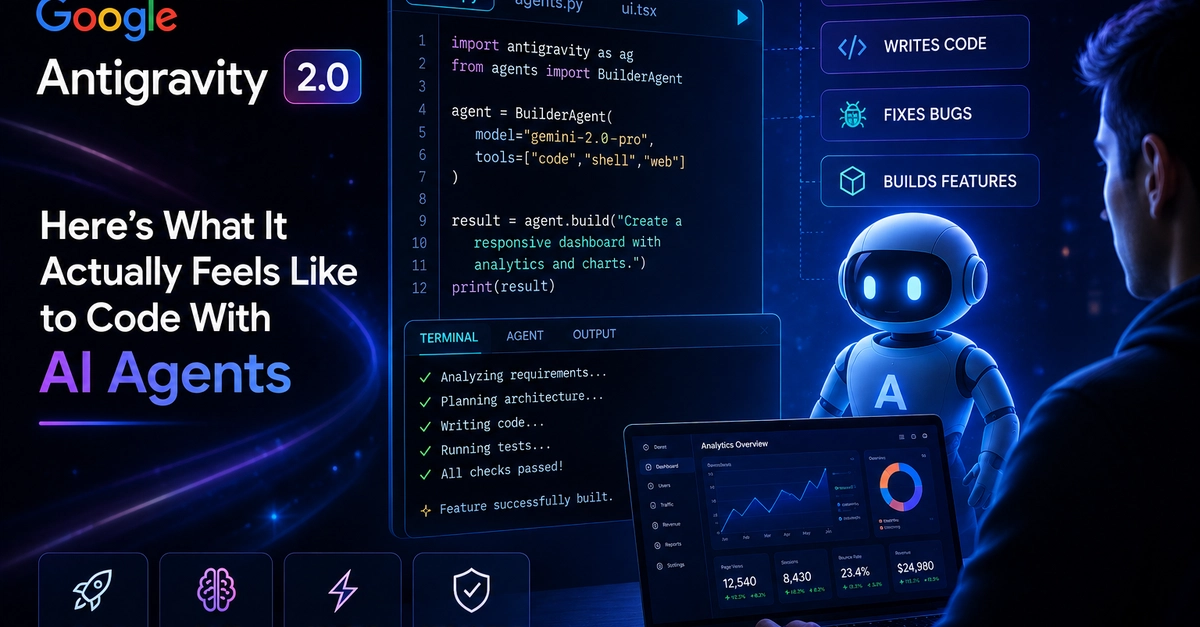
I was right in the middle of a serious coding session when, without warning, my entire development environment was hijacked. My familiar code editor, file tree, and integrated terminal vanished, instantly replaced by a blank, chat-only “Agent Manager” dashboard.
As someone who relies almost entirely on the classic IDE to get actual development work done, having my productivity shattered by an unprompted, forced update was incredibly annoying. I lost hours of work just trying to figure out where my code went and how to revert my system back to a functional state.
If you were similarly flashbanged by the Antigravity 2.0 update, here is a complete breakdown of what Google changed, the data behind the new features, why it broke our setups, and the exact steps I used to repair my workspace.
The Big Split: Separation of the IDE
Google’s underlying philosophy with the 2.0 release is that developers shouldn’t be editing code line-by-line anymore; they should be directing AI agents to do it for them.