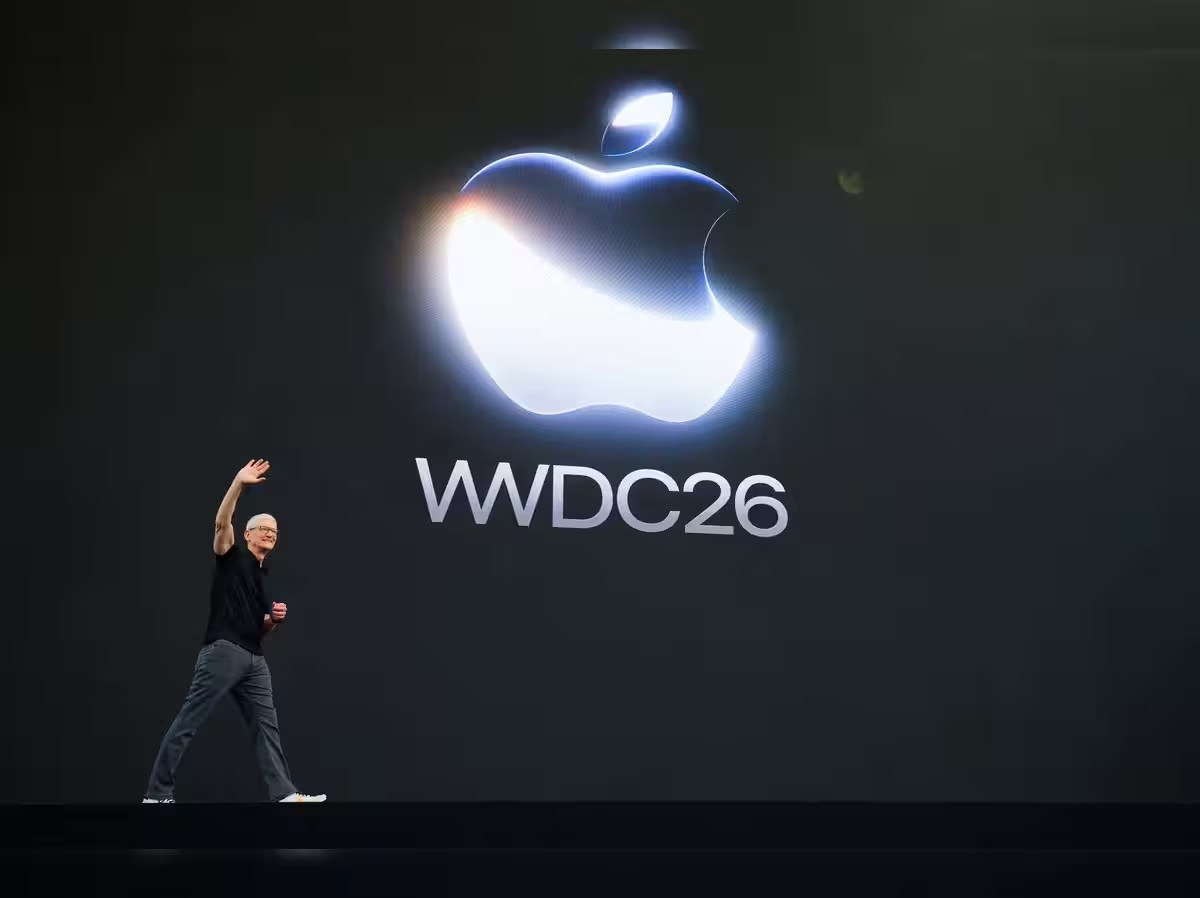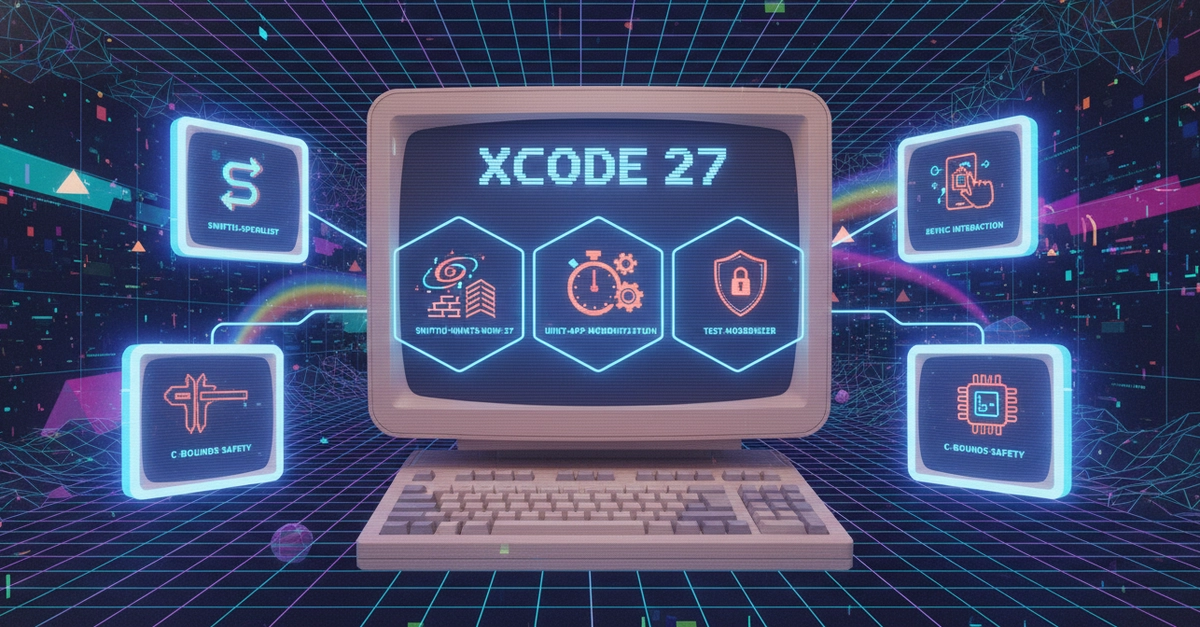
Apple’s Xcode 27 AI agents mark a real shift for developer tooling — not just “autocomplete” upgrades, but context-aware partners that can edit entire codebases and build full apps from natural language prompts. If you’re an Apple developer, “vibe coding” in Xcode 27 is not a vision piece. The 90-minute WWDC 2026 demo showed a live-from-scratch badge tracker app built using conversational prompts, 3D effects, and Siri AI integration, all in minutes, without writing a single line of traditional Swift.
Below, I’ll break down exactly what these Xcode 27 AI agents do, what “vibe coding” enables (with real examples), how Core AI and the upgraded MLX framework power these features, and step-by-step how to start using them right now — plus why the implications for Apple developer workflows are bigger than the last decade’s worth of IDE upgrades combined.
What are Xcode 27 AI agents and how do they work?
Xcode 27 AI agents are interactive, context-aware partners inside the IDE that help developers build, modify, and understand full applications — not just individual functions.
How they operate: