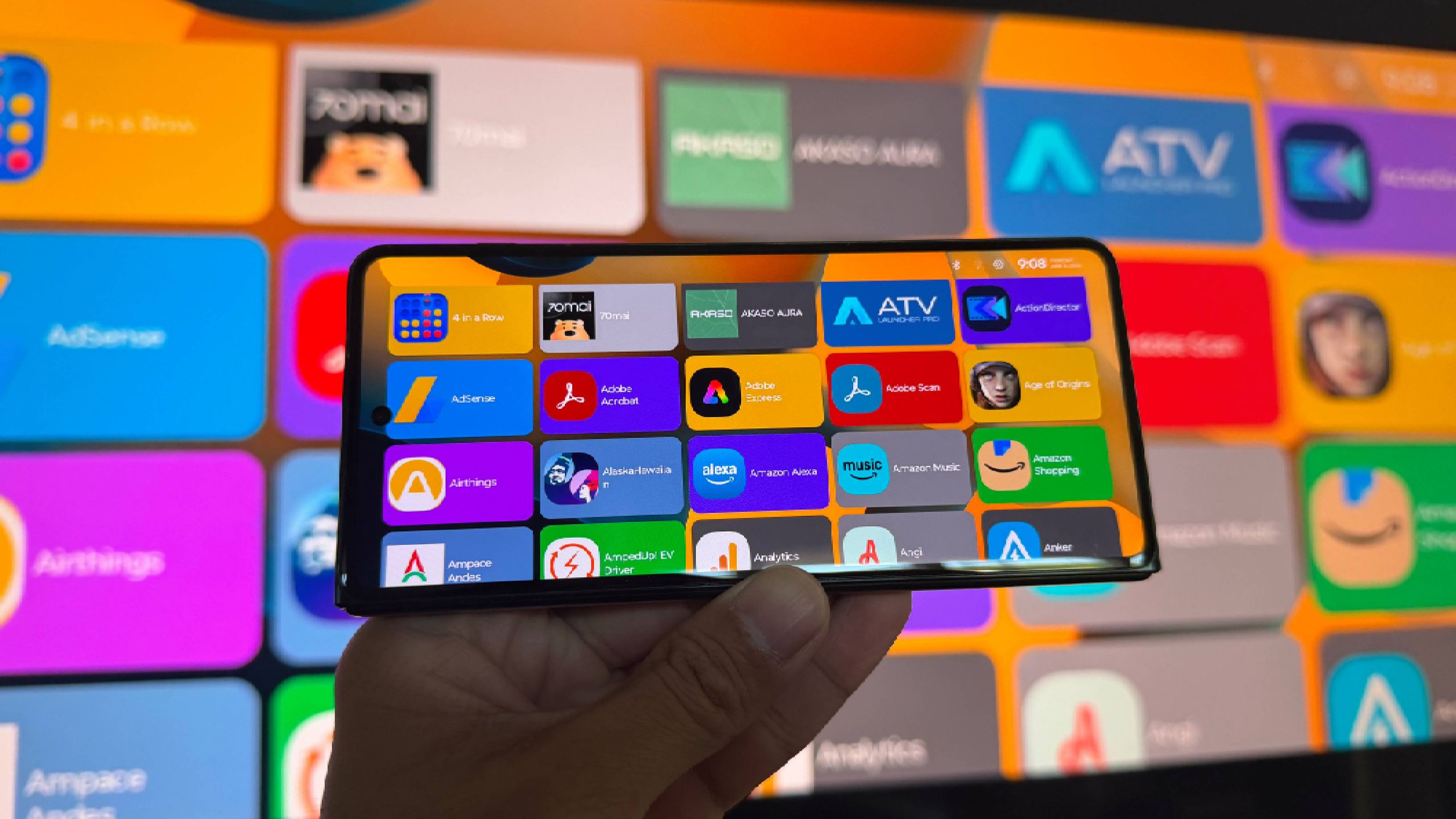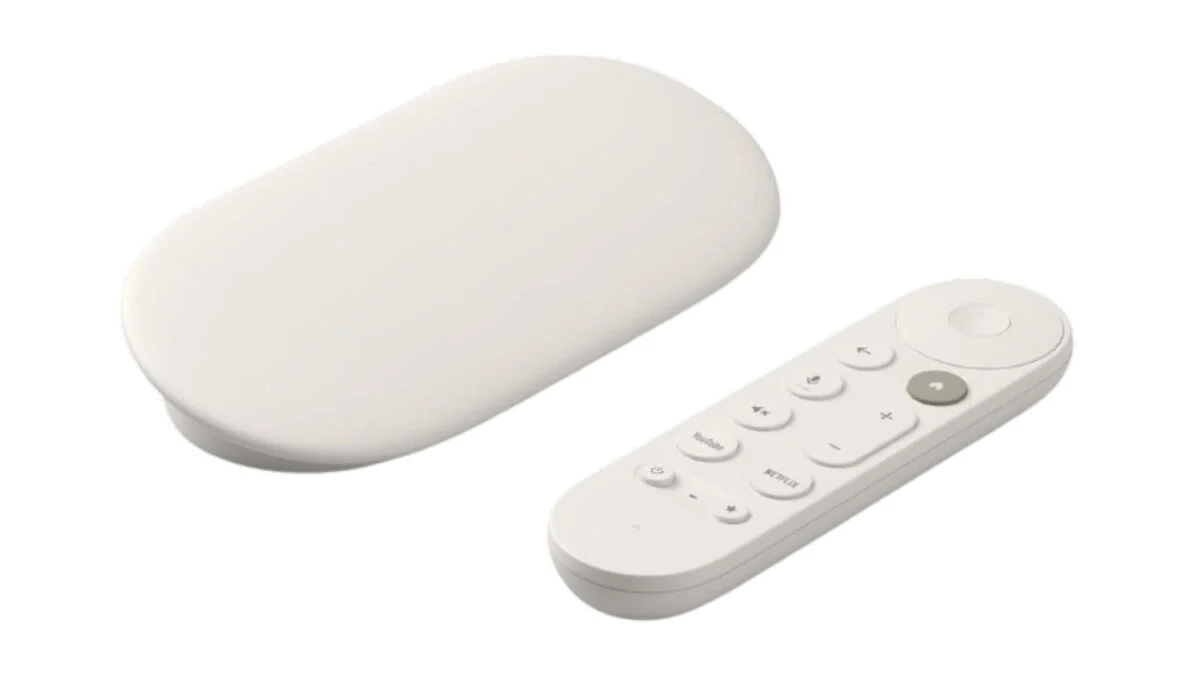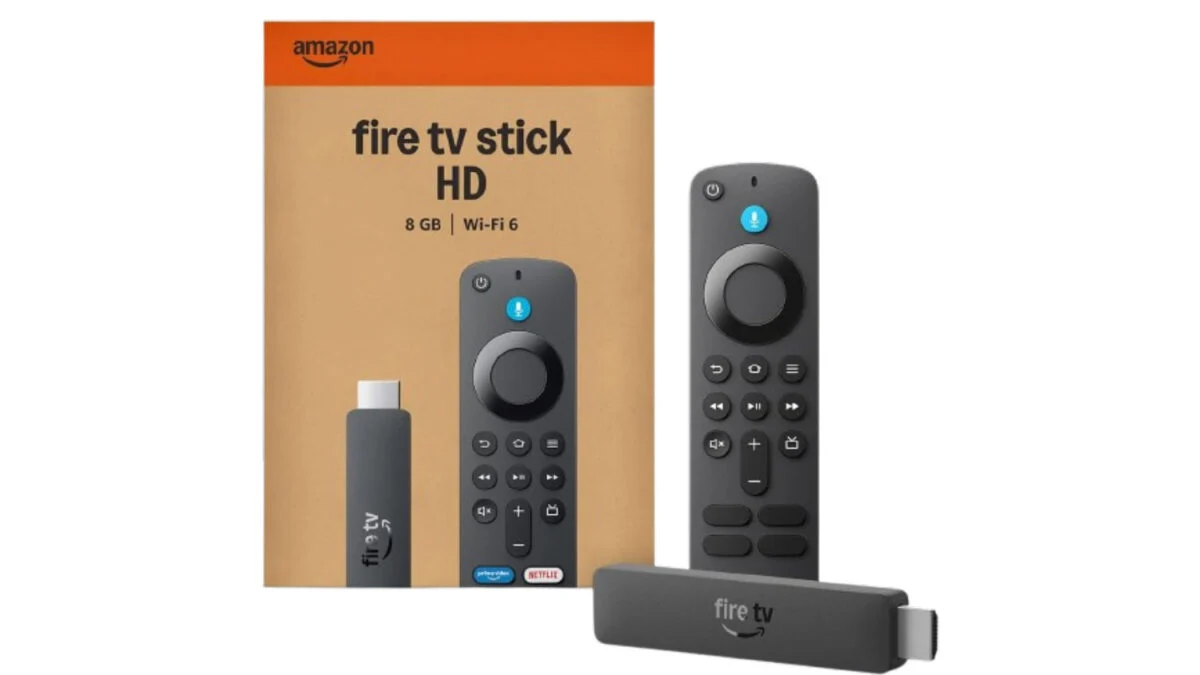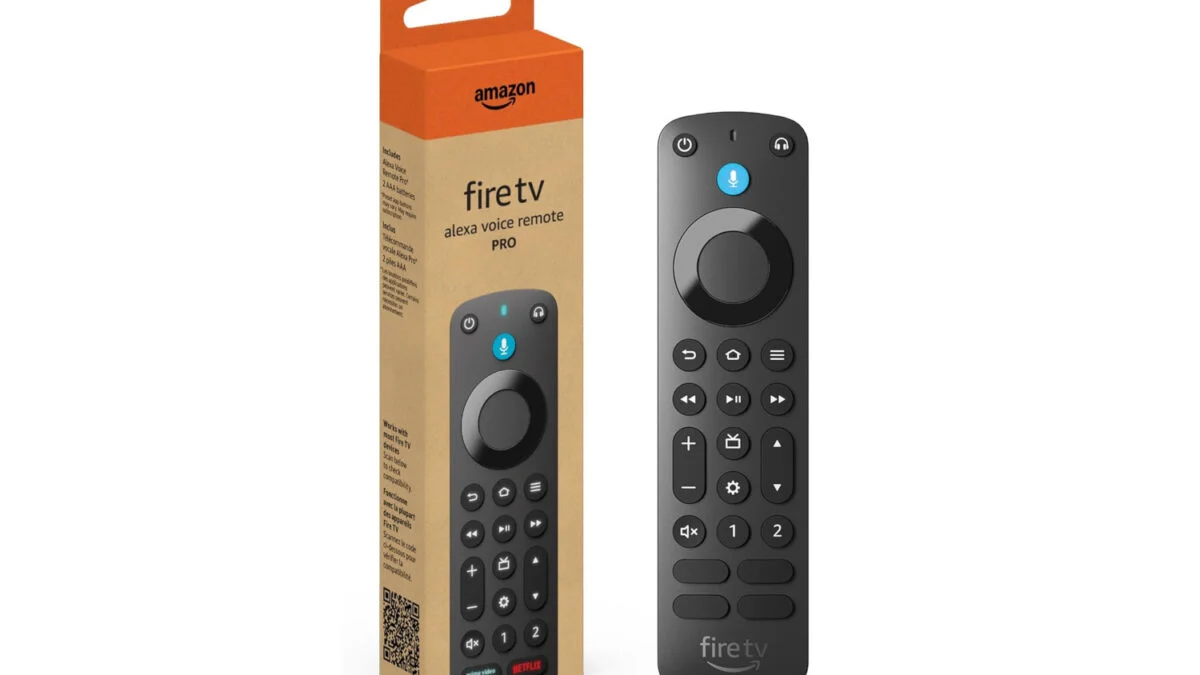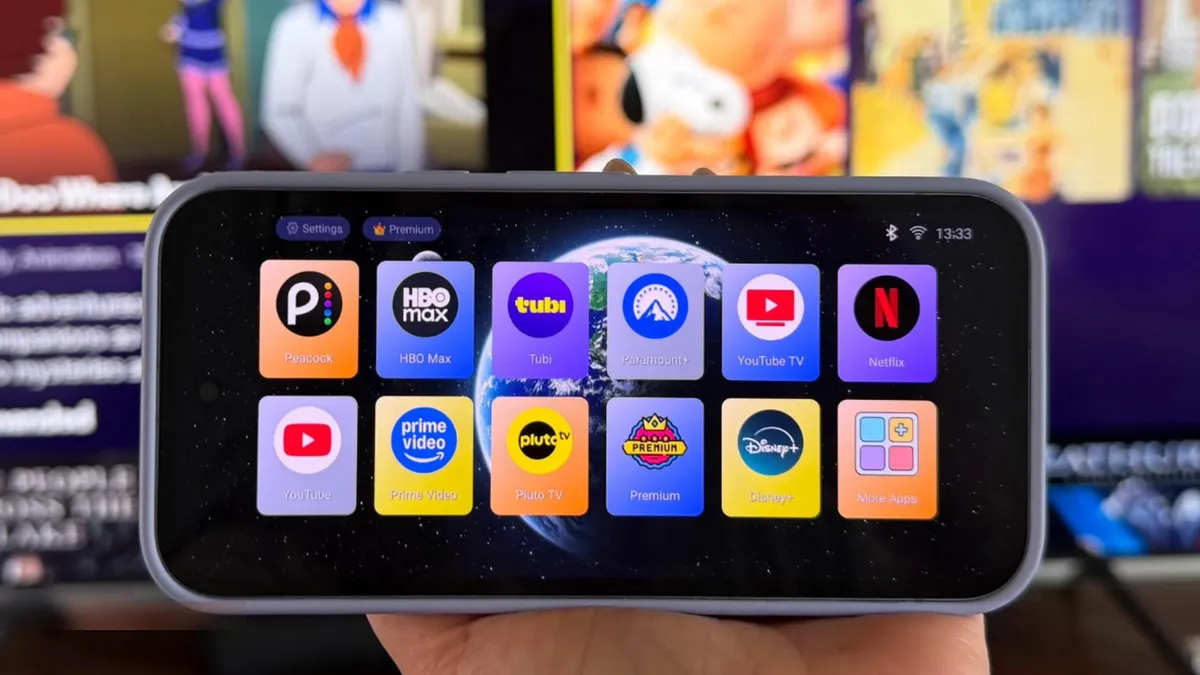
Elyse Betters Picaro / ZDNETFollow ZDNET: Add us as a preferred source on Google.ZDNET's key takeawaysAn old Android phone can work like a DIY streaming device. Native casting is smoother than full-screen mirroring. A TV-style launcher makes streaming apps easier to browse.After 15 years of testing devices, I have far too much old tech sitting in totes and drawers around my house.I keep things like phones longer than I should because there's always a tiny voice in the back of my head wondering if they'll be classics one day or, just maybe, if I could still find uses for them. Heck, I recently turned an old Android phone into a Wi-Fi extender. That little project got me thinking about some of my other phones and realizing I really should do something with them. Then it hit me: Could I turn one into a DIY streaming stick, like a Roku or Fire TV?Also: I started clearing my Roku cache, and it fixed my biggest TV complaintTo be clear, I'm talking about turning a phone into a wirless streaming device or command center. One place where all my streaming apps live, complete with a TV-style UI, video casted to the big screen, and my phone acting as the remote. Turns out, this is easy to do and takes only minutes to set up. You could even plug directly into HDMI for a wired connecton, if you want. How to turn your Android phone into a Roku or Fire TVWhat you'll need: A spare Android phone, an internet-connected TV or display that supports casting or screen mirroring, a charger, a launcher, and maybe a dedicated casting app. The phone should run a relatively recent Android version, have Wi-Fi, enough storage for streaming apps, and a decent battery.Also: I replaced my bedroom TV with this $170 Roku projector, and it's a worthy alternative First, I connected my Android phone to my home Wi-Fi and made sure my TV was on the same network.
How to turn your old Android phone into a streaming stick for free - in 6 easy steps
Don't have a Roku or Fire TV? Here's how I turned my spare Pixel phone into one and streamed movies on the big screen.
1,385 words~6 min read