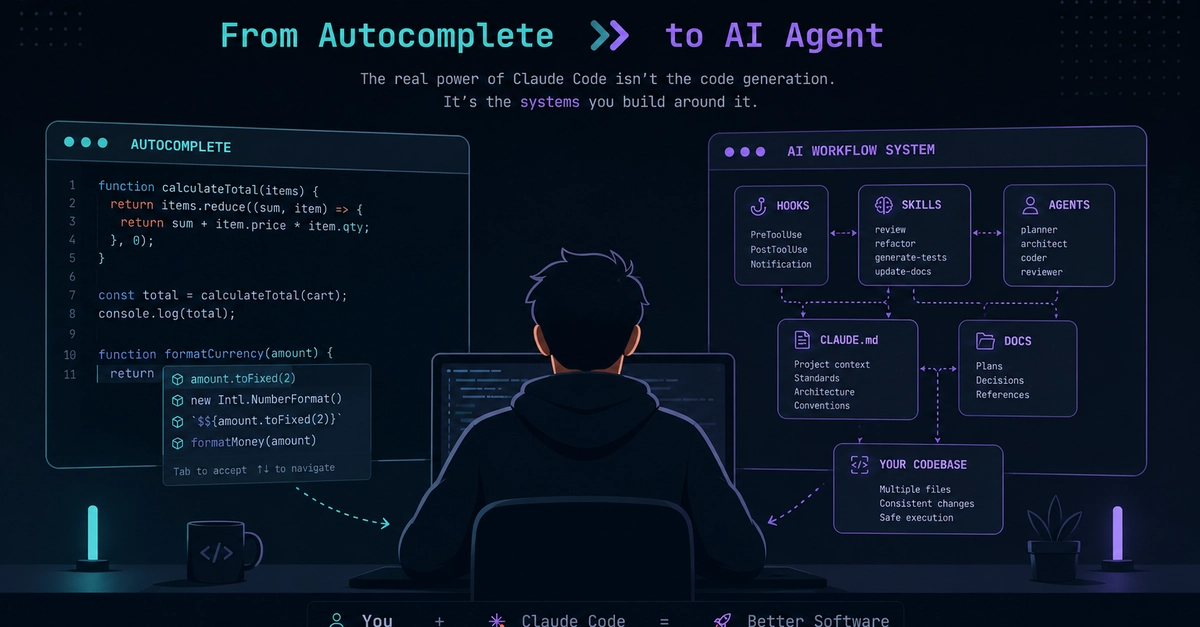
VS Code’s new Agents view isn’t just another sidebar, and it’s not Copilot in a new costume. It’s a dedicated, agent-first AI workspace built right into your editor—one that upends old assumptions about what “AI for developers” should look like. Instead of yet another autocomplete or chat overlay, you get a full-blown command deck for giving the AI complex, project-wide tasks, tracking progress, and even spinning up multiple agents in parallel—all without leaving VS Code.
That alone sets Agents view apart from Copilot, Codex, and even next-gen experiments like Google Antigravity. It doesn’t just add AI help; it re-centers your workflow around it, allowing for real project manipulation, debugging, and automation on a new level. Here’s what’s genuinely different, how to use it today, what to watch for, and why it forces a re-think in day-to-day coding.
What is the VS Code Agents view and why does it matter?
The Agents view is a dedicated workspace inside VS Code designed for managing multiple AI coding agents. It’s not just another small chat panel or Copilot popup. Clicking the Agents icon in the top-right corner opens a full, agent-first workspace—where conversations, requests, and tasks take center stage, not the code buffer.