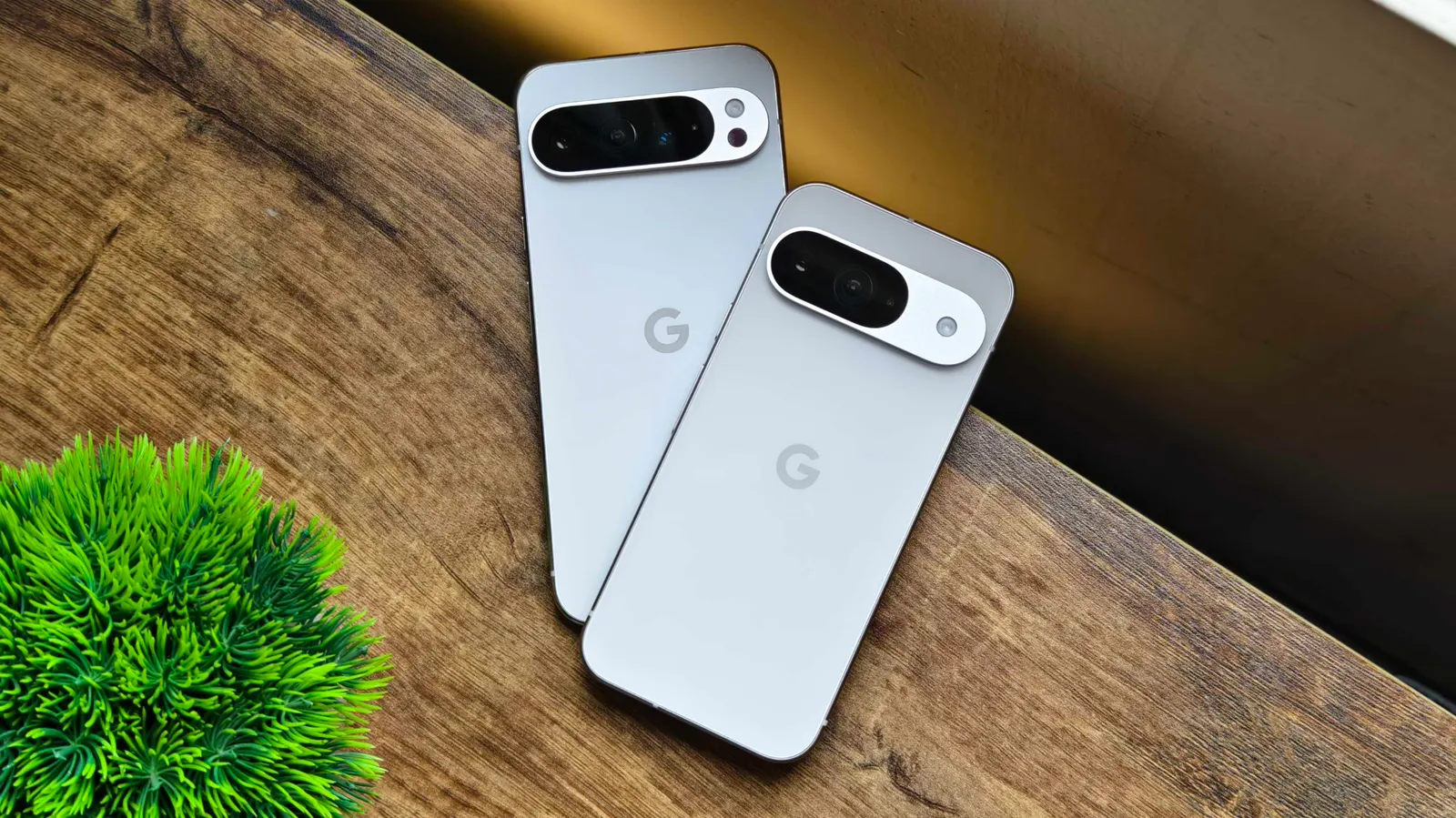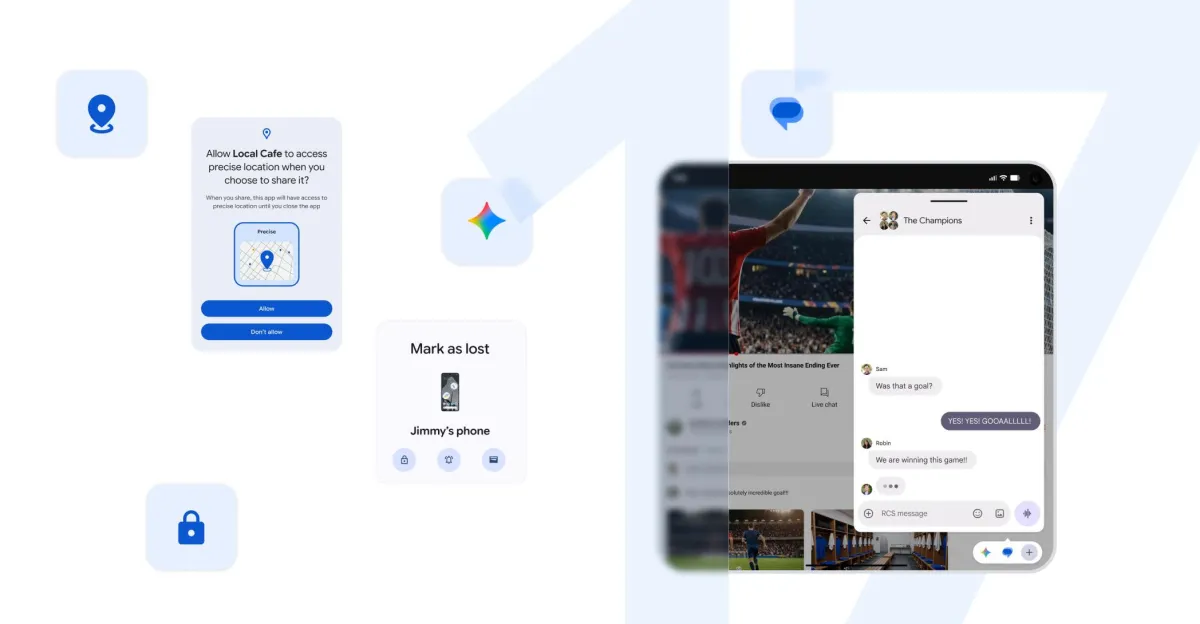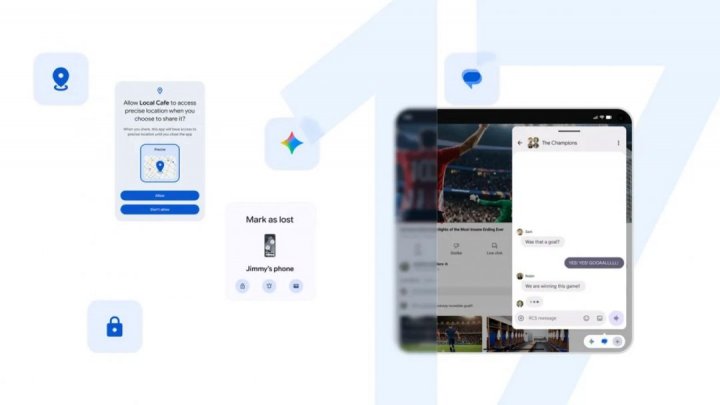
Google began rolling out the June 2026 Pixel Drop on 16 June, the quarterly software update that this time arrives alongside the stable release of Android 17. The Drop and the new OS started reaching Pixels together, phased server-side over the following weeks. Think of it less as a patch and more as an over-the-air remap: the same handset you bought months ago, suddenly coaxed into doing more. The headline additions are a built-in screen-recording overlay, floating app windows, and two Gemini tools— one for video, one for music— that sit on opposite sides of a paywall. Key TakeawaysThe June 2026 Pixel Drop began rolling out on 16 June alongside stable Android 17 and Wear OS 7, phased over the following weeks.Screen reactions and Bubbles are Android 17 features for every Pixel from the Pixel 6 onward; the dedicated Bubble Bar stays exclusive to the Pixel 10 Pro Fold.Gemini Omni generates and edits video for paid Gemini subscribers; Lyria 3 generates music for free on any Android 17 Pixel.For India, Manual Call Screen reaches the Pixel 10 series — the 10a excepted — and Voice Translate arrives on the Pixel 10a with English-Hindi calls in preview.Quick Share now talks to Apple's AirDrop on the budget Pixel 8a and 9a.What a Pixel Drop actually doesGoogle ships these Drops roughly every quarter, and over three years, they have changed what owning a Pixel means. The phone you carry in June does more than the one you unboxed in March, on the same silicon, because Google keeps tuning the software around it. An engine builder who reflashes the ECU finds power the hardware always held in reserve; a Pixel Drop works the same trick on cameras, calling and now generative tools. The June release leans hard on that idea, with most of its weight in software people already paid for. The stable build of Android 17 lands at the same moment, technically a separate event from the Drop, though Pixels swallow both in one update. Android 17 is where Bubbles and Screen reactions actually come from; the Drop bundles them with Gemini's new tricks and a round of features travelling to phones and countries that missed them the first time. The selfie that lives inside your screen recordingScreen reactions is the feature most owners will reach for first. It bakes the front-camera feed directly into a screen recording, so a one-take reaction or a step-by-step tutorial runs through a single app rather than a recorder plus an editor. You start it from Quick Settings — swipe down twice, tap the recording icon, toggle "Show selfie camera" — then tap, drag and resize the selfie window live while the capture runs. It rides on Android 17, which means every Pixel from the Pixel 6 up qualifies. Google calls it a personal green screen, and the description fits: the recorder keys your face over the captured screen using only the phone, one app start to finish. Five apps, floatingBubbles answers a smaller irritation — the constant swap between, say, a recipe and a timer. Long-press an app icon and it shrinks into a floating window that hovers over whatever else is open, capped at five apps at once. On the Pixel 10 Pro Fold, those windows dock into a dedicated Bubble Bar along the bottom of the unfolded screen, a strip Google reserves for that one device. The foldable case is the interesting one: with a row of live apps in the bar, the unfolded panel starts to behave like a small tablet desktop, a browser bubble parked beside a notes bubble while a video plays underneath. Samsung shipped a version of this years ago; Google has caught up, cleanly. Why does the music tool cost nothing, while the video tool charges?The split is about where Google sees money. Lyria 3 turns a text prompt or a photo into an original track — vocals and tempo adjustable, and it runs free on any Android 17 Pixel through the Gemini app's Create music menu. Gemini Omni, the video tool that debuted at I/O 2026, sits behind a paid Gemini tier. Omni edits and builds clips from a sentence of instruction, pulling footage from the camera roll or a template, and it can drop in an avatar that looks and sounds like you — a synthetic double straight out of a Blade Runner replicant line, except this one reads your script. The avatar piece stays limited to the Pixel 10 series and to users 18 and older. The capability is striking and faintly unsettling in the same breath; a tool that conjures a talking, moving version of you is the kind of thing science fiction flagged long before app stores made it a monthly fee. Lyria 3, by contrast, needs only a prompt, and its output lands where every other AI song does — fine for a backing track, thin as a single. India draws the useful halfStrip away the generative flash, and the most practical changes land here. Manual Call Screen reaches the Pixel 10 series in India — the 10a excepted — letting Google's Call Assist ask an unknown caller for a name and a reason before the phone rings through. India fields one of the heaviest loads of spam and scam calls anywhere, and a feature that forces an unknown number to identify itself before it interrupts dinner solves a real daily problem, where a generative video model stays a novelty. Voice Translate, until now a Pixel 10 flagship feature, comes to the cheaper Pixel 10a with English-Hindi calls in preview, translating each speaker in something close to their own voice. A country that switches between English and Hindi mid-sentence gains a call feature that follows the switch, with the language packs cached on the device. Set it up in the Phone by Google app under Settings. Older Pixels get a turnThe Drop spends real effort pushing flagship tricks down the range. Quick Share, Google's local file-transfer tool, now interoperates with Apple's AirDrop on the Pixel 8a and 9a worldwide, so a Pixel owner and an iPhone owner can finally swap a file across the aisle. Voice Translate's arrival on the 10a follows the same logic — the feature ran only on the pricier Pixel 10 phones at launch in August, and the 10a carries the same Tensor G4 as the Pixel 9 series, which hints it could travel further back still. The AirDrop handshake deserves a second look: Apple opened its proximity-sharing protocol enough for Quick Share to talk to it, and the budget a-series phones get the bridge first. A Pixel 8a owner standing beside an iPhone can now move a photo across in a tap, the kind of small friction that quietly shaped which phone a household bought. Calls, messages and a watch that calls for helpA cluster of smaller updates rounds out the release. Take a Message, introduced at Made by Google 2025, gains Custom Greetings — record your own outgoing message, and a caller's reply still arrives transcribed in real time. Magic Cue, which surfaces contextual suggestions inside chats, extends to Snapchat over the coming weeks on the Pixel 10 and newer. On the wrist, Emergency Sharing now ties into Car Crash, Fall and Loss of Pulse Detection — when one triggers, the watch calls emergency services and alerts the contacts you choose, set per detection mode. Loss of Pulse Detection runs on the Pixel Watch 3 and 4. Google Photos also gains conversational Edit Photos for the Pixel 6 and up, with a European rollout — Germany, the UK, France, Spain and Italy — for now.Who gets whatFeatureEligible devicesRegionScreen reactions, BubblesPixel 6 onward (Android 17)GlobalBubble BarPixel 10 Pro Fold onlyGlobalLyria 3 music (free)Any Android 17 PixelGlobalGemini Omni video (paid tier)Gemini Pro users; avatar on Pixel 10 series, 18+Select countriesVoice TranslatePixel 10a (new), Pixel 10 seriesEnglish-Hindi preview in IndiaManual Call ScreenPixel 10 series except 10a (India); Pixel 6+ elsewhereIndia and othersQuick Share with AirDropPixel 8a, 9aGlobalMagic Cue in SnapchatPixel 10 and newerRolling outSource: Google, with device and region gates per the Pixel Drop footnotes.The cadence is the productStrip the I/O sizzle, and the June Drop says something plain about how Google now competes. The annual hardware reveal sells the phone once; the quarterly Drop keeps it feeling new, the way a tuner's seasonal remap keeps an old car interesting. For a buyer in India, the maths tilts a particular way: the genuinely useful tools — call screening, live translation, cross-platform sharing — arrive free or cheap and reach down the range, while the headline-grabbing video avatar asks for a subscription, an adult login and a flagship in your pocket. The plumbing is for everyone. The fireworks come at a price.FAQWhen does the June Pixel Drop reach my phone?Google began the rollout on 16 June 2026 and is phasing it over the following weeks, so some Pixels see the full set on day one while others wait. Several AI tools, including Gemini Omni, switch on server-side over time.Do I need a Pixel 10 for these features?For much of it, an older Pixel works. Screen reactions, Bubbles and Lyria 3 music run on any Pixel from the Pixel 6 that takes Android 17, and AirDrop sharing reaches the Pixel 8a and 9a. Voice Translate and the Pixel 10 Pro Fold's Bubble Bar stay tied to specific newer hardware.Is the Gemini music tool free?Yes. Lyria 3 music generation runs free on any Android 17 Pixel through the Gemini app. The paid Gemini tier applies to Gemini Omni, the video tool, rather than to music.Which Pixels get Manual Call Screen in India?The Pixel 10 series, the 10a excepted, on phones sold in India; elsewhere, the feature reaches the Pixel 6 and newer. It lets Call Assist ask an unknown caller for a name and purpose before you pick up.Is the Hindi voice translation final?Google labels the English-Hindi translation on the Pixel 10a a preview, so accuracy will keep improving as the models train. It works offline once the language packs download, which helps on patchy networks.end of article
8 New Pixel Features in Google's June 2026 Drop, Explained
Exciting news for Pixel users! The latest Pixel Drop has arrived, packed with innovative features thanks to Android 17. Say hello to built-in screen recording, so you can capture your reactions while gaming or chatting. Multitasking just got easier with floating app windows, while new AI tools will elevate your video and music editing game.
1,675 words~8 min read