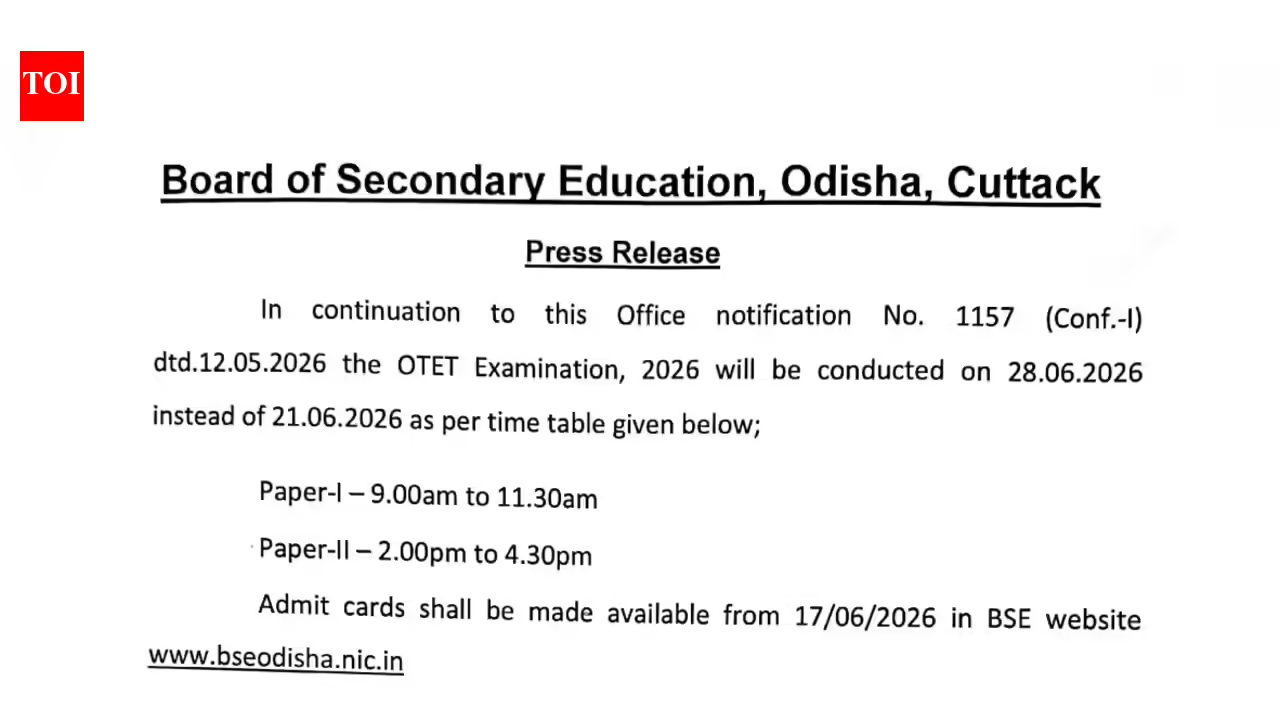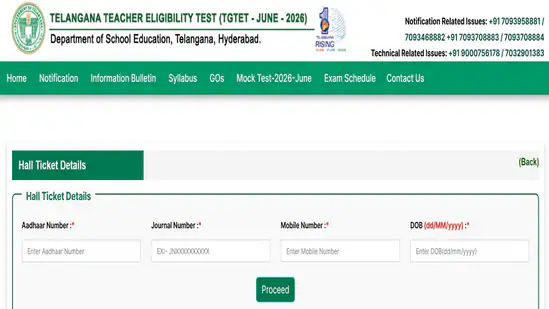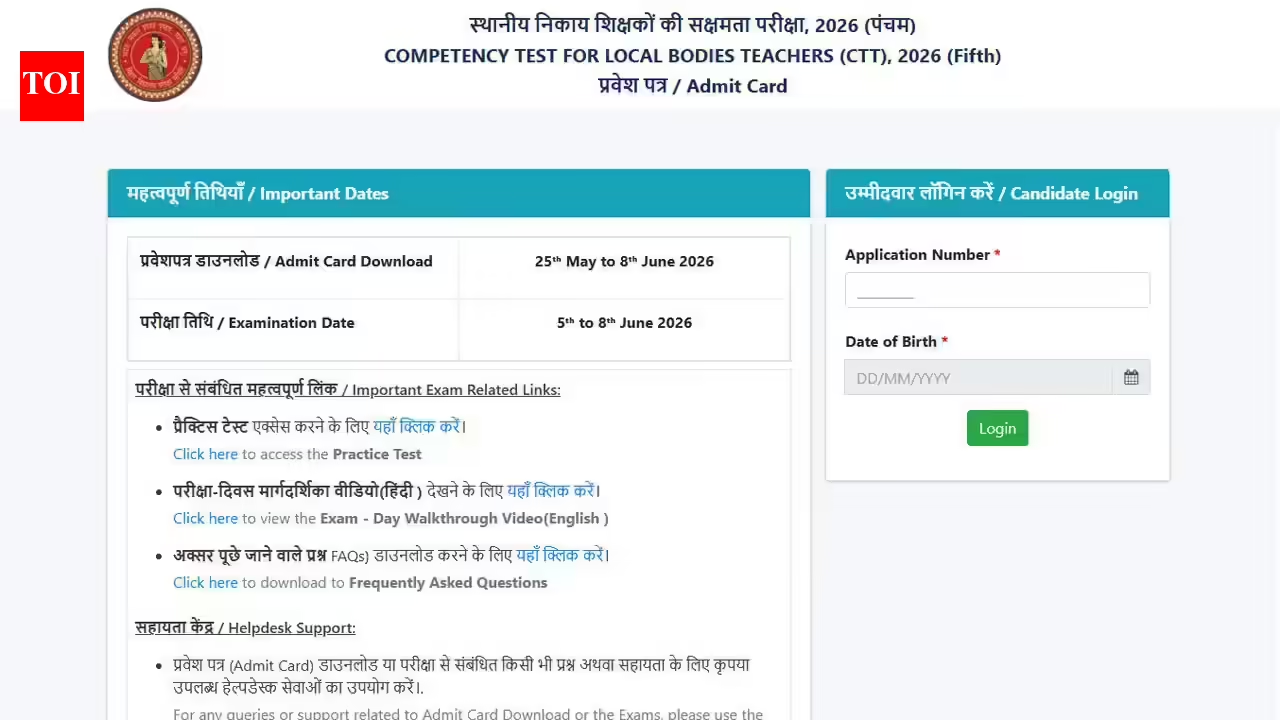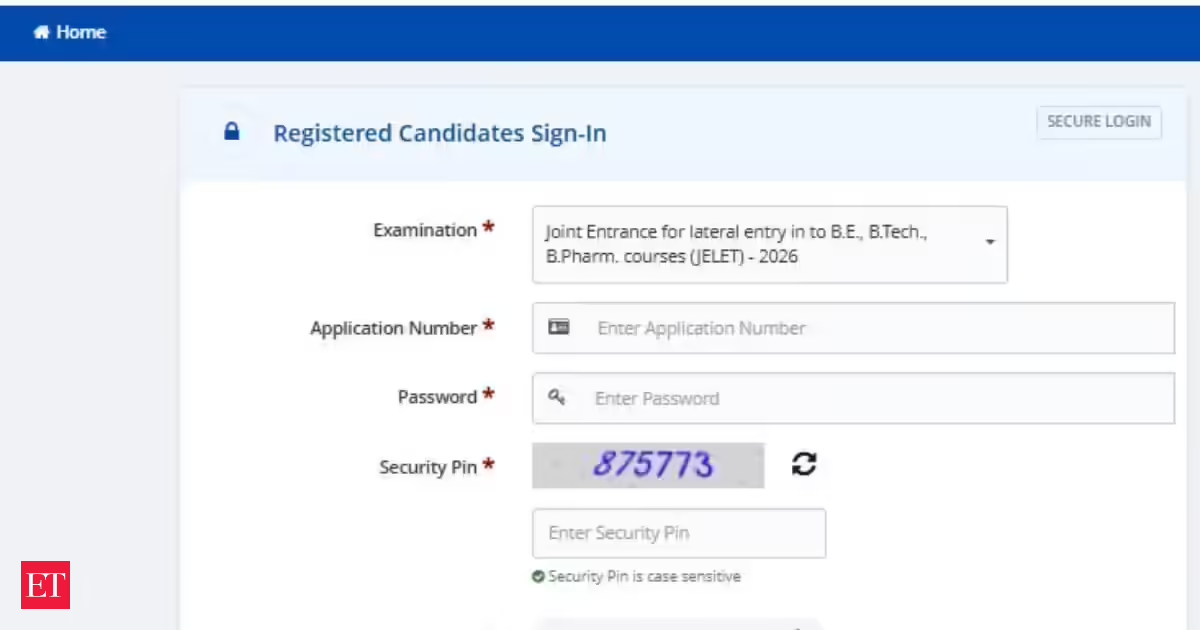
The Board of Secondary Education (BSE), Odisha, is expected to make the OTET 2026 admit card available on June 17, 2026. Registered candidates will be able to access and download their hall tickets through the official BSE Odisha portal at bseodisha.gov.in. OTET Admit Card 2026 releasing today at bseodisha.nic.in, check exam date here (AFP) According to the latest examination notice, the Odisha Teacher Eligibility Test (OTET) 2026 has been rescheduled to June 28, 2026. Candidates are advised to keep their login credentials ready and regularly check the official website for updates regarding the admit card and examination guidelines.BSEB Simultala Class 11 Answer Key 2026 released at biharsimultala.com, direct link hereThe official notice reads, “In continuation to this Office notification No. 1157 (Conf.-1) dtd.12.05.2026 the OTET Examination, 2026 will be conducted on 28.06.2026 instead of 21.06.2026 as per time table given below; Paper-l -9.00am to 11.30am Paper-II -2.00pm to 4.30pm. Admit cards shall be made available from 17/06/2026 in BSE website www.bseodisha.nic.in” As per the notification, the OTET 2026 examination will be conducted in two papers — Paper I and Paper II. Each paper will be conducted for a duration of two-and-a-half hours and will consist of Multiple Choice Questions (MCQs). One mark will be awarded for every correct answer, while no negative marking will be applied. The question papers for non-language subjects will be made available in both Odia and English. For Language-I, candidates will be required to choose one language from Odia, Hindi, Telugu, Urdu, or Bengali, whereas English has been prescribed as Language-II for all candidates.UGC NET Admit Card 2026 at ugcnet.nta.nic.in, download link hereHow to Download OTET 2026 Admit Card :Click on the official website of BSE Odisha .The “OTET 2026 Admit Card” link should be located on the homepage and opened.The required login credentials, including registration number and date of birth, should be entered.The submitted details should be verified carefully before proceeding.The “Download Admit Card” option should be selected.The admit card will be displayed on the screen.All details mentioned on the admit card should be checked thoroughly.The admit card should be downloaded and saved on the device.A clear printout of the admit card should be taken for examination purposes.Official Notice Here
OTET Admit Card 2026 releasing today at bseodisha.nic.in, check exam date here
OTET Admit Card 2026 is set to be released today, June 17, 2026 at bseodisha.nic.in. The examination has been rescheduled and will be held on June 28, 2026. | Competitive Exams
365 words~2 min read