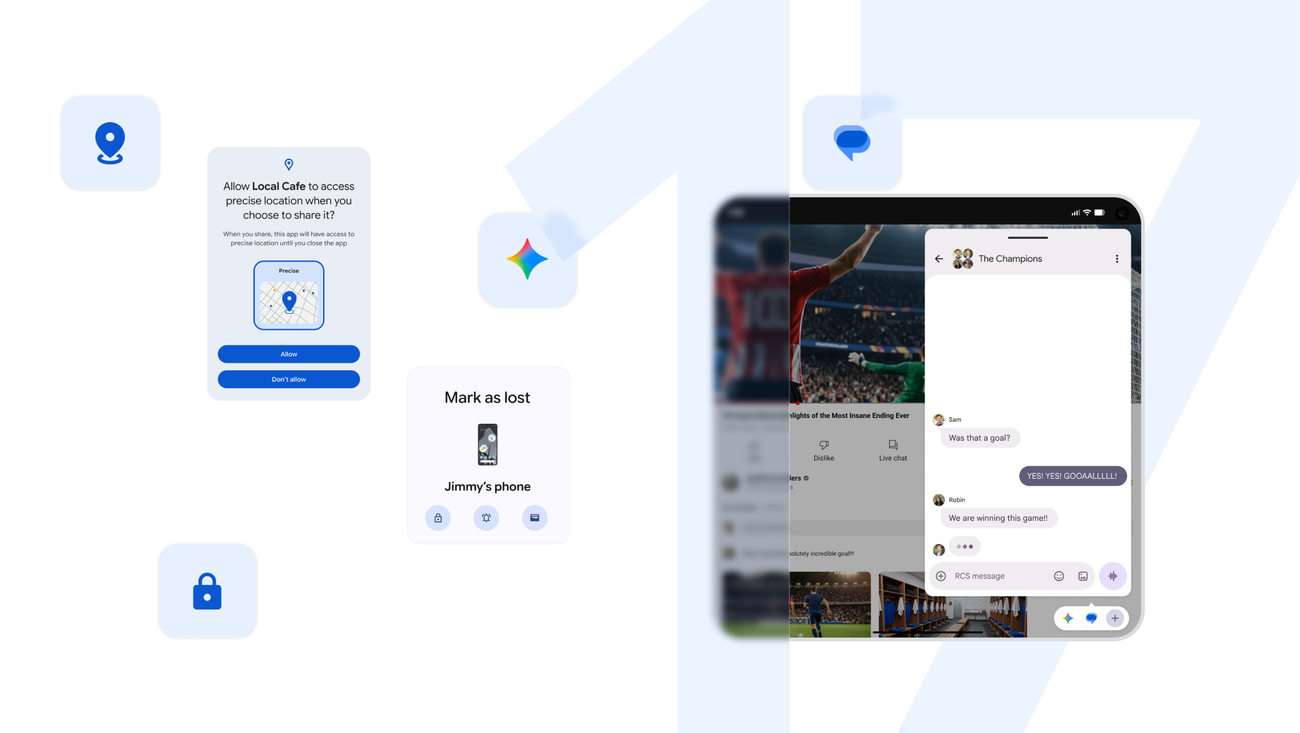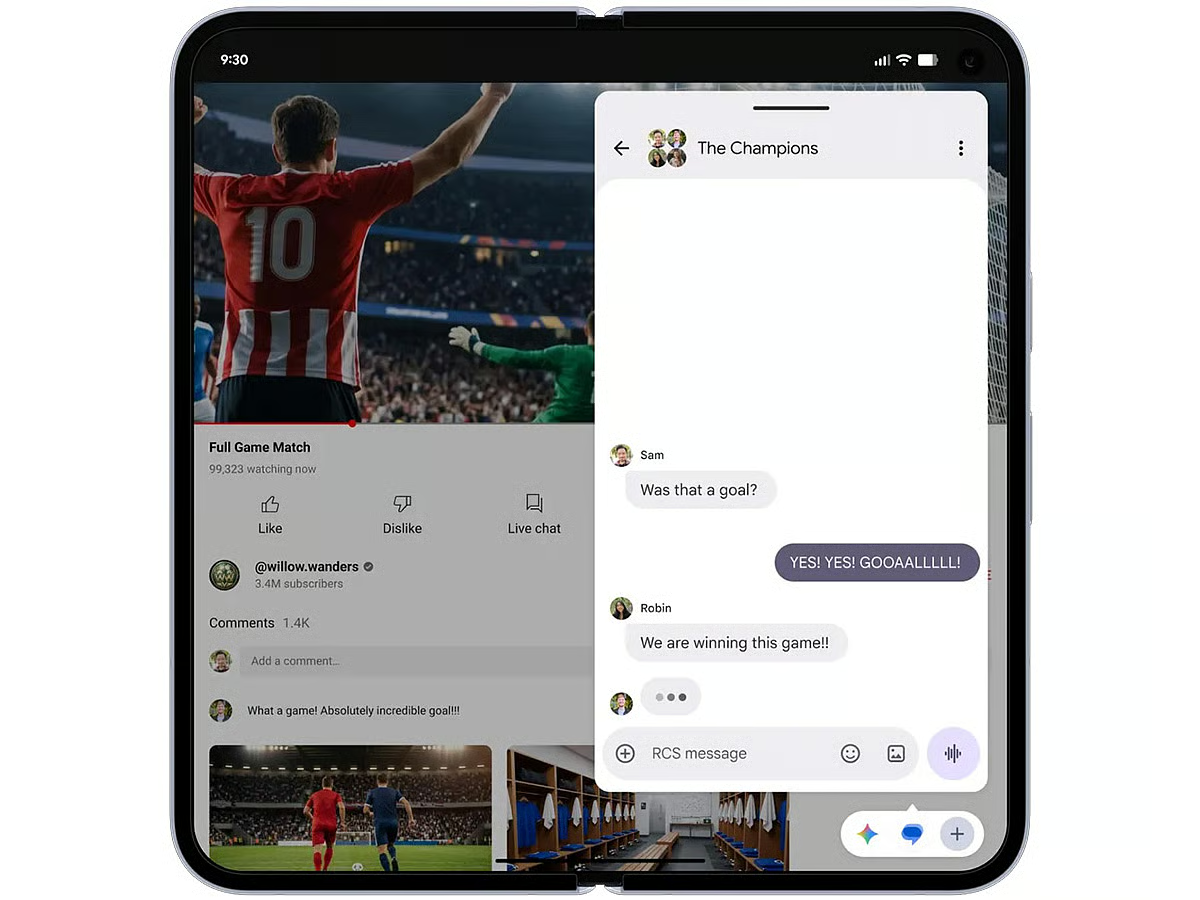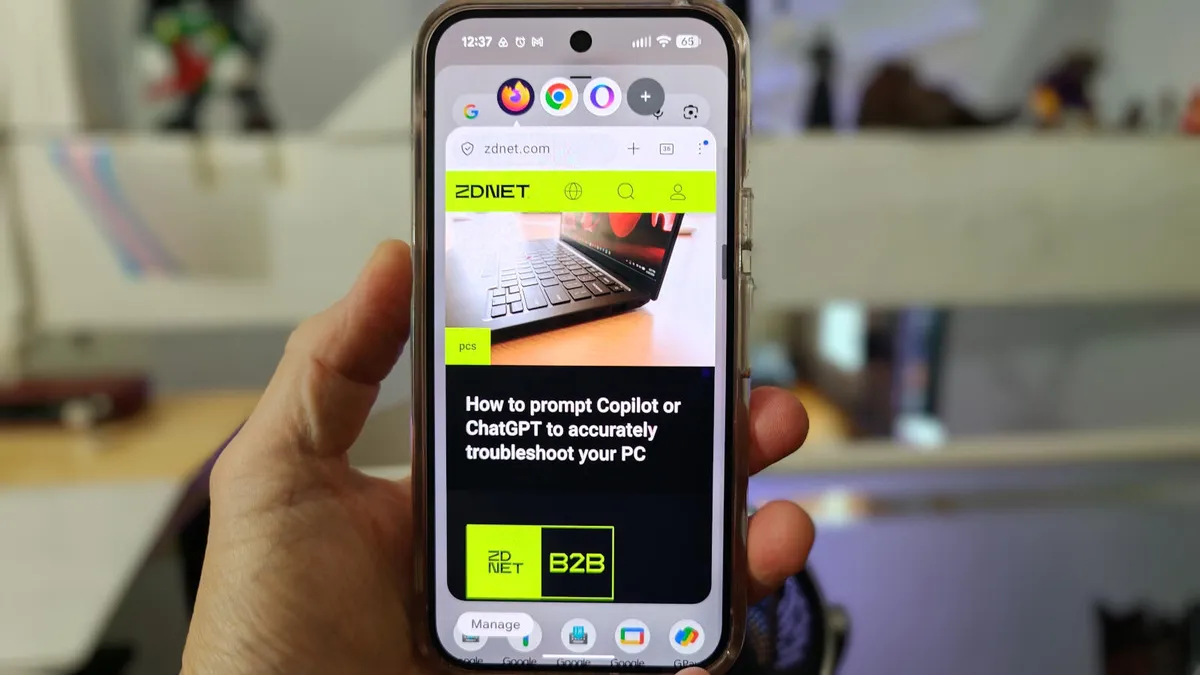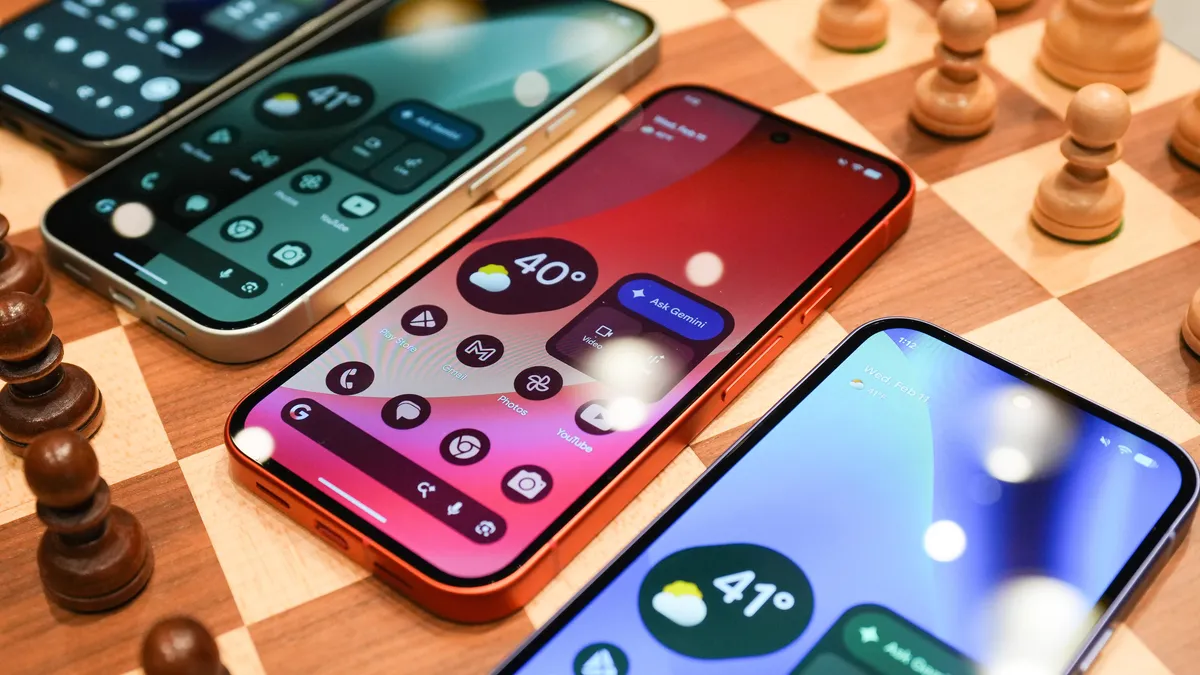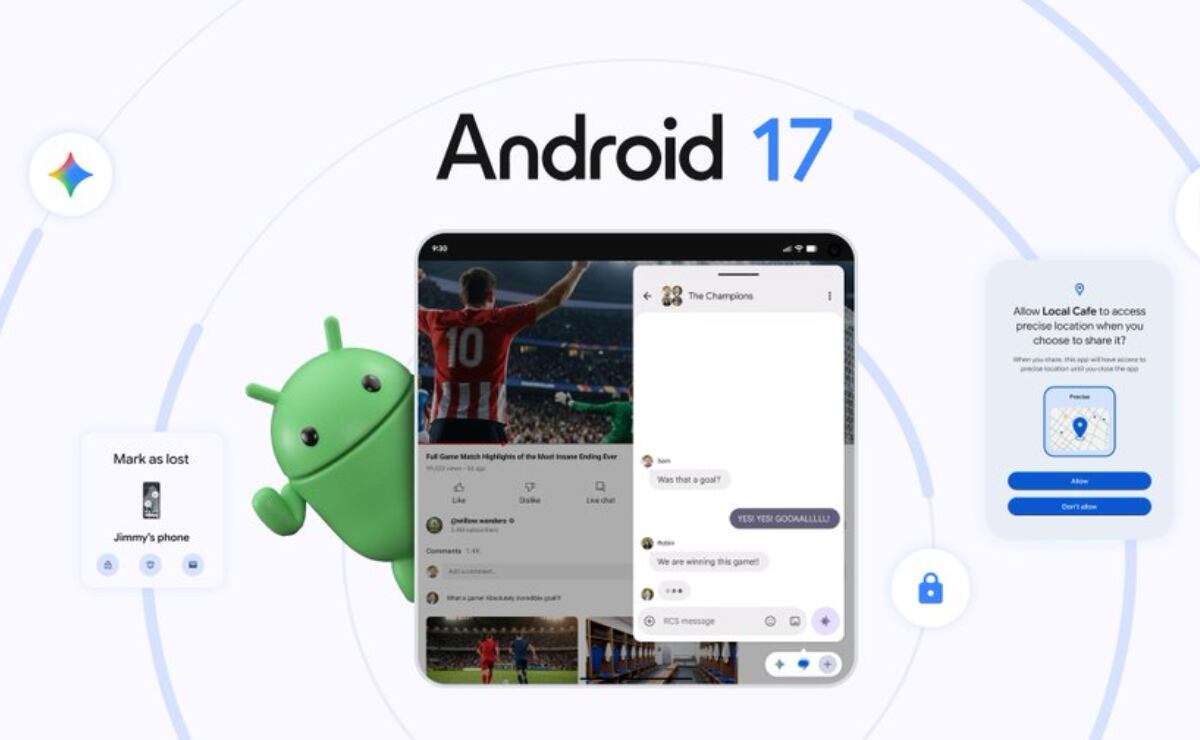
A year on from Android 16 and with a massive Material 3 Expressive update in between, Android 17 is ready for primetime, and here’s every single feature you need to know.
Table of contentsUI ChangesCompact Settings menusRedesigned status bar privacy indicatorsImproved permissions pop-upsBigger buttons for specific Live UpdatesNew fingerprint enrollment animationUsability changesVolume menu overflow iconCombined ‘Accounts and backup’ menuSatellite QS tileApp bubblesImproved Quick Reply methodPer-app expanded dark theme controlsSplit Wi-Fi and Mobile data QS tilesAssistant Volume controlsRedesigned screen recording systemSave option in Recents menu sharingBiometric sheets add ‘close’ buttonSplit-screen adjustment togglesDevice user network controlsComfort Filters for Pixel 10Improved Parental controls pageAsk your PixelMore reactive predictive back gestureAsk every time or allow when you shareContacts picker (dev)EyeDropper (dev)Cosmetic changesUpdated brightness iconDarker privacy indicatorsSystem blur in selected areasShow app names toggleImproved Notification shade messagesImproved system animationsUpdated Cinnamon Bun SystemUI iconAndroid 17 labelsAndroid 17 Easter eggWhat is your favorite new addition or feature within Android 17?