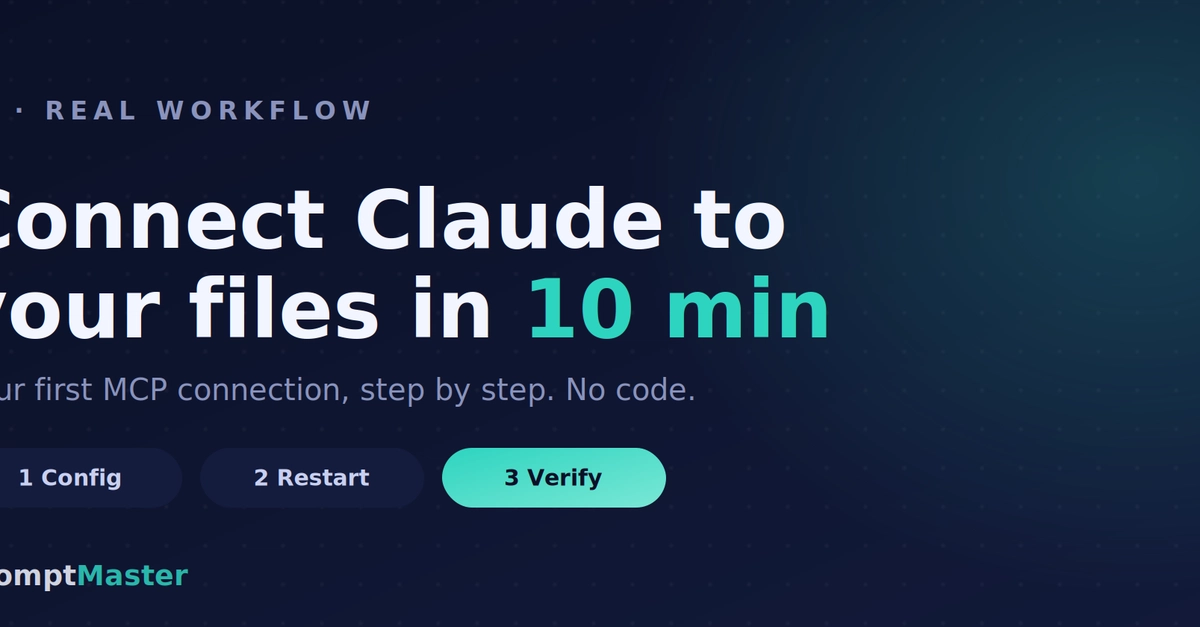
The single fastest way to understand why MCP matters is to connect one server and watch your assistant do something it couldn't do a minute earlier — reach into a real folder on your computer and work with your actual files.
No code. About ten minutes. Here's exactly how, using the filesystem server in Claude Desktop, because it's the most tangible first win and the safest one to reason about.
Before you start
You need Claude Desktop installed. That's it. Everything below is editing one small text file and following careful steps — if you can do that, you're ready. We'll point the assistant at a single folder you choose, so nothing else on your computer is in play.
Step 1 — Open the configuration file