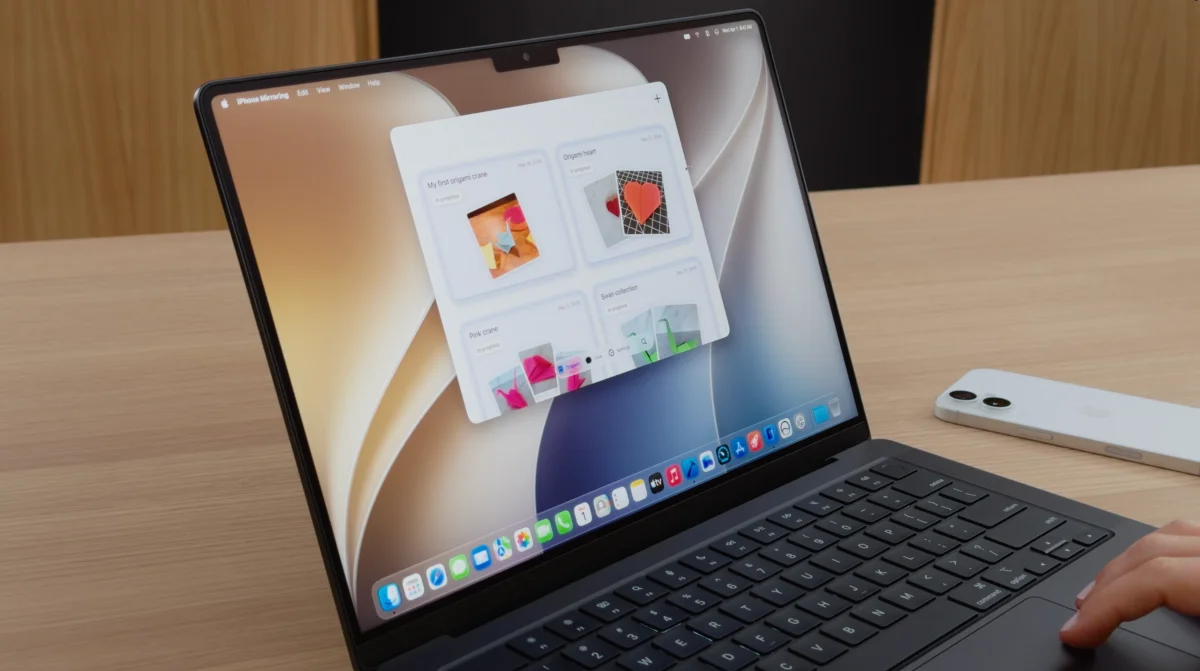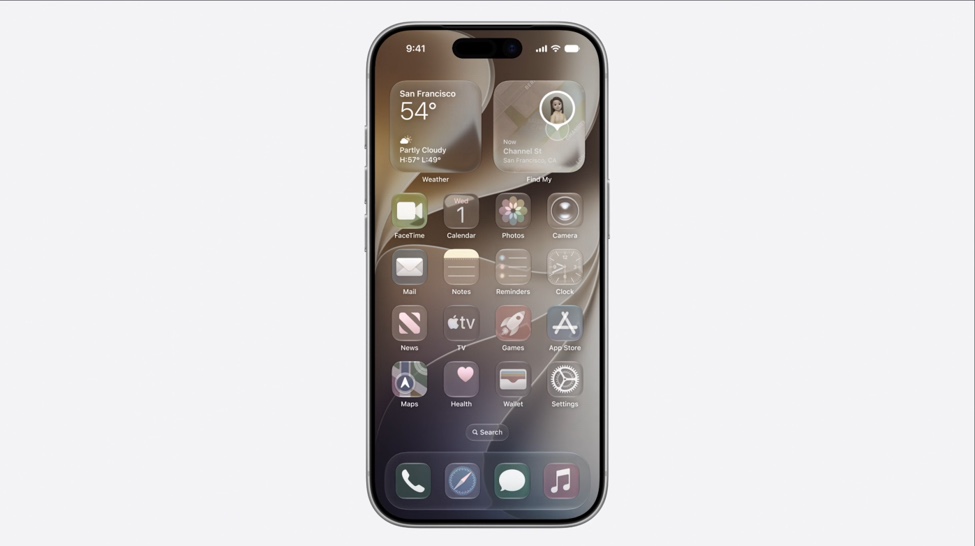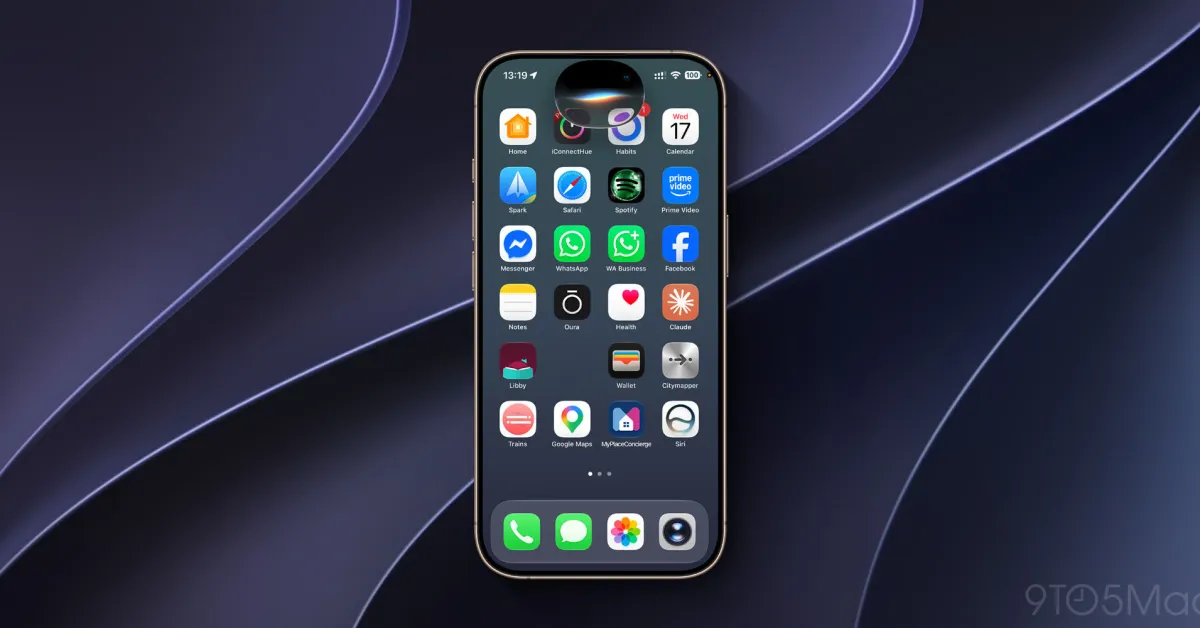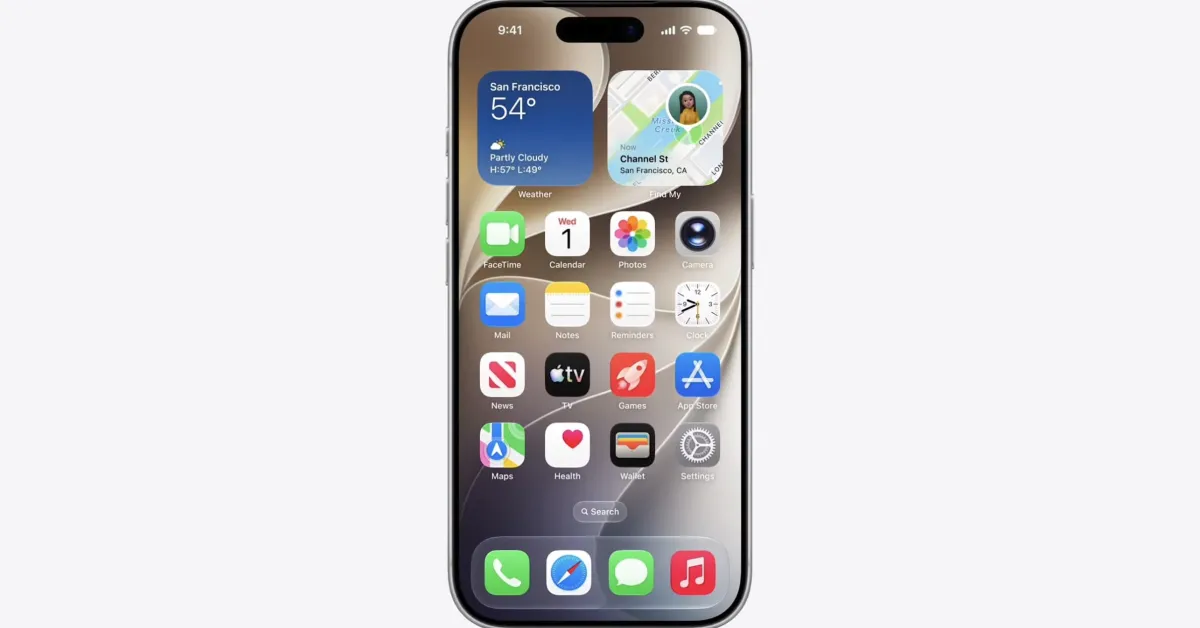
I use iPhone Mirroring every day to quickly access my iPhone directly from my Mac, and it’s getting even better this year. iOS 27 and macOS 27 Golden Gate were announced last week, bringing three key updates to iPhone Mirroring. Here’s everything new.
macOS 27: What’s new for iPhone Mirroring
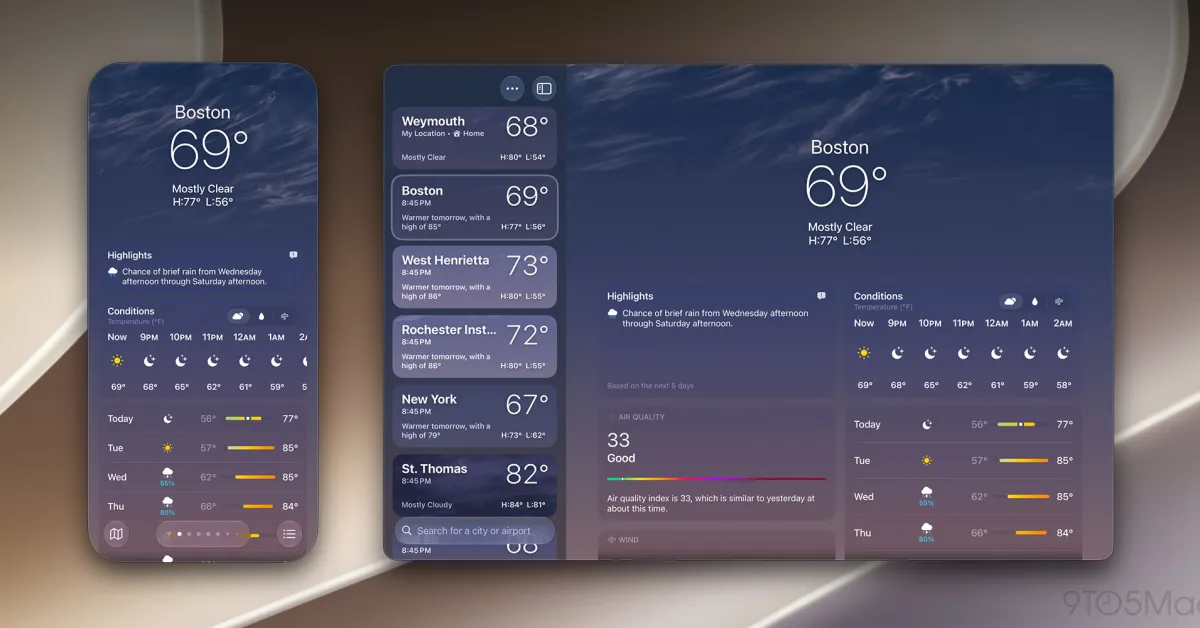
The biggest change for iPhone Mirroring in macOS 27 is the ability to resize the iPhone Mirroring window.
As my colleague Marcus reported last week, you can now adjust the size of the iPhone Mirroring window with any iOS 27-compatible apps. Right now, that means it only works for Apple’s native iPhone apps. However, once developers start rolling out iOS 27 updates later this year, support for resizing will expand rapidly.
Previously, iPhone Mirroring on macOS only support three preset sizes: smaller, actual size, and larger. The change in macOS 27 Golden Gate and iOS 27 clearly indicates Apple is prepping for the foldable iPhone Ultra, expected to launch later this year.