Every MCP web-access tutorial I read this month pointed at a paid API.
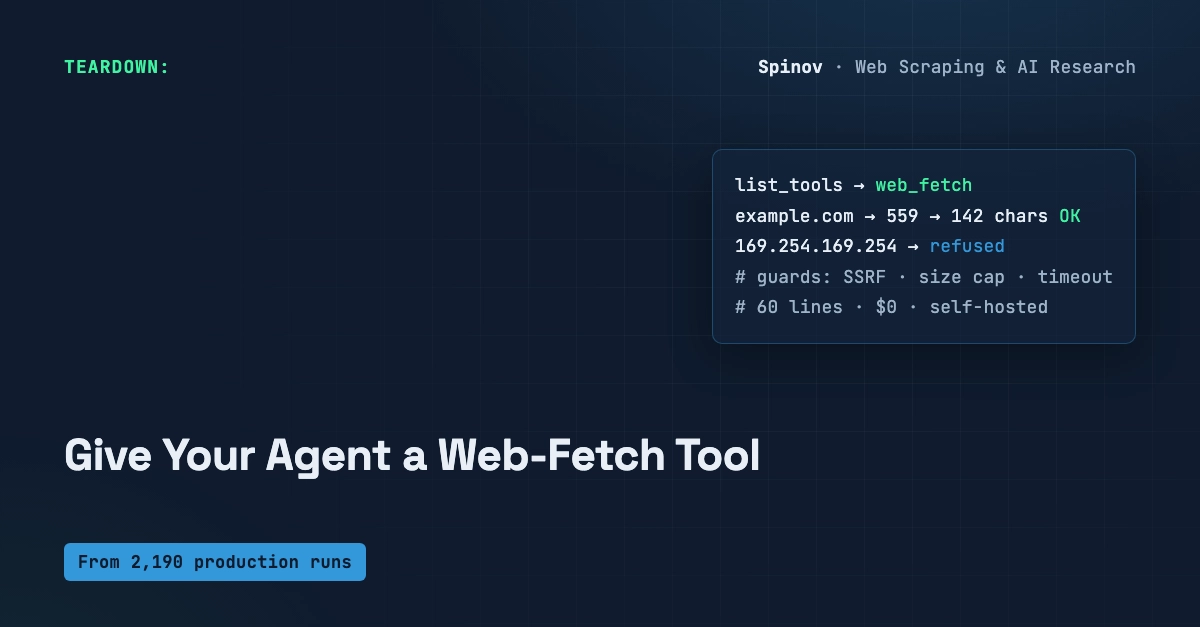
You don't need one. To let an AI agent read a public web page, sixty lines on the official MCP Python SDK give you a self-hosted web_fetch tool — running on your machine, no key, no per-call bill.
I built it, ran it, and pasted the real terminal output below. The catch isn't the wiring (that part is easy). It's the four defaults the tutorials leave out — the ones that turn a toy into something you'd actually point an agent at.
Quick answer: A Model Context Protocol (MCP) server exposes tools an LLM agent can call. With pip install mcp, one @mcp.tool() function, and mcp.run(), you get a working web_fetch(url) -> clean text tool over stdio in ~60 lines. Self-hosted, free, and returning text instead of raw HTML. The work is in the guardrails: timeout, size cap, and an SSRF check.
This is for anyone building agents or RAG who keeps hitting "give your model live web access — here's our API." If your target is docs, articles, RSS, or JSON endpoints that answer a plain GET, you don't have to pay for that.