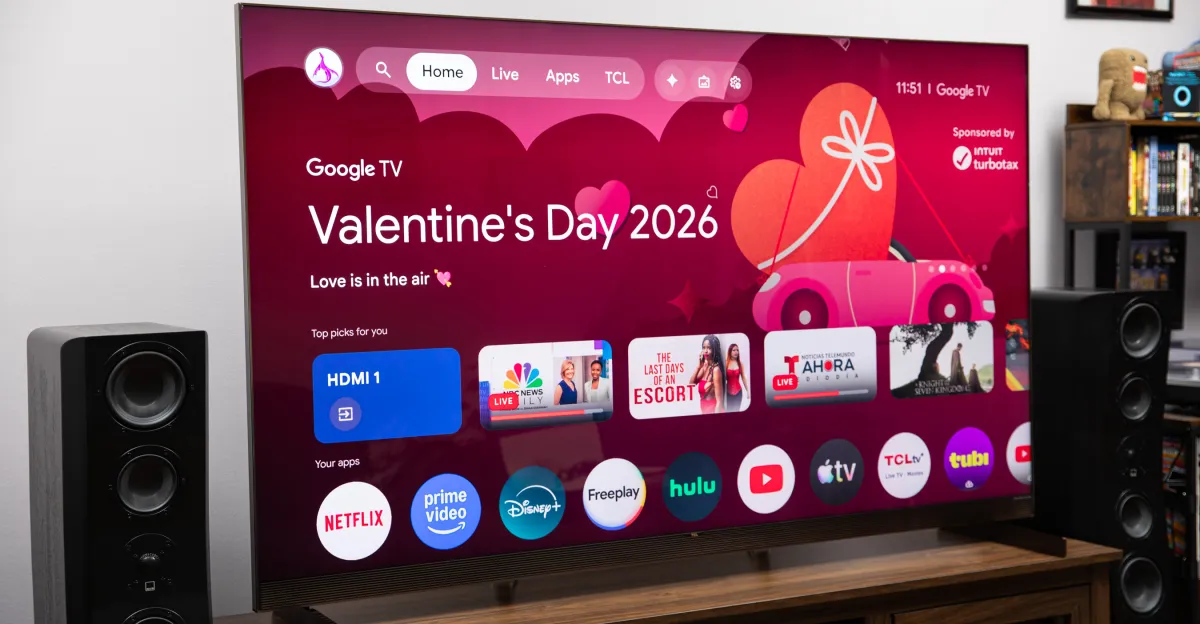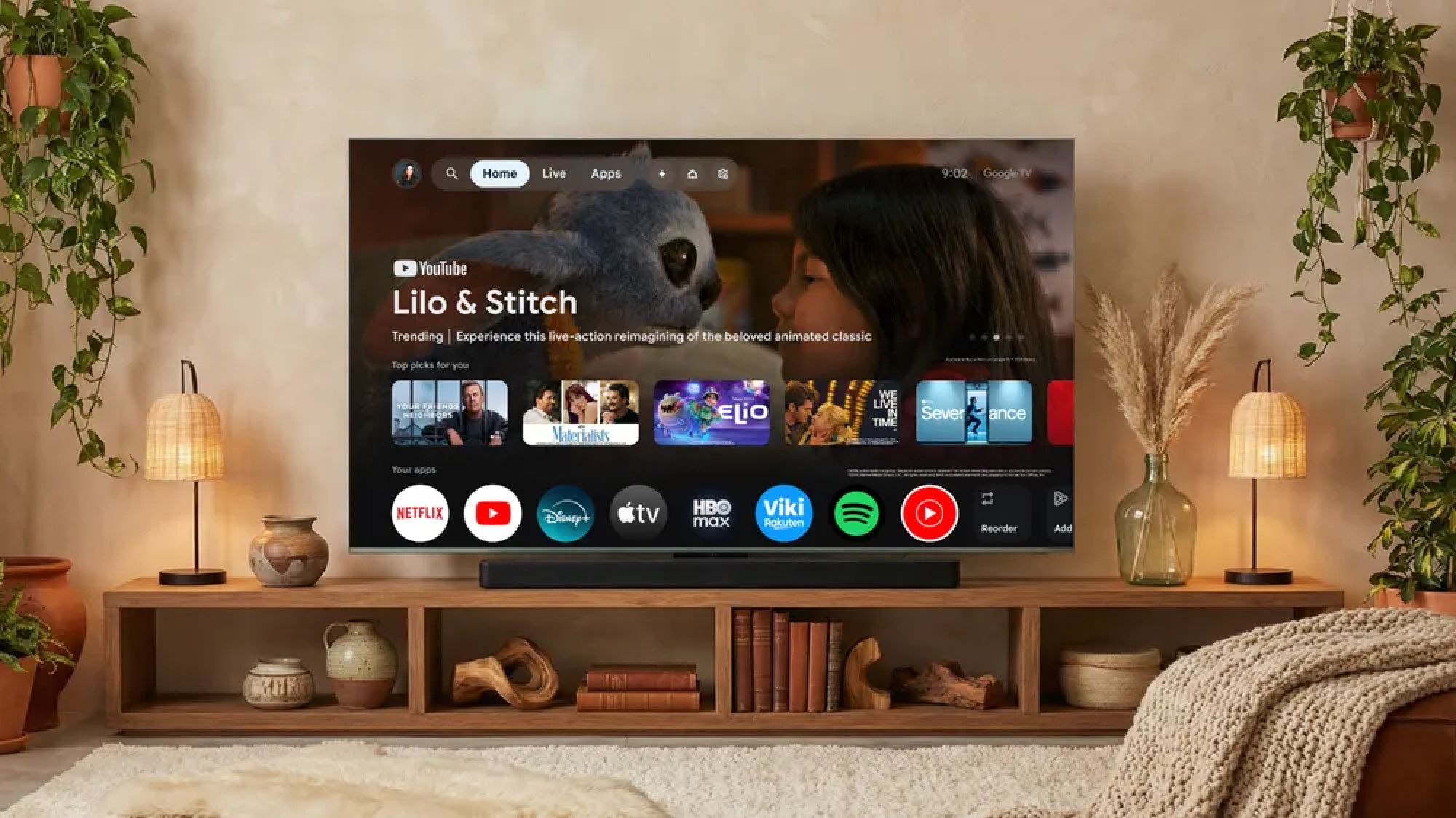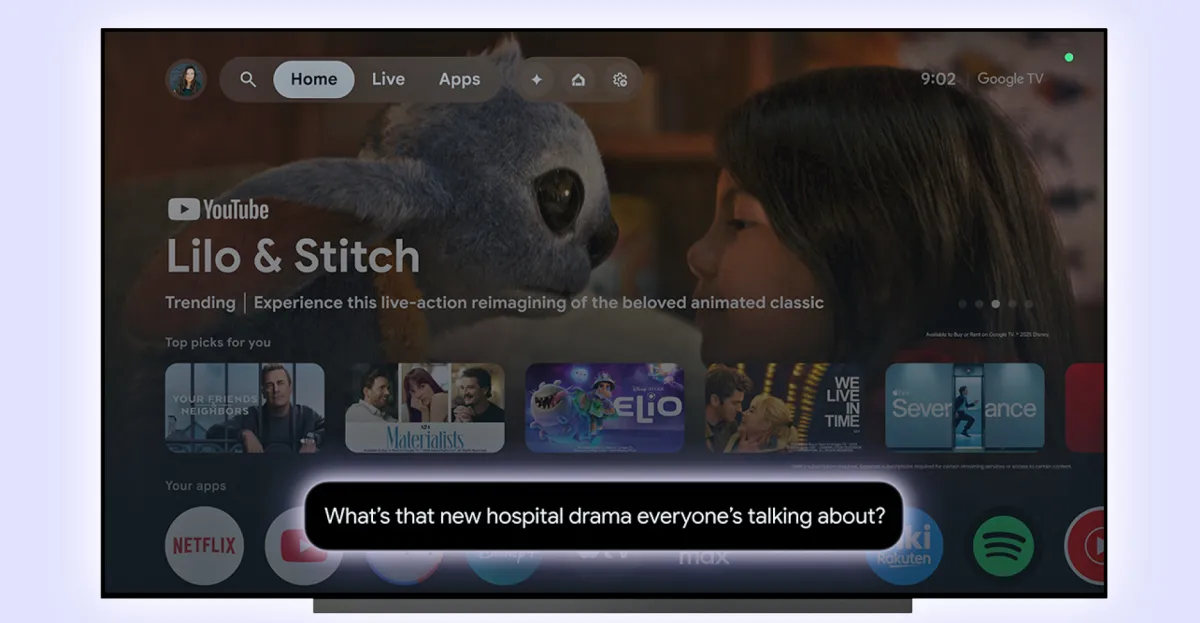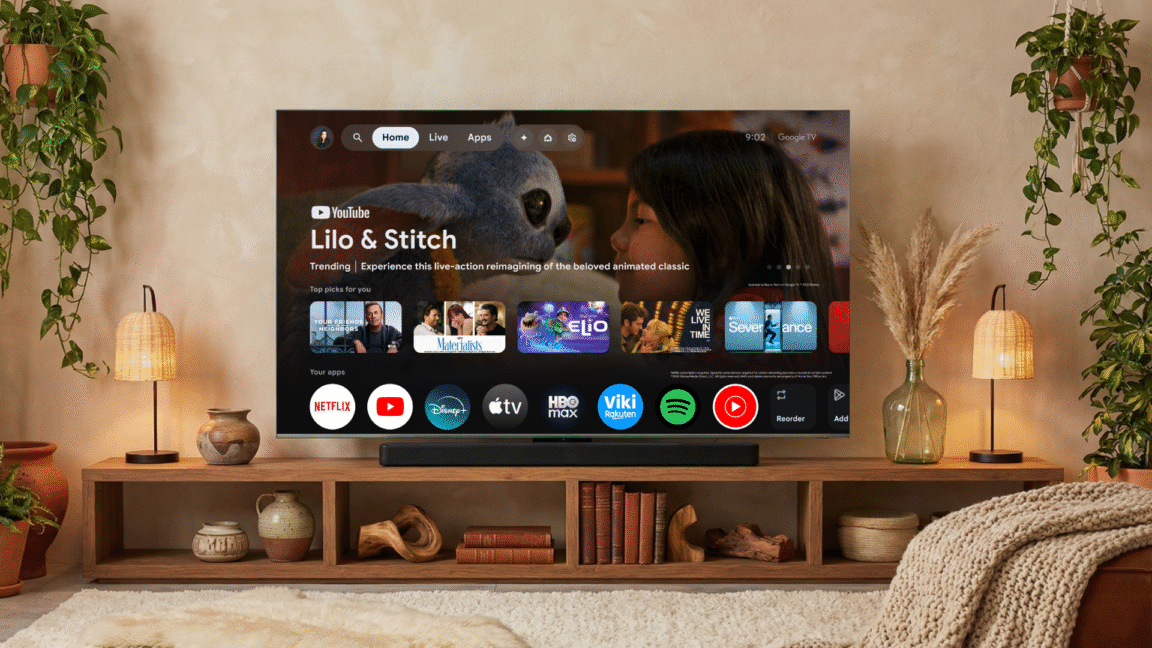
Announced earlier this year, Google TV is now rolling out a Gemini update that lets you adjust TV settings with voice commands, but only on TCL models at first.
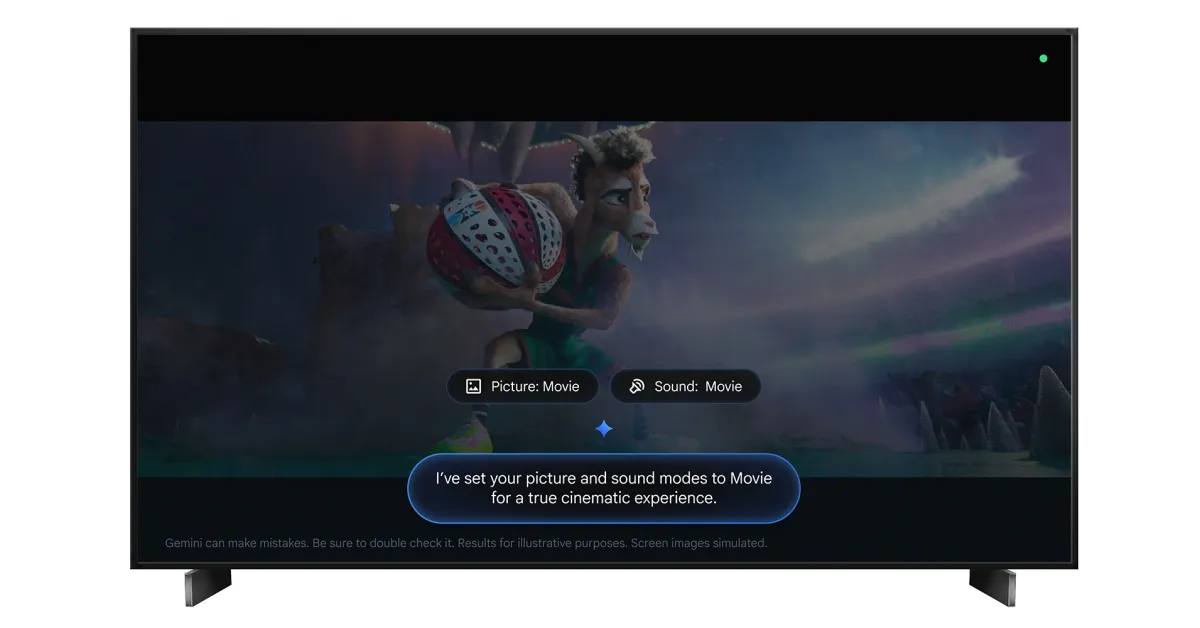
Diving into your TV’s settings menu to make adjustments can be a bit exhausting, but that’s something Gemini can now do for you. With an update rolling out now, Gemini is able to adjust TV settings such as brightness, volume, sound, and picture modes. It can even tune settings to specific use cases.
Google explains:
Adjust audio & video settings: Change common settings like brightness, contrast, picture, volume, and sound modes³. For example, ask Gemini to “Set picture mode to Sport” or “Increase the bass.”
Troubleshoot picture & sound issues: Describe what you’re experiencing, and Gemini will adjust the settings to fix it. Try saying, “The screen is too dark” or “I can’t hear the dialogue clearly.”