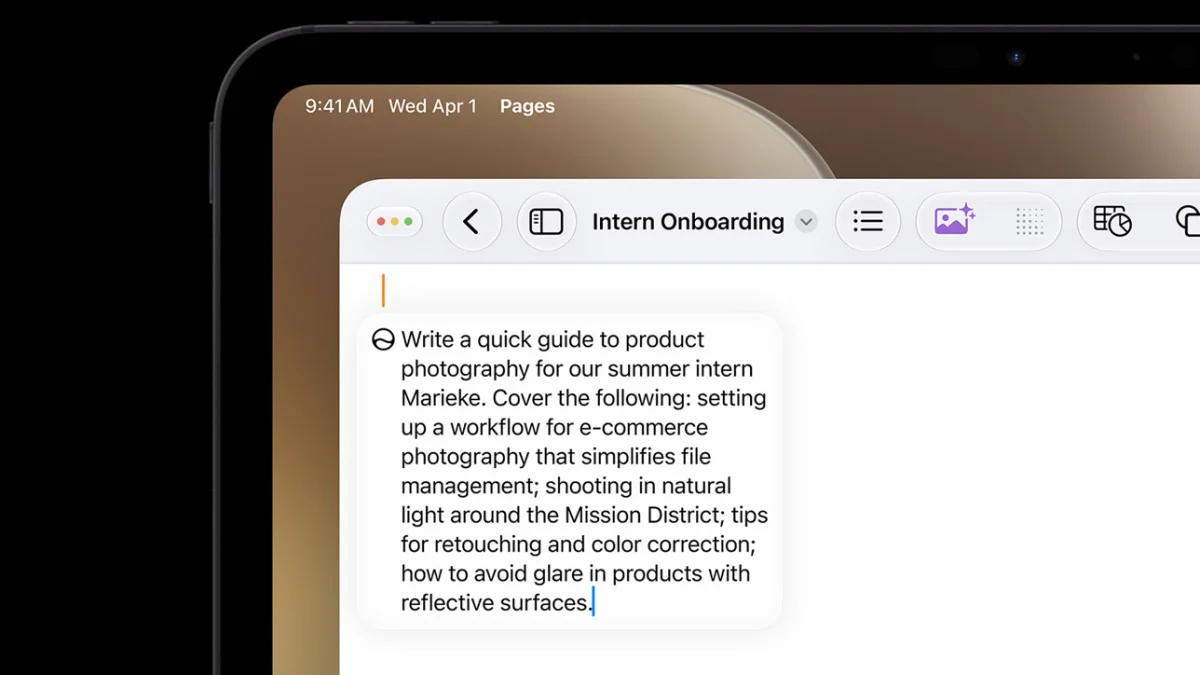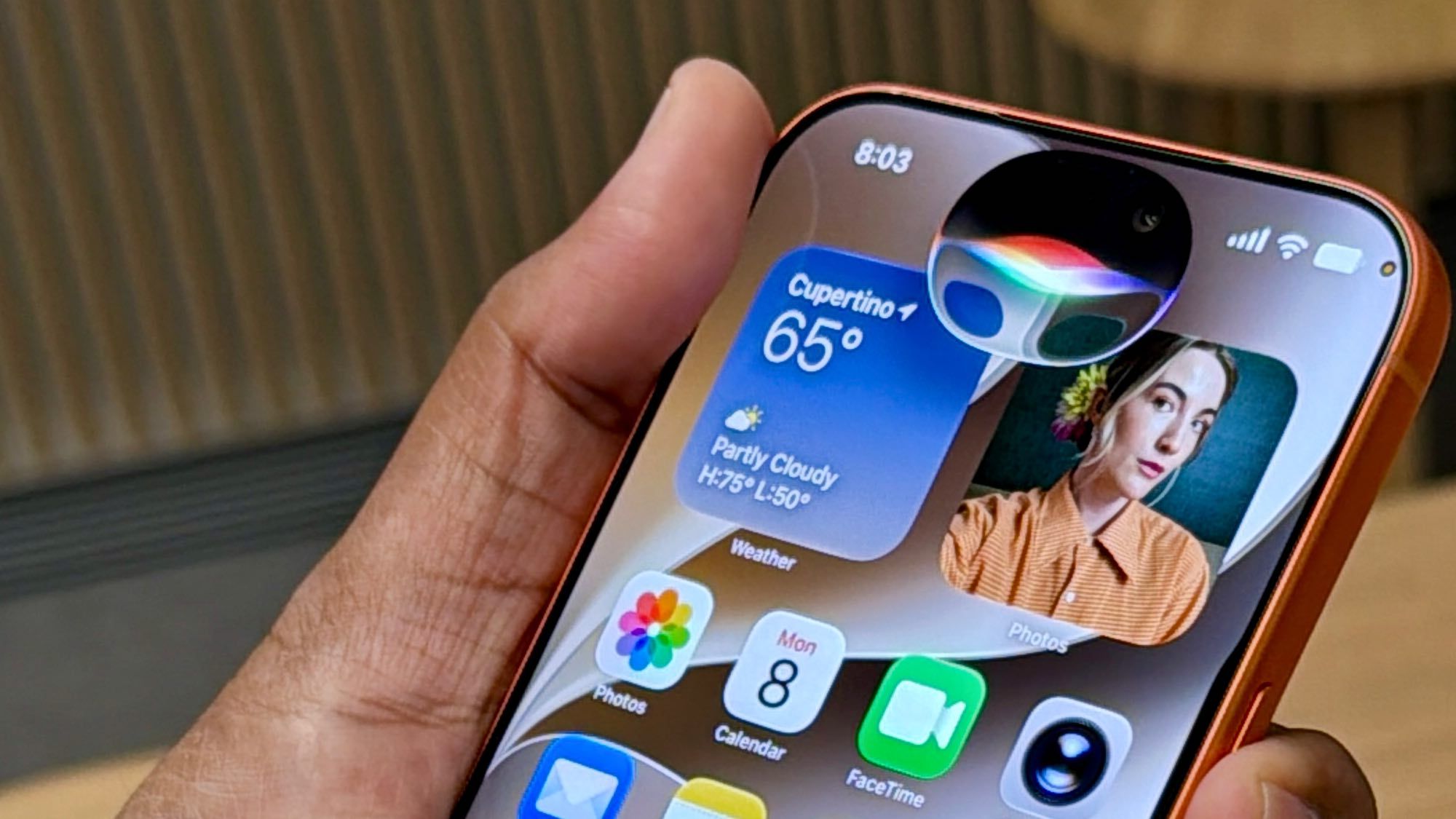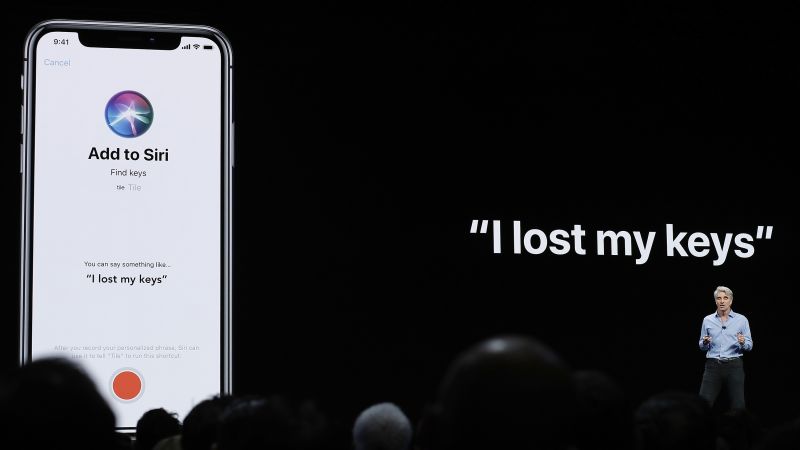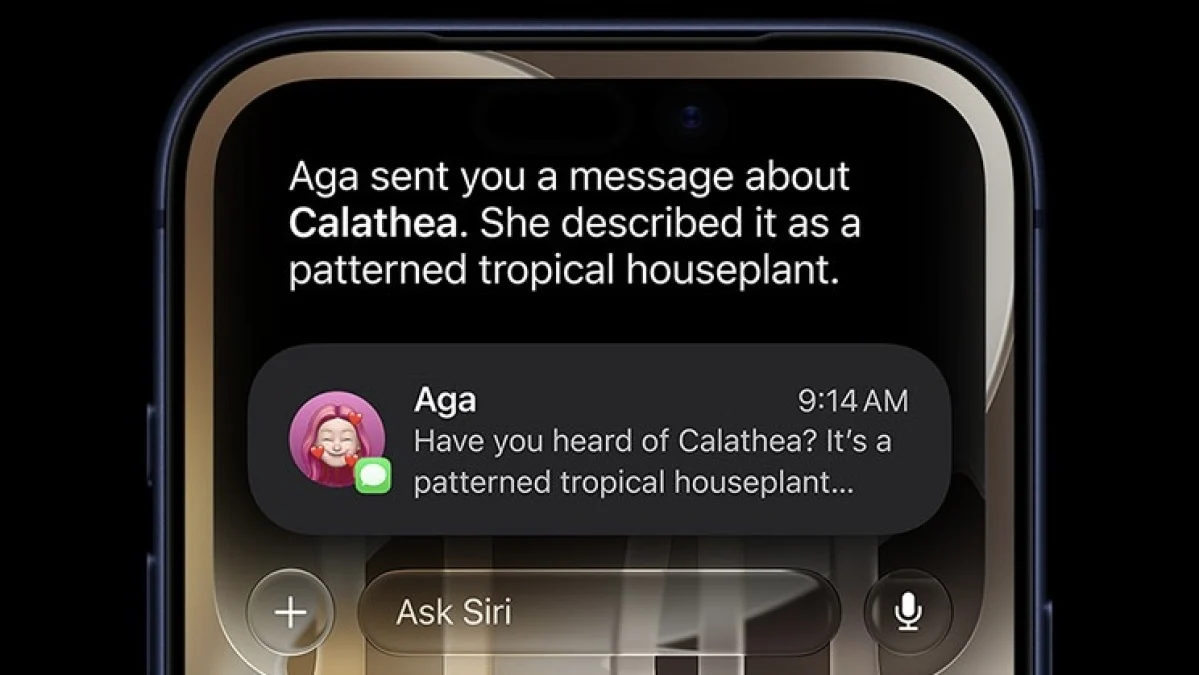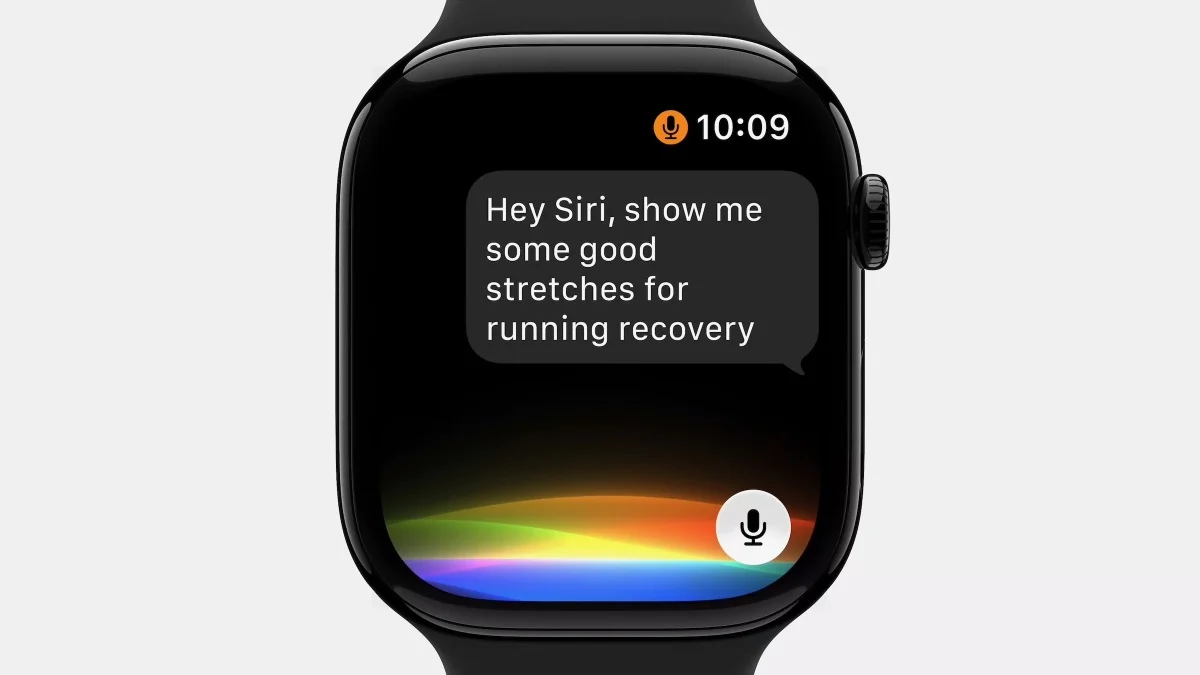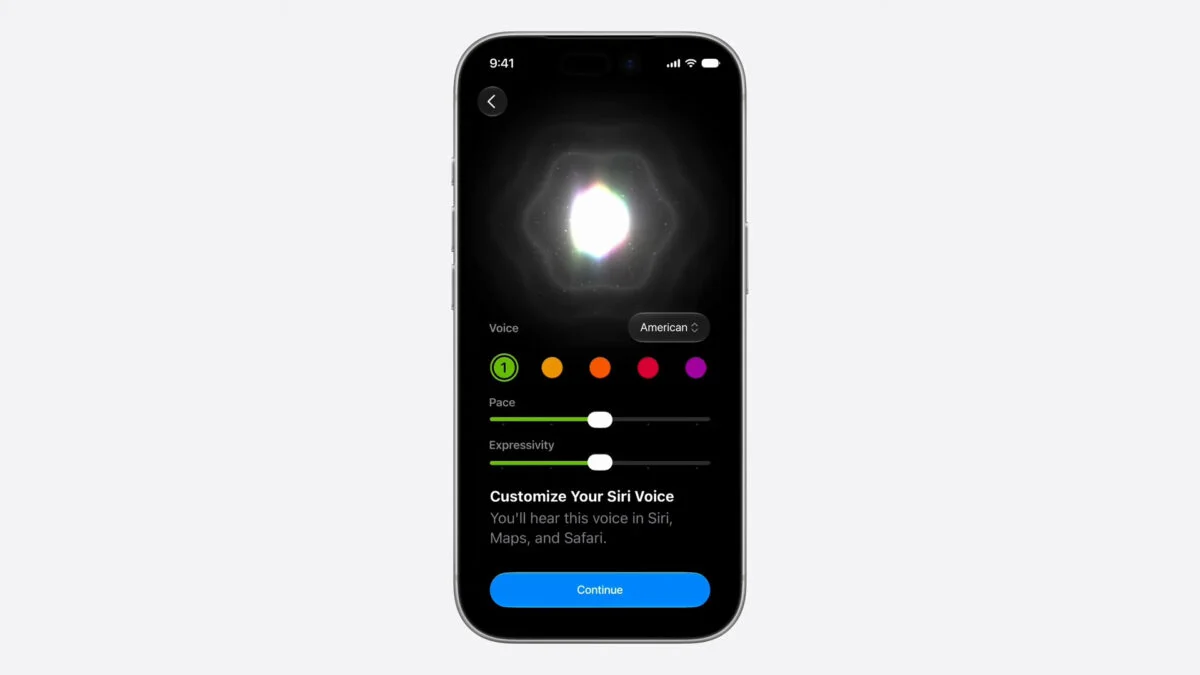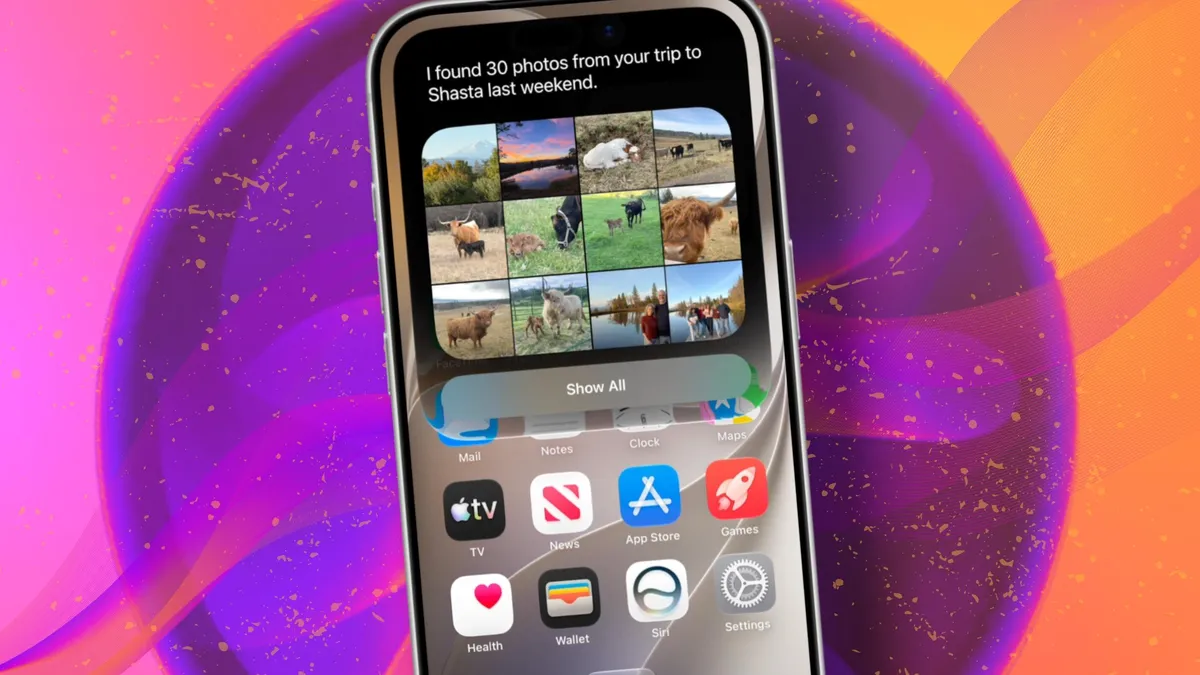
Apple / Elyse Betters Picaro / ZDNETFollow ZDNET: Add us as a preferred source on Google.ZDNET's key takeawaysSiri AI requires the iOS 27 developer beta and a waitlist.A free Apple Developer account is enough to install the beta.Apple says Siri AI will launch in beta later this year.Apple finally gave Siri the major update everyone has wanted for years, moving it from the voice assistant era to the intelligent AI era.At WWDC 2026 in June, the company introduced Siri AI, a new version of Siri "powered by Apple Intelligence." Apple said Siri AI is more conversational, understands personal context, can answer broader questions, and can take action across apps. It can also use my information from messages, emails, photos, notes, and the screen itself to get more done on my behalf. Also: The two biggest iOS 27 features at WWDC for me had nothing to do with Siri AIThe catch? (There's always one, right?) The iOS 27 developer beta needs to be installed first, and even then, there is a waitlist. How to get Siri AI What you'll need: An iPhone 15 Pro or Pro Max, any iPhone 16 model, or any iPhone 17 model running the iOS 27 developer beta. Install the iOS 27 developer beta on a secondary device, but be sure to back it up first. Remember, developer betas are unfinished software. Apps can crash or glitch, battery life can drain, and features can disappear.The good news is Apple no longer requires a $99-a-year Apple Developer Program membership just to get access to beta software. A free Apple Developer account is enough. To join, if you haven't before, simply go to Apple's Developer website or use the Apple Developer app, sign in, and agree to the developer terms.Also: 3 new MacOS 27 features make it worth upgrading right away for me - Siri includedOnce that's done, any new developer beta will automatically appear for the iPhone associated with that Apple Account. To check for iOS 27 and install it now, open Settings > General > Software Update > Beta Updates. From there, select iOS 27 Developer Beta, go back to the Software Update screen, and install the update.Need help? Check out ZDNET's guide on installing the iOS 27 developer beta.
How to try the new Siri AI - join the waitlist today
The new Siri AI is finally here - sort of. Here's how to join the waitlist and try Apple's next-gen assistant early.
957 words~4 min read