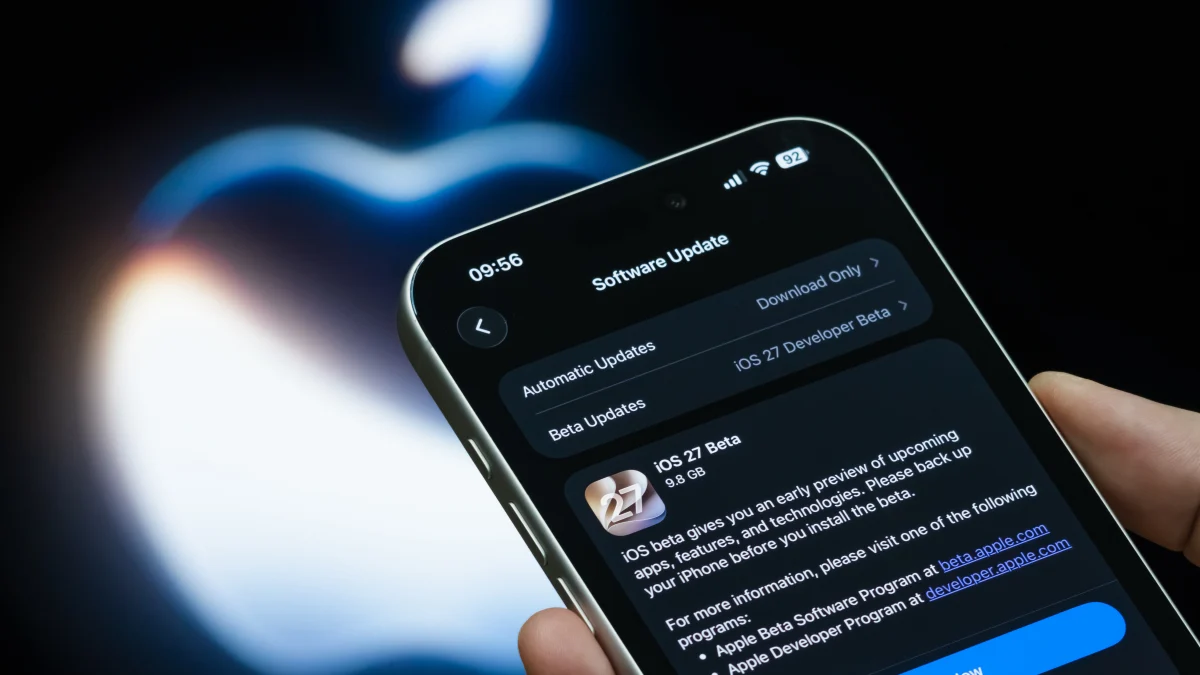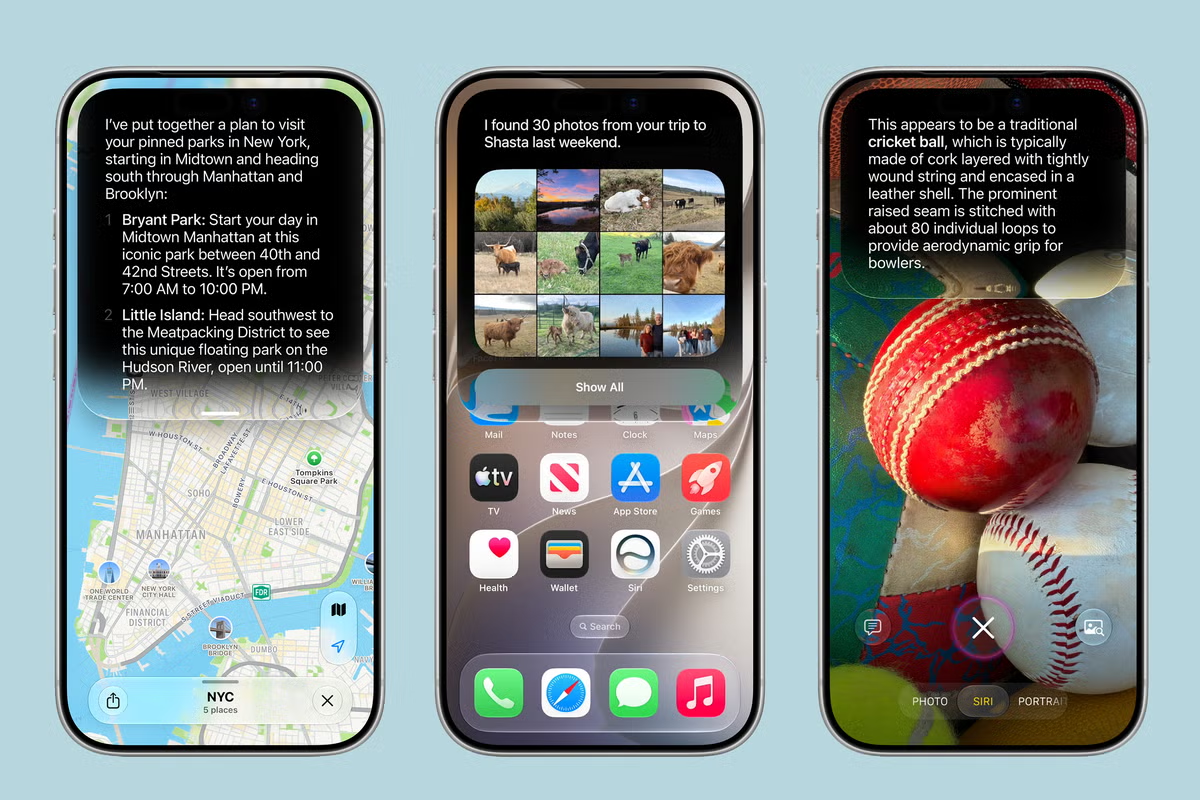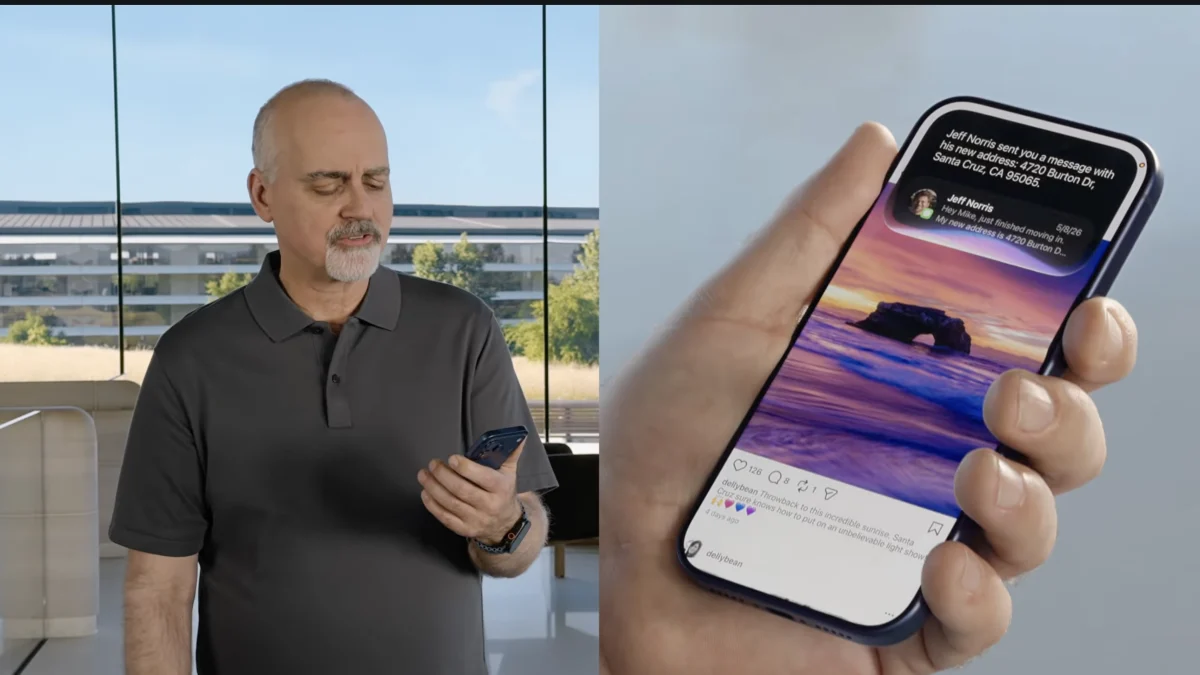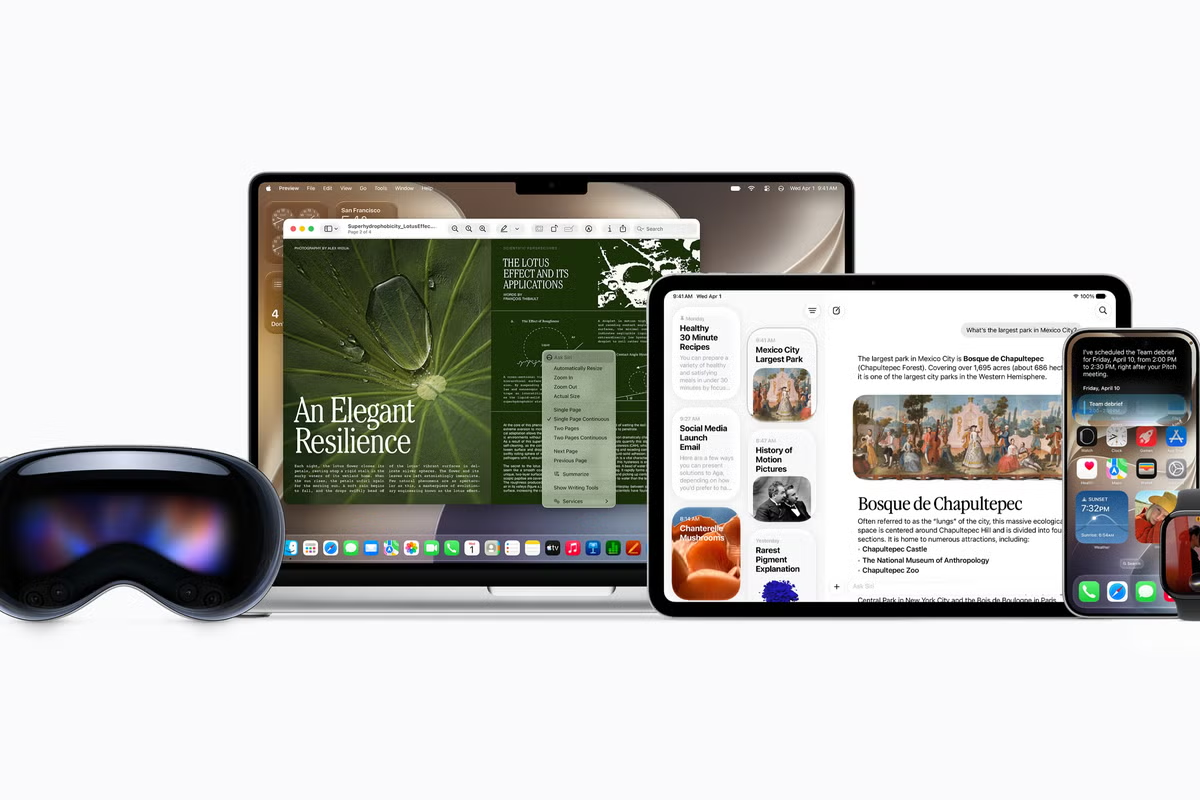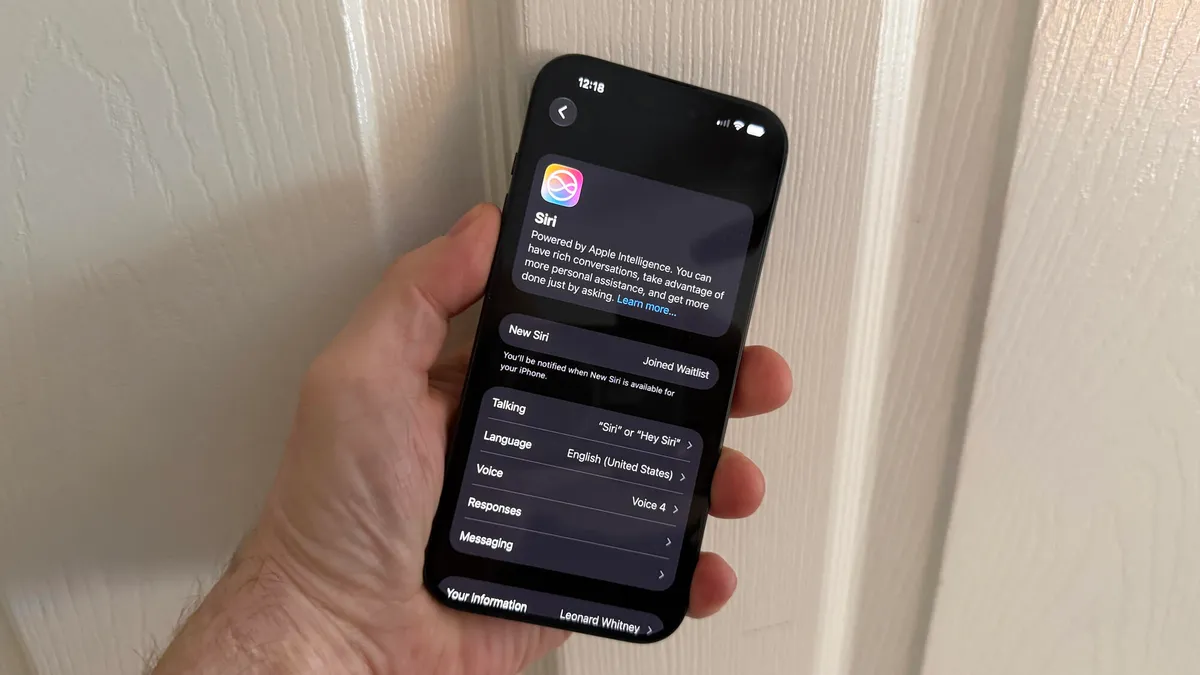
Lance Whitney/ZDNETFollow ZDNET: Add us as a preferred source on Google.ZDNET's key takeawaysOnly newer devices can access all the features of Siri AI.Older devices can't use the advanced on-device AI model.The advanced model lets you tweak Siri's voice and dictate accurately.Apple spent much of its WWDC keynote on Monday touting Siri AI. This new and hopefully improved version of the voice assistant promises to act more like other AI-powered chatbots. Assuming Siri AI lives up to its advance billing, that's great news for Apple users. But depending on your iPhone, you may not be able to enjoy all the features.Only certain iPhones (as well as iPads and Macs) will fully support Siri AI and Apple Intelligence in general. How will this play out? I'll answer that question shortly. But first, let's go over a few details.Also: Apple's new Siri AI comes with hidden costs that power users should know ofApple Intelligence was introduced with iOS 18 in 2024. Though the feature failed to live up to its hype, it did eventually introduce a variety of AI skills, including writing tools, image generation, live translation, visual intelligence via your camera, and even ChatGPT integration. What's new in iOS 27 is the AI flavor of Siri. And that kicks in a host of other capabilities.What's new with SiriThe new Siri promises to be more conversational, more responsive, and more helpful. Toward that end, you'll be able to ask Siri open-ended questions and engage in ongoing voice chats. Siri AI will understand what's on the screen and on your device and run tasks across your apps and your files. A dedicated Siri app will work similarly to the dedicated apps from other AIs.There are a couple of additional features. You'll be able to customize the expressiveness and pace of Siri's voice. You'll also be able to take advantage of a more accurate type of dictation in which Siri automatically adds punctuation and formatting as you speak. Sounds cool, but here's where your access will depend on your device.To assist you, Siri will use both on-device and cloud-based AI models depending on the type of query. On your device, the AI will tap into two different models. The basic one is called AFM 3 Core. (The AFM stands for Apple Foundation Models). The more advanced one is naturally called AFM 3 Core Advanced. Only devices that support AFM 3 Core Advanced will be able to use the Siri voice customizations and more accurate dictation, and these will be limited to the latest models.Also: How to download the iOS 27 developer beta right now (and which models support it)With all that out of the way, let's break this down.To use Siri AI and the on-device AFM 3 Core and Advanced models, you'll need one of the following:iPhone: iPhone 17 Pro or Pro Max, iPhone AiriPad: iPad models with M4 and later, and at least 12GB of memoryMac: Mac models with M3 and later, and at least 12GB of memoryApple Vision Pro: Apple Vision Pro (M5)To access Siri AI and only the basic AFM 3 Core model, you'll need one of the following: iPhone: iPhone 17 or 17e, iPhone 17 Pro or Pro Max, iPhone Air, iPhone 16 or 16e, iPhone 16 Plus, iPhone 16 Pro, iPhone 16 Pro Max, iPhone 15 Pro or Pro MaxiPad: iPad Pro M1 and later, iPad Air M1 and later, iPad mini with A17 ProMac: MacBook Neo, MacBook Air with M1 and later, MacBook Pro with M1 and later, iMac with M1 and later, Mac mini with M1 and later, Mac Studio with M1 Max and later, Mac Pro with M2 Ultra and laterApple Vision Pro: Apple Vision Pro M2 and laterApple Watch: Series 9 and later, Ultra 2 and later, Apple Watch SE 3Also: Every iPhone model that supports the iOS 27 update (and which older ones don't)Of course, you'll also need the 27 versions of iOS, iPadOS, and the rest. iOS 27 is currently available as a developer beta, should be out next month as a public beta, and is expected to officially launch in September. To run the 27 OS, you'll need one of the following:iPhone: iPhone 11 or later, latest iPhone SE, iPhone AiriPad: Pad Pro M4 and later, iPad Pro 12.9-inch 4th generation and later, iPad Pro 11-inch 2nd generation and later, iPad Air 13-inch M2 and later, iPad Air 11-inch M2, M3, and M4, iPad Air 4th generation and later, iPad with A16, iPad 9th generation and later, iPad mini with A17 Pro, iPad mini 6th generation and laterMac: MacBook Air M1 and later, MacBook Pro M1, MacBook Neo, iMac M1 and later, Mac mini M1 and later, Mac Studio M1 and later, Mac Pro M2/2023 and laterApple Watch: Apple Watch SE 3rd Gen, Apple Watch Series 10, Apple Watch Series 11, Apple Watch Ultra 2, Apple Watch Ultra 3Yes, even if your device supports iOS 27, you may not be able to use Siri AI to its full extent or at all. If you are keen to take full advantage of the new Siri and your device isn't supported, then this may be the year to upgrade to a newer model.Also: I never use a new iPhone until I change these settings - why they're such a big dealCurrently, Siri AI is available through the iOS 27 developer preview via a waitlist. But right now, the line appears to be backed up. I signed up for the waitlist a day ago, and I'm still waiting for access. To try this on a supported iPhone or iPad, go to Settings, select Siri, and then tap the link to join the waitlist. And then just wait.
Will your iPhone support Siri AI? The answer is complicated
With iOS 27, only certain iPhone models and other devices will support all Siri features. Here's how this works.
941 words~4 min read