Back to Articles
Hardware Camera Audio Technical challenges GStreamer Architecture Server side (Reachy Mini) Client side (your computer) Remote apps JavaScript apps Hugging Face Spaces Streaming latency Conclusion Reachy Mini interacts with its environment based on what it perceives through its camera and microphone. Audio and video handling is therefore a key part of this little robot. Both versions, Lite and Wireless, can be used locally or remotely, and we wanted that to feel seamless to the user: the same code works in every case.
The payoff is that you can build AI apps directly on top of Reachy Mini's audio and video streams, and run them wherever it makes sense: on the robot, on your laptop, or on a GPU-backed Hugging Face Space. This post walks through the technical choices and the design we landed on to make that possible.
Object tracking running on a ZeroGPU Hugging Face Space, receiving a direct WebRTC camera stream from the robot.
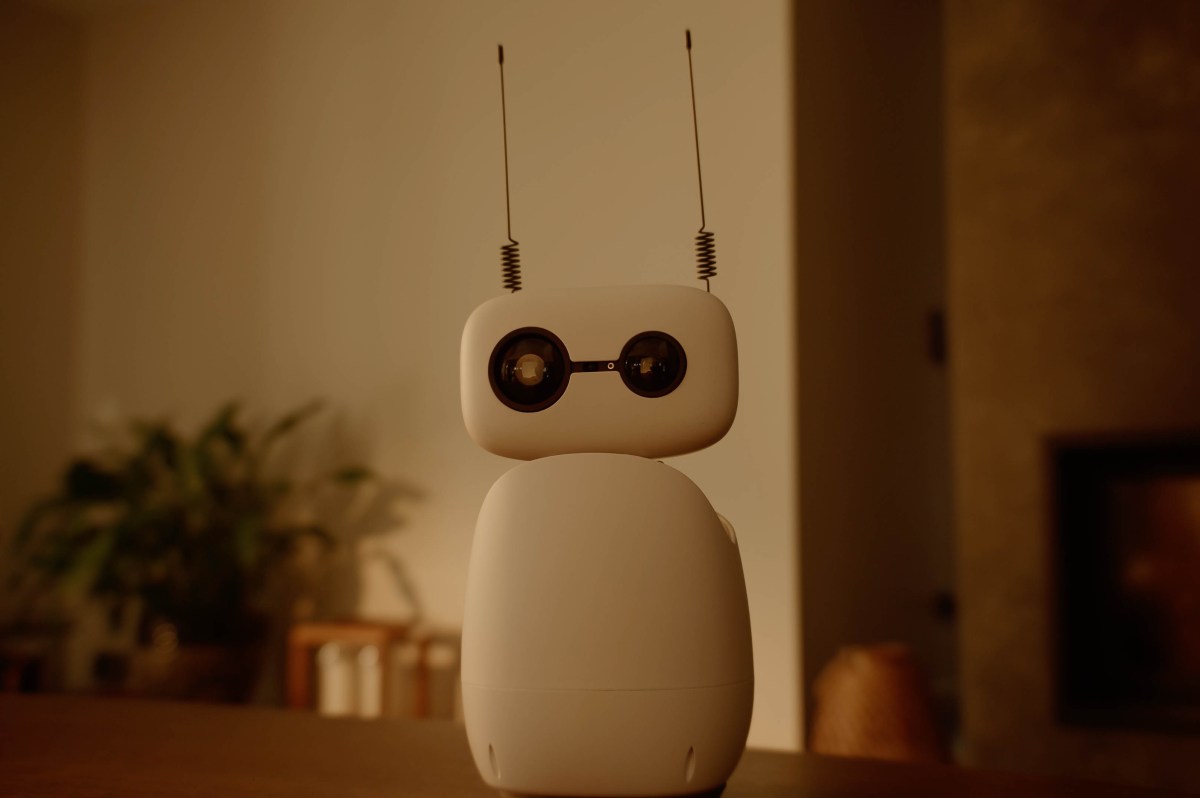
Before getting into the software, let's look at the hardware these robots carry to sense the world.