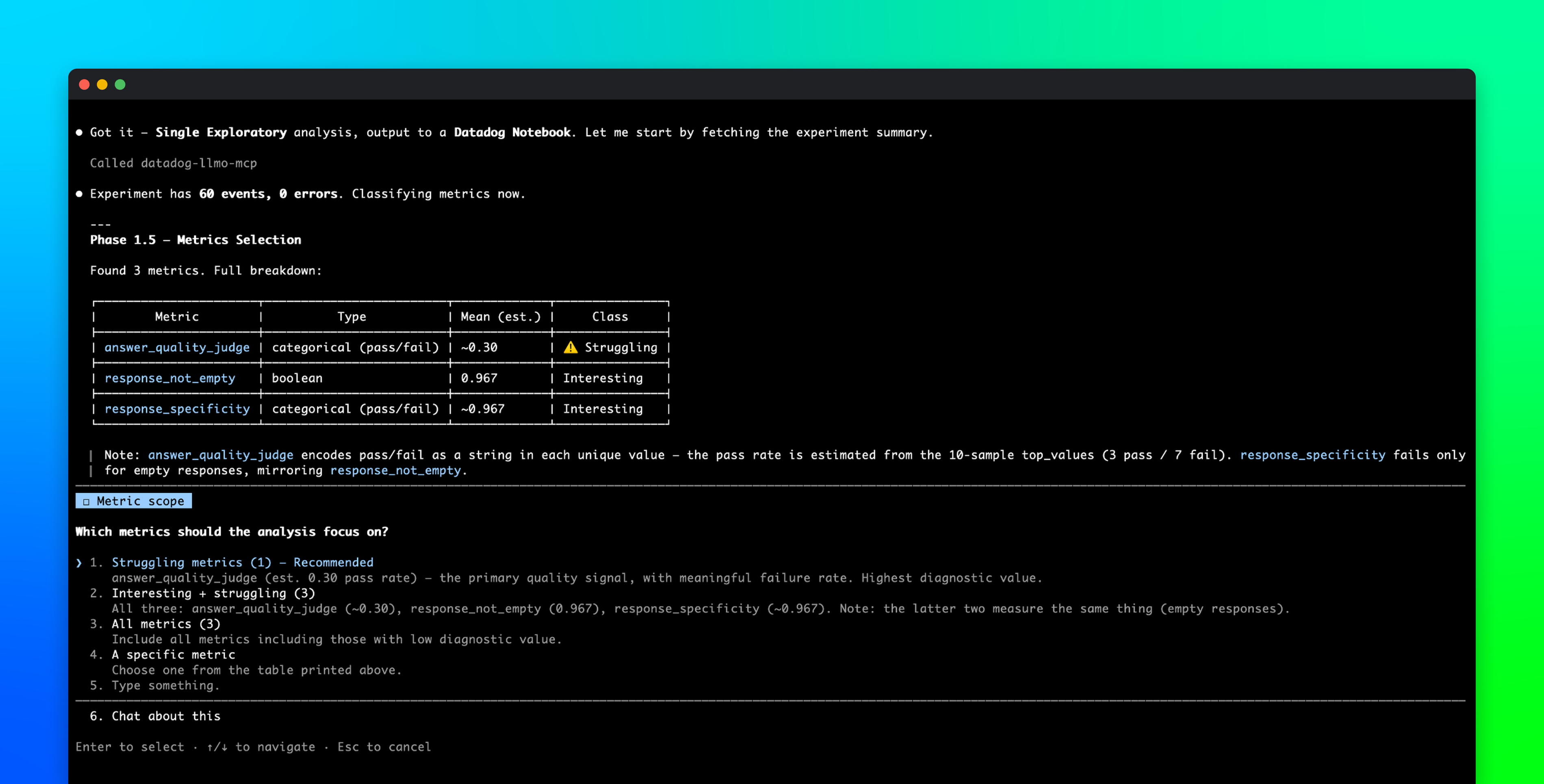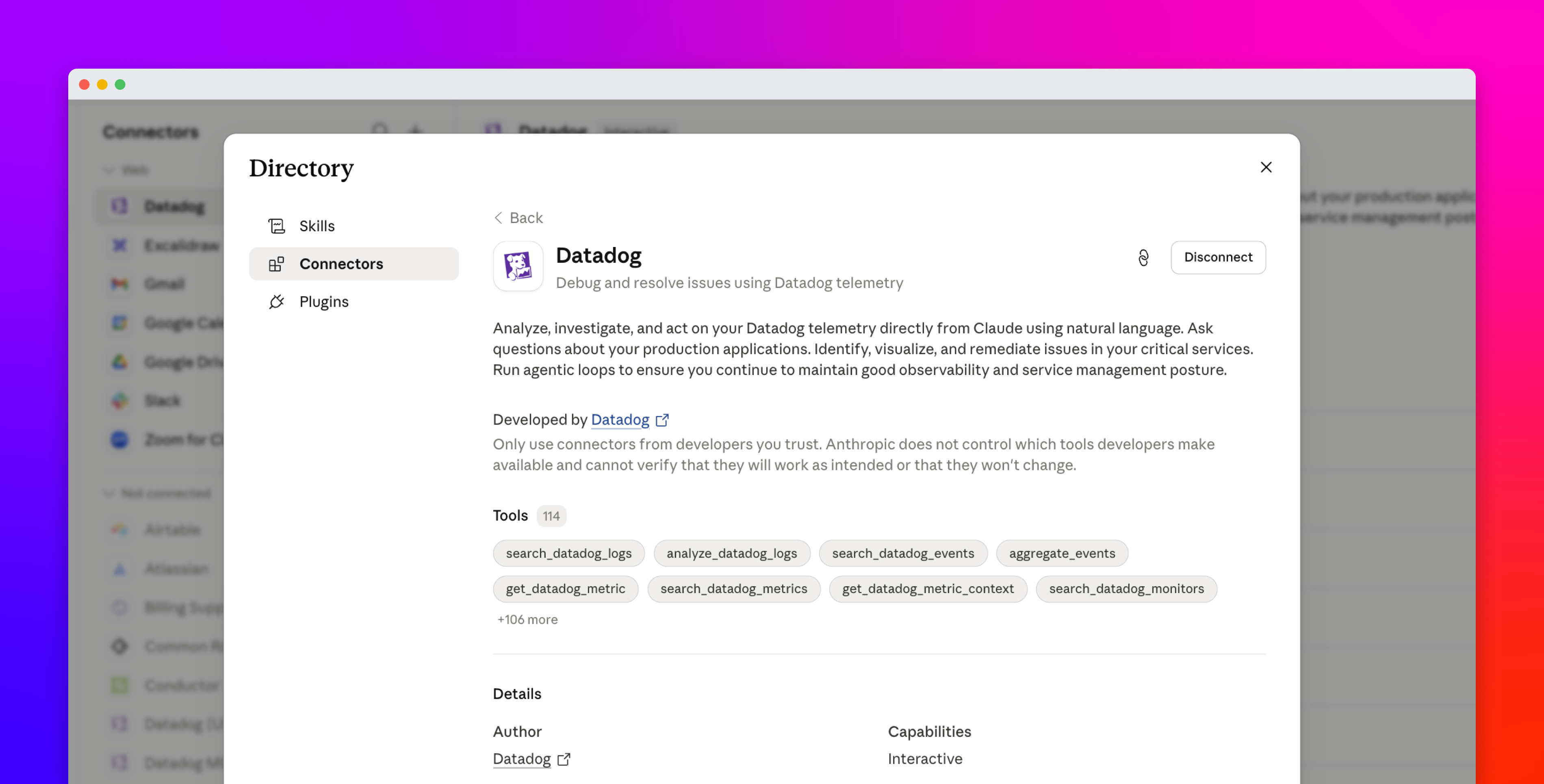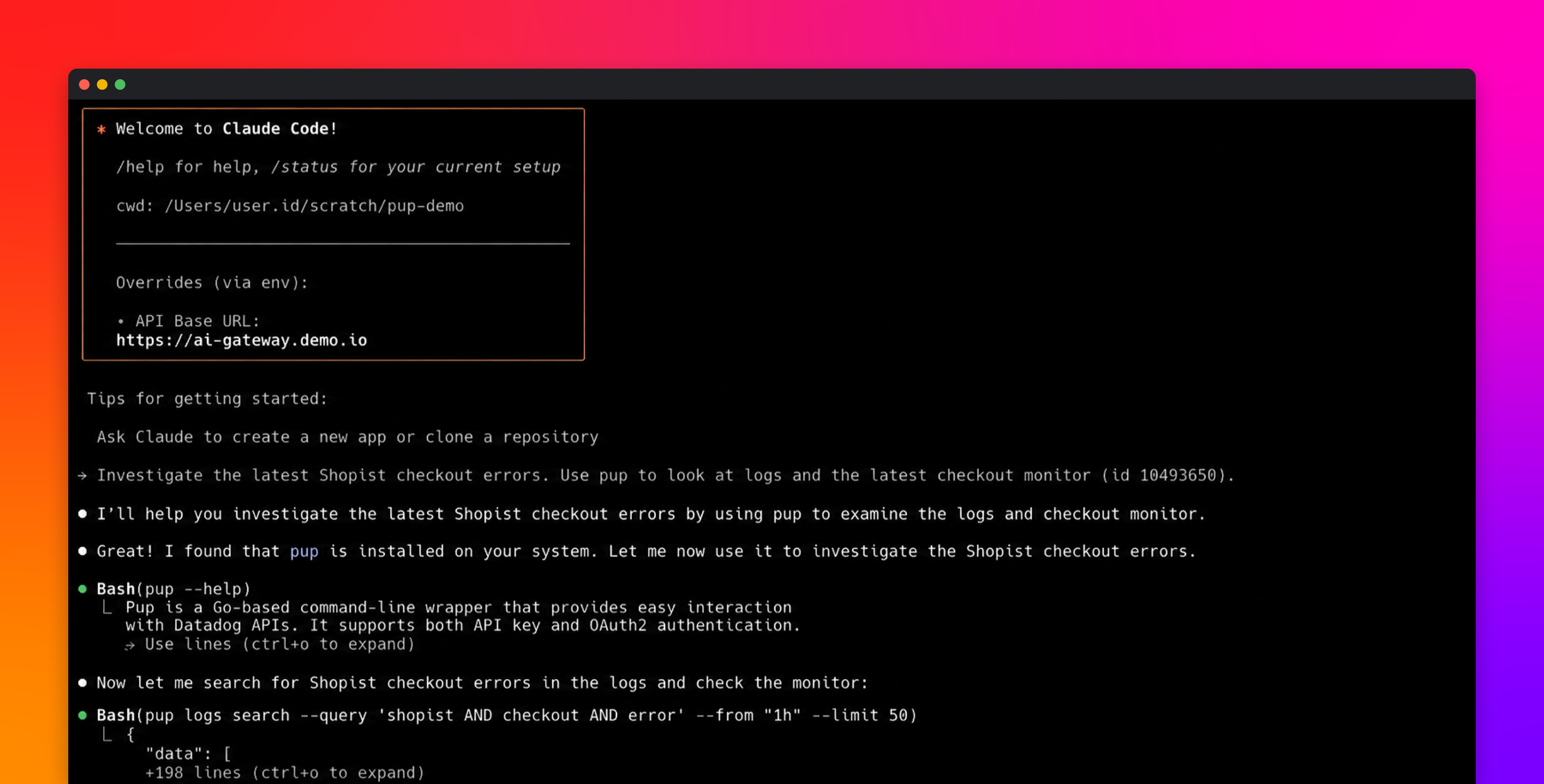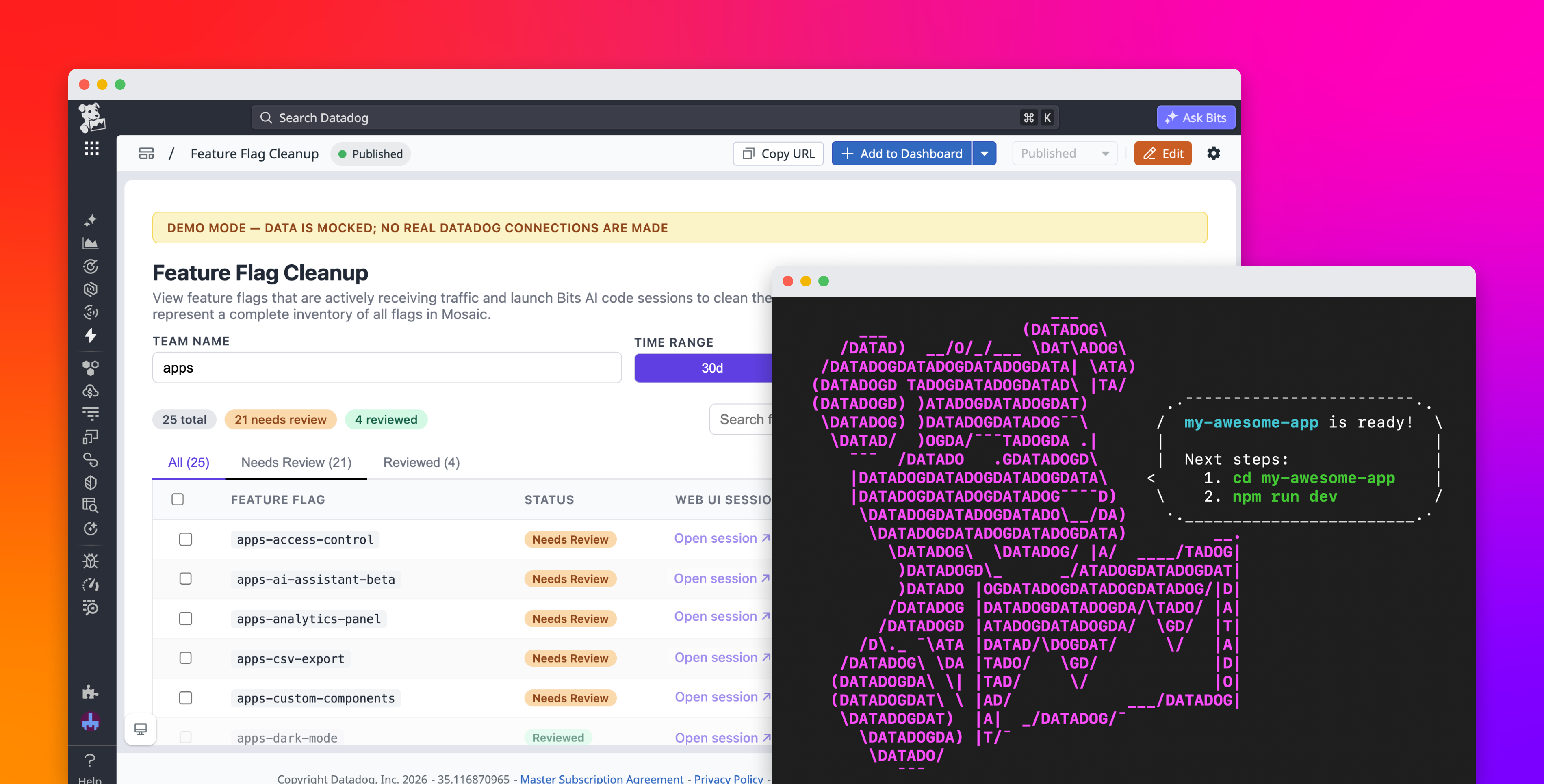
AI coding agents have made it much faster to build internal tools. Teams can move from a rough idea to working code quickly, especially for operational apps that support how they release, troubleshoot, and maintain software. As more of these apps move into production, teams need a way to deploy and run them where engineers already work, access data and APIs securely, and share them consistently across teams.
Datadog Apps gives teams a code-first way to build applications that run inside Datadog. You can easily create these apps via the AI agents of your choice, such as Claude Code, Cursor, and Codex. Your applications inherit the same authentication, access controls, observability, and connections that your team already uses throughout Datadog. Your apps embed directly into dashboards, notebooks, developer homepages, and Self-Service Actions pages, rather than living as isolated tools across disconnected services.
In this post, you’ll learn how you can use Datadog Apps to:
Build apps from any agent, IDE, or CI pipelineConnect applications through the Actions platformShip with built-in governance, security, and observabilityEmbed applications across the Datadog platform
Build apps from any agent, IDE, or CI pipeline